Scanning documents with your Android phone and Google Drive #YouTube
Watch how to scan documents with the Google Drive app on your Android phone. Check out my other video if you want to scan documents with your iPhone.
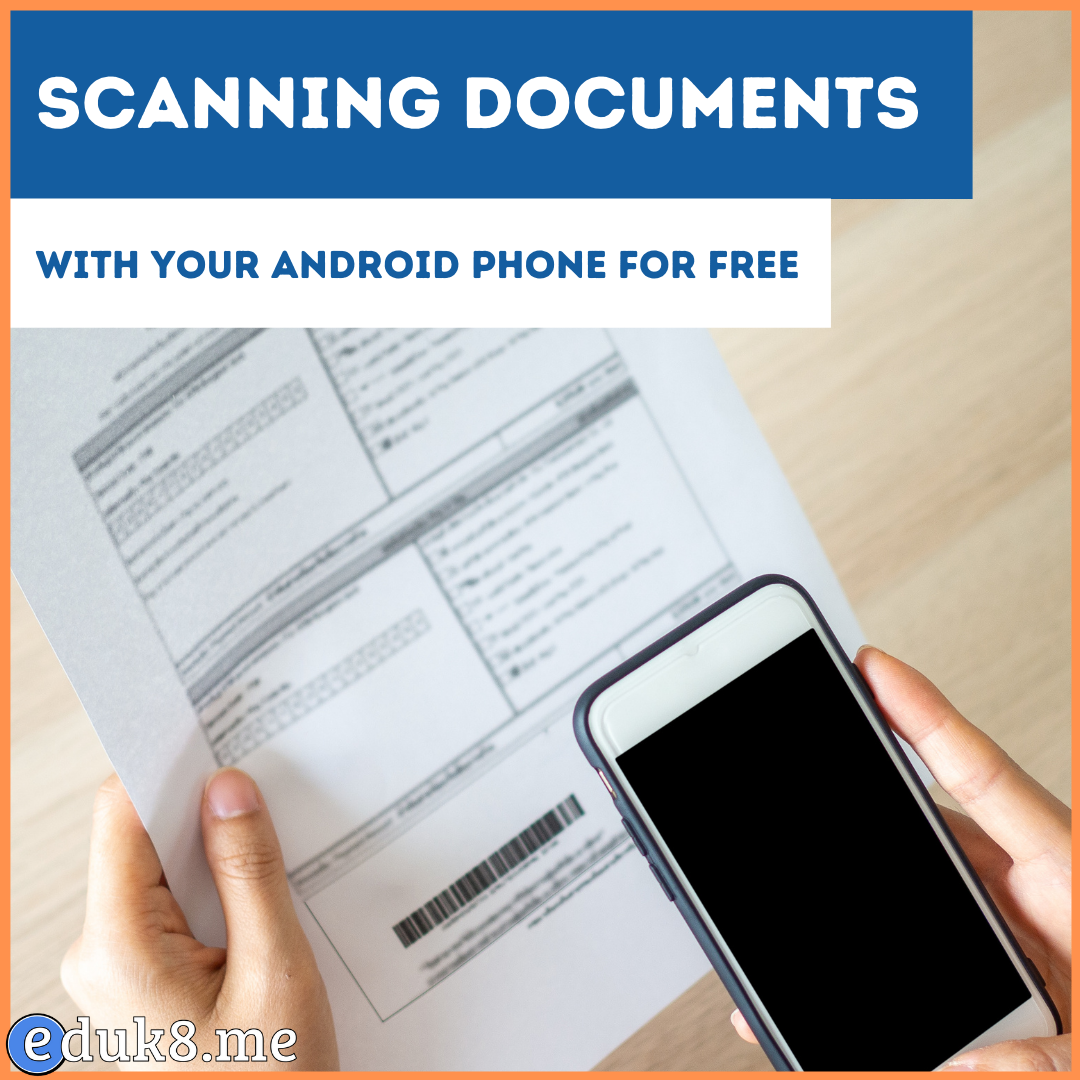
Watch how to scan documents with the Google Drive app on your Android phone. Check out my other video if you want to scan documents with your iPhone.

This is part 1 of 13 Gmail hacks for teachers. There’s a phrase I like to use, “Your inbox is not an organizational tool”. But, how many people do you know that have thousands of emails in their inbox, mingling archived emails with actionable emails? By working toward inbox zero you’ll lessen the cognitive load…
https://eduk8.me/2021/05/impressive-homework-eduk8meme/ https://eduk8.me/2021/05/nandgame-build-a-computer-from-scratch/ https://eduk8.me/2021/05/more-summer-plans-comic/

What are you going to do first? Life is full of firsts. Your first step. Your first words. Your first days of school. This year I asked graduates, “What are you going to do first?”, implying that what they do now will probably not be what they will be doing the years from now. Next…
Yesterday I showed the special links you can use to create Google documents. But what if you want to create new documents in a particular folder? I create a new folder for every school year. For example, this year I have a folder named 16-17. Anything I re-use from last year I make a copy of…
Inserting an image from the toolbar into a Gmail email takes four steps. Reduce those steps by pasting or dropping an image into an email.