A meme, Google Workspace, and a comic – Top 3 of the Week
https://eduk8.me/2020/10/eduk8meme-the-principal-is-going-to-an-education-conference/
https://eduk8.me/2020/10/g-suite-is-now-google-workspace/
https://eduk8.me/2020/10/comic-back-together/
https://eduk8.me/2021/12/new-additions-to-adobe-spark-i-mean-adobe-cloud-express/ https://eduk8.me/2021/12/signs-that-a-might-battle-took-place-eduk8meme/ https://eduk8.me/2021/12/annotate-the-web-with-hypothes-is/
Information technology evolves through disruption waves. First the computer, then the web and eventually social networks and smartphones all had the power to revolutionize how people live and how businesses operate. They destroyed companies that weren’t able to adapt, while creating new winners in growing markets. Source: The AI disruption wave | TechCrunch Manufacturing output…

If you haven’t heard about the new MASSIVE app hit from Niantic you may be living under a rock. Pokémon GO has been downloaded an estimated 5 gazillion times since launching on the iOS and Android app stores just earlier this month. It is on track to quickly outnumber Twitter in terms of daily users…
On May 2nd, Microsoft held an education focused event to announce several initiatives. During the presentation they discussed several new and upcoming products aimed at the educational sector. Windows 10 S Windows 10 S is a limited version of Windows that may be of interested to school districts looking at Windows devices. Limited may be…
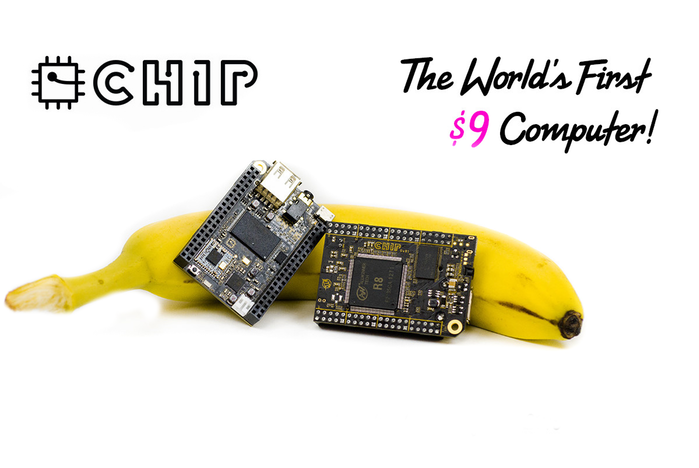
Last May, I backed a project on Kickstarter1 for the CHIP computer. At $9, the CHIP computer is the cheapest single board computer (SBC) that is fully functional. The Raspberry Pi project released the Pi Zero at $5 during the past year, but it isn’t fully functional since you still have to buy an SD…