Bad tweeting, Vivaldi browser, iOS 12 comic – Top 3 of the Week
https://eduk8.me/2018/09/profane-tweets-costs-a-woman-her-nasa-internship/
https://eduk8.me/2018/09/getting-started-with-vivaldi/
https://eduk8.me/2018/09/comic-ios-12/
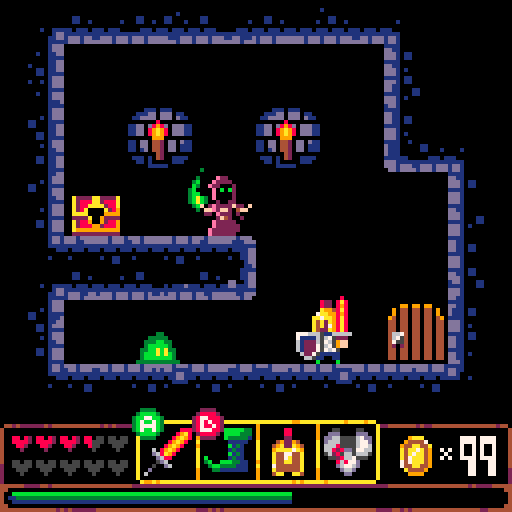
Scratch is a great introduction to programming. By using code blocks, students and staff can quickly assemble a working program. But, the limitations of Scratch become more and more apparent as you try to create more sophisticated programs. That’s where Pico-8 from Lexaloffle comes in. Pico-8 – the programmable virtual game console The Pico-8 is a…
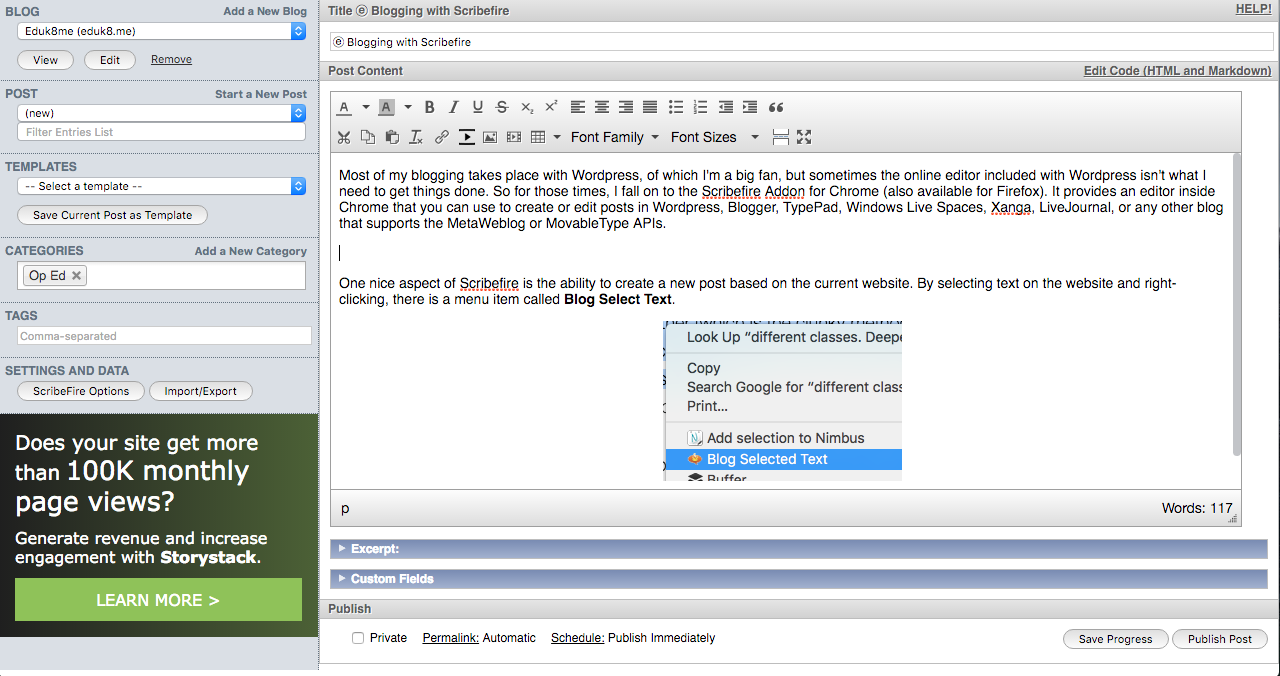
Most of my blogging takes place with WordPress, of which I’m a big fan, but sometimes the online editor included with WordPress isn’t what I need to get things done. So for those times, I fall on to the Scribefire Addon for Chrome (also available for Firefox). It provides an editor inside Chrome that you…
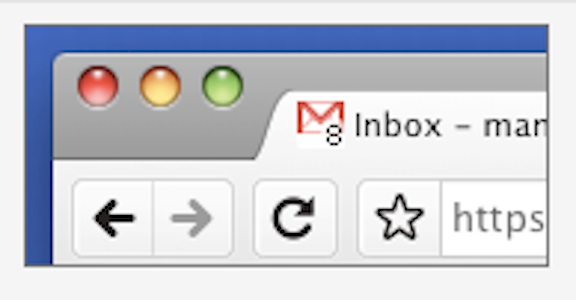
By default, the favicon for Gmail is the boring old Gmail logo: . There is a way to update that icon, and have the favicon reflect the number of unread emails in your Gmail inbox. To do this, you will need to go to the settings in Gmail by clicking on the gear icon, , and then…
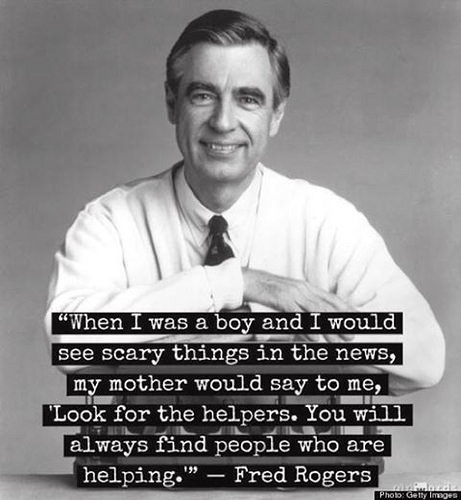
First there was Bob, then Julia, and now we’d like you to meet Fred. But you can call him Mister Rogers. We are incredibly excited to announce an all episodes marathon of Mister Rogers’ Neighborhood starting on May 15th at 12:00pm PT. All 886 episodes — including many episodes that have only aired once or are unavailable elsewhere online — will stream consecutively on twitch.tv/misterrogers….
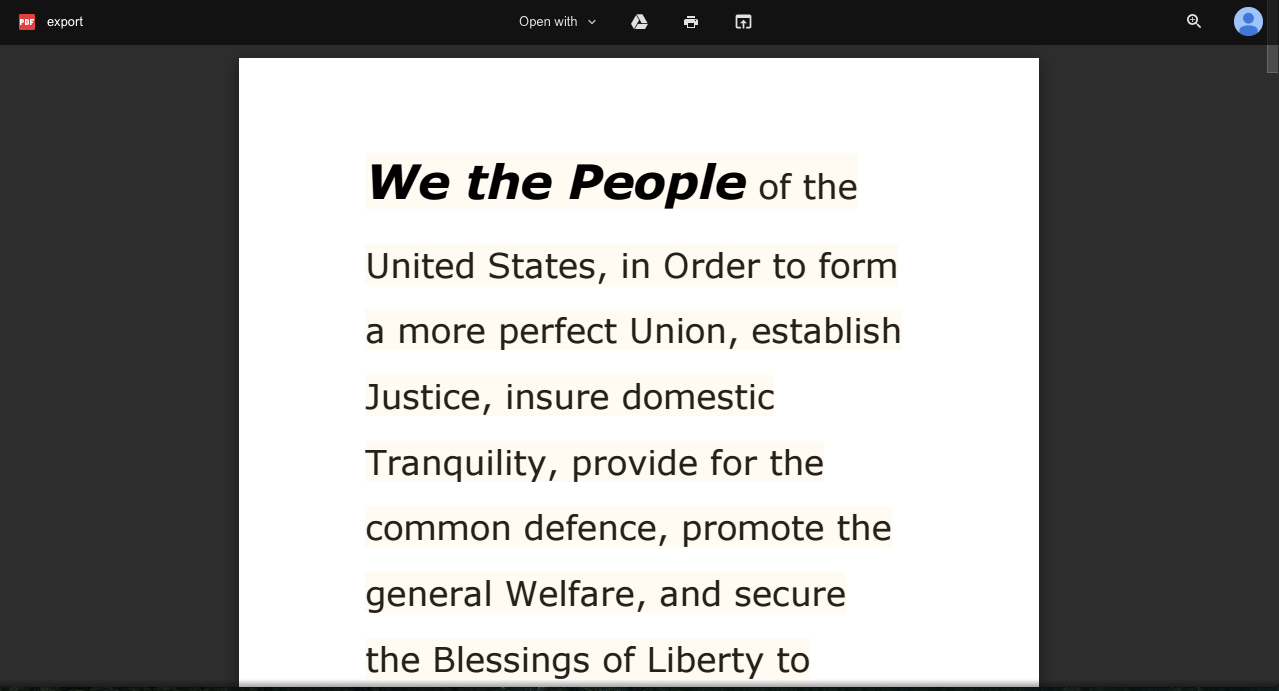
Google Docs makes it really easy to create a link to a pdf version of a Google Doc. Go to Sharing on the Google Doc, either click on Public on the web or Anyone with the link, depending on your comfort level of others finding your document. You then get a link to the Google…
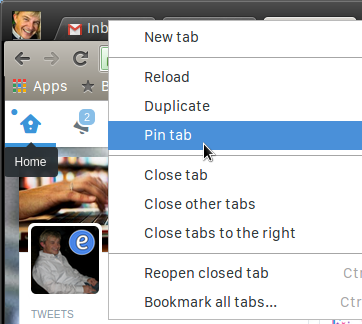
By default, Chrome (and Firefox) tries to expand the tabs in the browser to accommodate enough of the title of the page so you can see it. Sometimes though, you don’t need the title. For example, your Gmail tab will have the Gmail icon and then the name of the label you are currently viewing…