Comic, coding, and libraries – Top 3 of the Week
https://eduk8.me/2019/09/comic-worksheets/
https://eduk8.me/2019/09/learn-programing-with-kodable/
https://eduk8.me/2019/09/why-we-need-school-libraries/
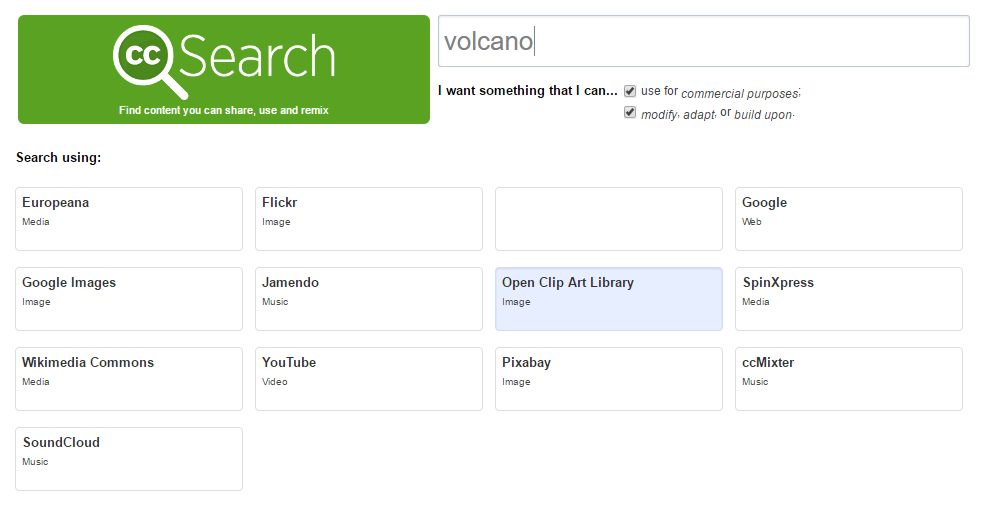
Sure, you can find pictures on Google Images, but unless you dig into the settings, a lot of those pictures are licensed to be used in school projects. Creative Commons Search fixes that. Creative Commons is a way to license works for use by others. It provides more rights than the all or nothing approach given by…
https://eduk8.me/2018/07/using-gmail-as-a-journal/ https://eduk8.me/2018/07/a-first-look-at-the-acer-chrometab-chromebook/ https://eduk8.me/2018/07/to-stop-cheating-algeria-turns-off-the-internet/
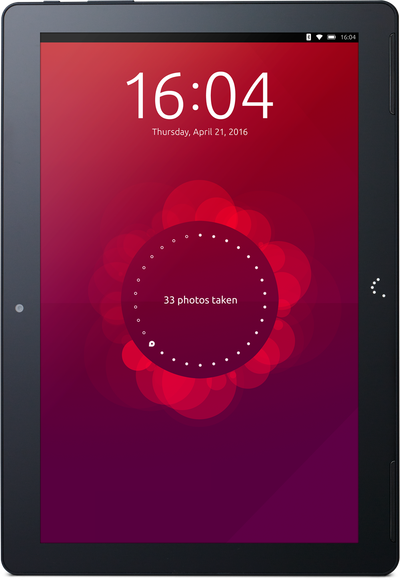
Pre-orders for first Ubuntu Tablet went on sale on Monday with a shipping date of mid-April. I hesitated for maybe 10 minutes before putting in an order for the high resolution model ($340). I ran Ubuntu for about 18 months before going back to OS X, so I’m already comfortable with the operating system, but why…
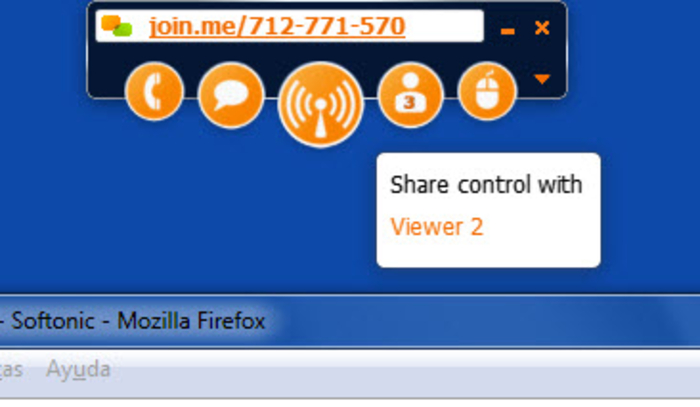
Last night I was troubleshooting with a friend over the phone, when I wanted to share my screen with him. I went through the usual suspects: Google Hangouts, Chrome Remote Desktop, Teamviewer, etc. when I remembered Join.me. A quick 15MB download later and I was broadcasting my screen. Although I had to download an app…
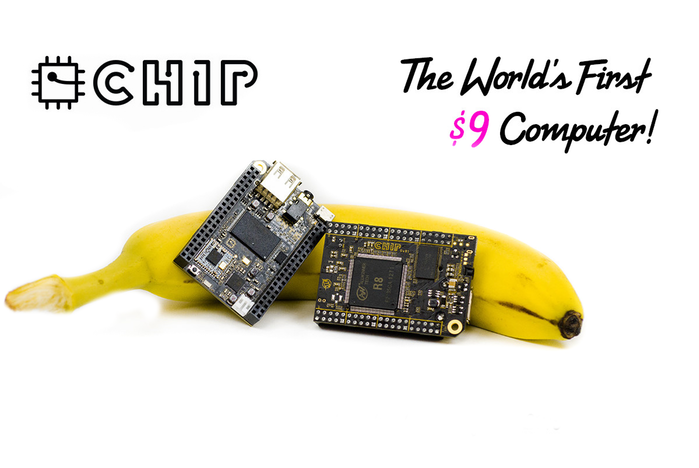
Last May, I backed a project on Kickstarter1 for the CHIP computer. At $9, the CHIP computer is the cheapest single board computer (SBC) that is fully functional. The Raspberry Pi project released the Pi Zero at $5 during the past year, but it isn’t fully functional since you still have to buy an SD…
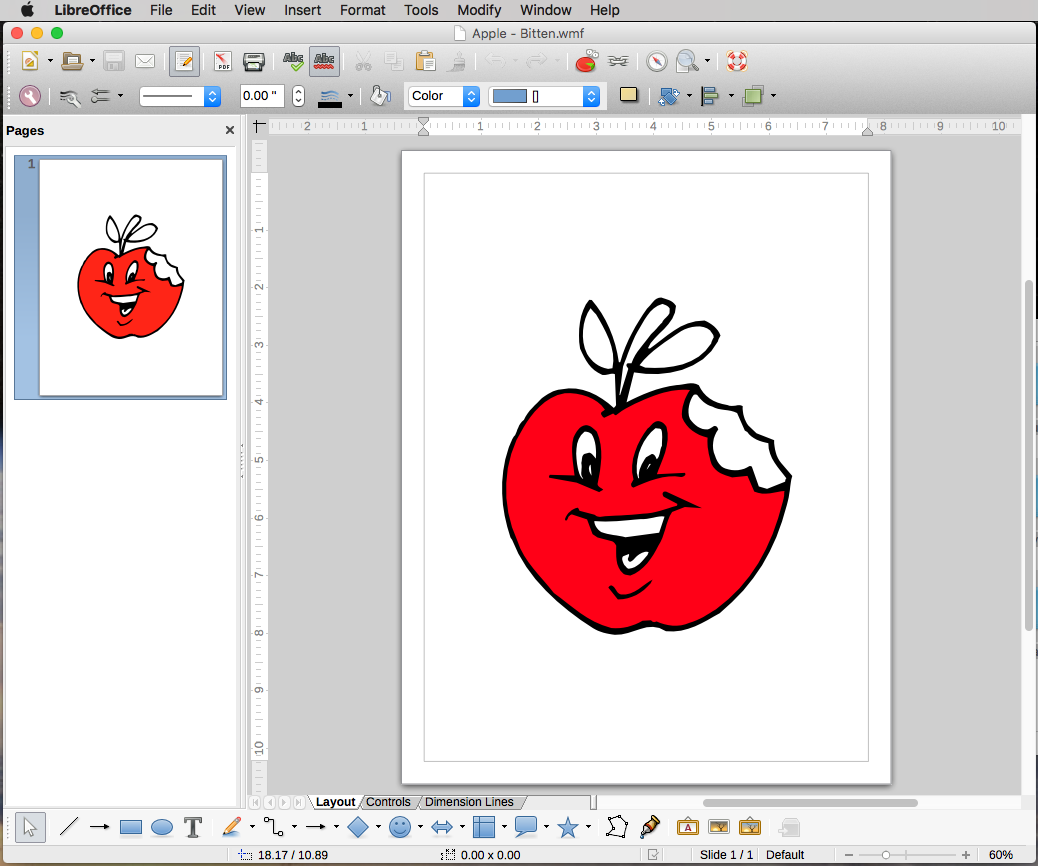
Today I stumbled upon a clip art collection I bought of ten years ago. The collection contains over 600,000 images spread across 29 CDs, in various formats. The vector formatted images are Windows Metafile files with a .wmf extension. Vector images use math to describe the image, and can be resized without any loss of…