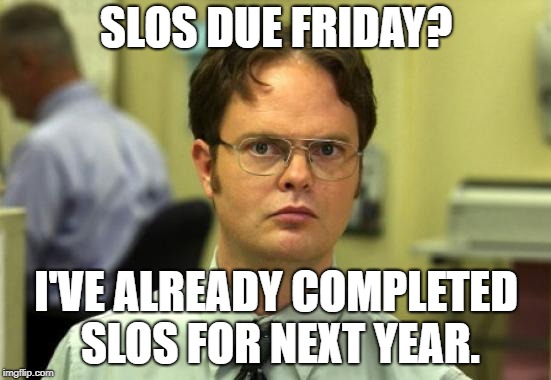
SLOs due Friday?
Users of Chromebooks have it easy. All of their data, backed up automatically to Google Drive, they don’t have a care in the world. Except when it comes to the Downloads folder. On a Google Chromebook, the Downloads folder is local to the device and is not backed up anywhere. This might not be a problem in…
https://eduk8.me/2021/08/7-things-to-do-to-start-the-school-year/ https://eduk8.me/2021/08/students-start-out-early-eduk8meme/ https://eduk8.me/2021/08/pd-or-planning-comic/
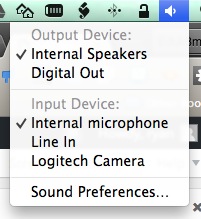
In the menu bar under OS X you may have a bunch of icons on the right side, each one with a different function or representing a different app. When you click on them, they usually give you quick access to some feature. For example, the sound icon lets you adjust the volume. A neat…
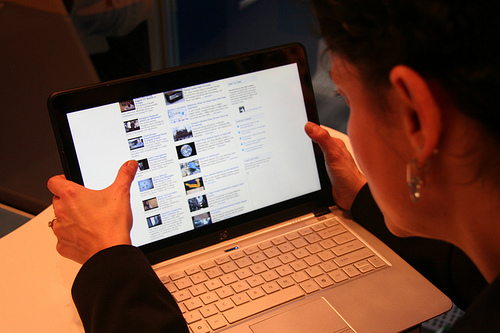
Fingers, blocks, pebbles and a myriad of other physical manipulatives are all tools helping students problem solve. But does that usefulness carry over when physical manipulatives give way to digital ones? The answer is a resounding yes! In her dissertation paper “Do Gestural Interfaces Promote Thinking?” published in 2011, Ayelet Segal, confirms that interactions with touch screens are effective in…
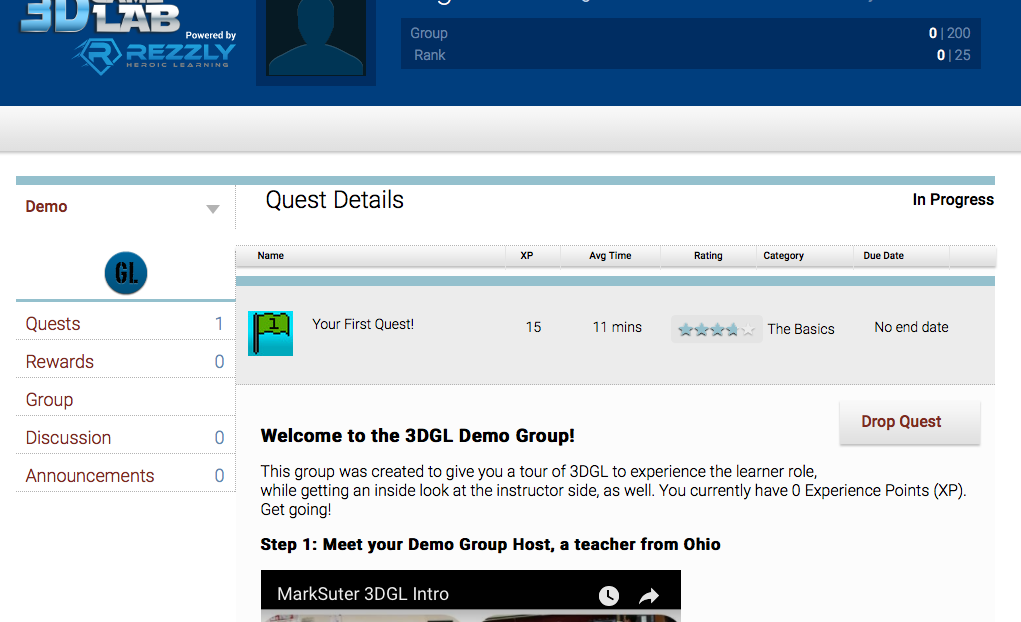
Rezzly is a gamification platform for the classroom. Students interact with Rezzly through the completion of quests. There are currently 20,000 quests available from other teachers, and you can create your own. The platform takes care of all the nitty gritty data collection for you. The onboarding for students has a pretty steep usage curve,…