Getting started with Tiermaker in your classroom #YouTube
Tiermaker.com is a pretty cool way to open up debates and discussions in your classroom. See my complete article here.
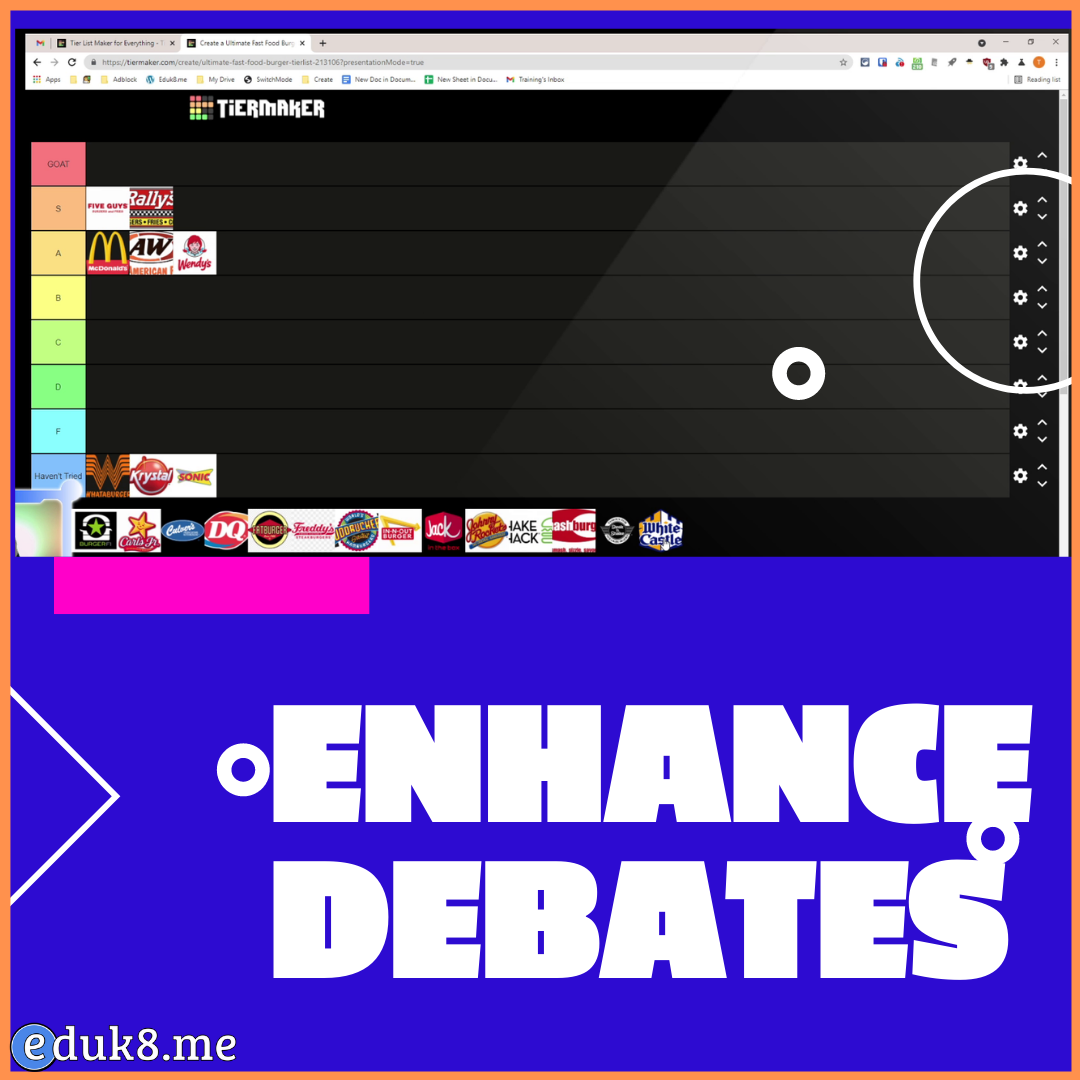
Tiermaker.com is a pretty cool way to open up debates and discussions in your classroom. See my complete article here.
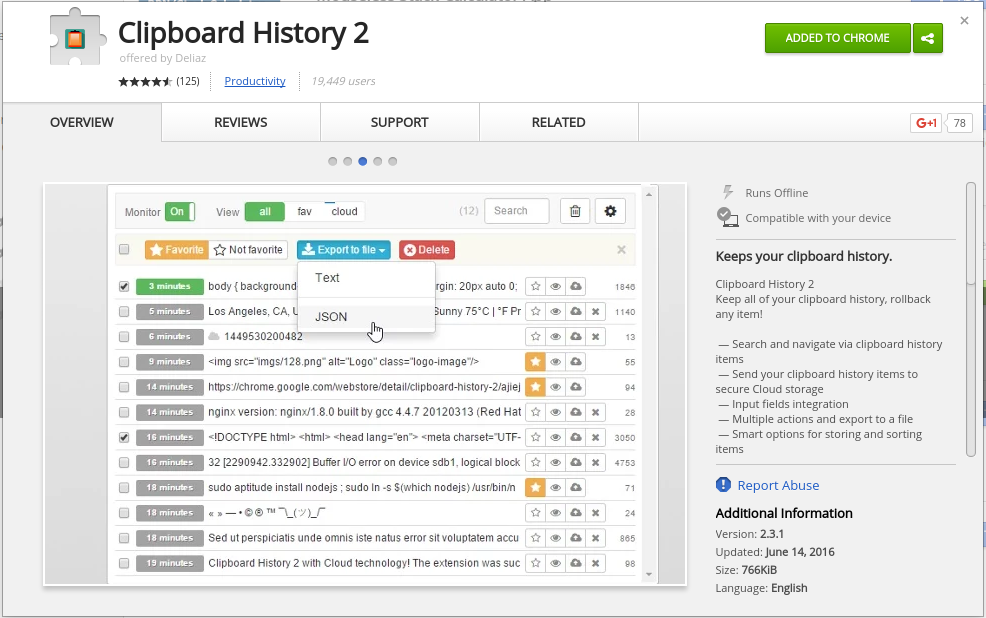
One of the most powerful productivity tools that I use is the ability to store multiple items in the clipboard. I’ve written in the past how I do this, but until today I had not found one that worked on the Chromebooks (and the web clipboard in Google Docs doesn’t count). Clipboard History 2 is…

The ISTE Standards for Students are designed to empower student voice and ensure that learning is a student-driven process of exploration, creativity and discovery no matter where they or their teachers are in the thoughtful integration of ed tech. Source: For Students 2016 I’m so glad that ISTE has updated the technology standards for students….

There are a couple of reasons why you may want to save tabs in Google Chrome. One would be if you wanted to share a list of websites with students. These two extensions will give you a list of open tabs which includes the page title and web address. Another reason would be to save…
Take an online course is part 4 of a 13 part series, 13 Ways Teachers Can Hack Their Learning. Take an online course Online courses aren’t just for students, there are many ways teachers can take an online course to increase their knowledge and get experience. Depending on your school district and local professional development…
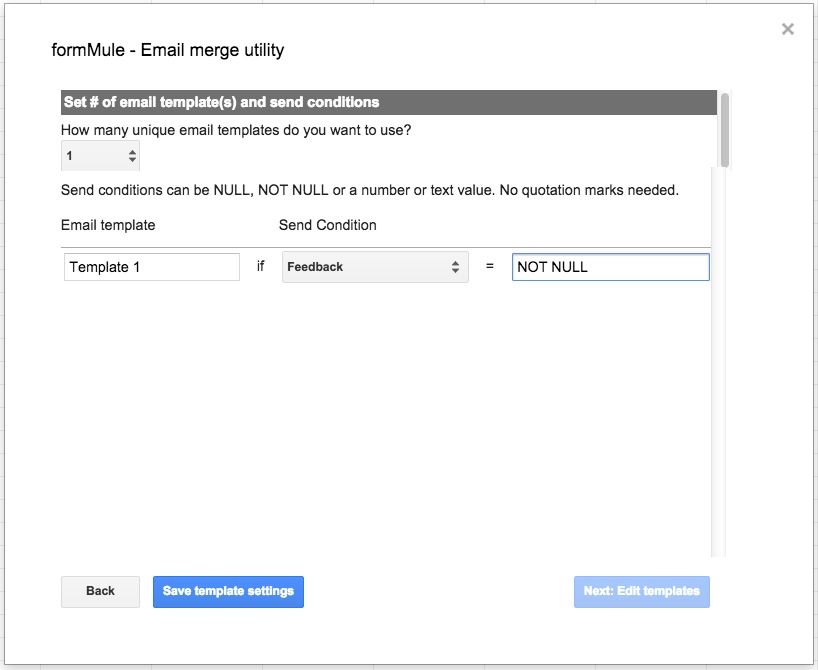
If you use Google Forms to collect entry or exit tickets, or other information from students, a quick and fast way to offer custom feedback is to use the formMule add-on. I posted a how-to before on using formMule, and you can follow that page with a couple of changes. By using formMule, you can…

https://eduk8.me/2017/12/signing-away-rights-using-g-suite-education/ https://eduk8.me/2017/12/how-creativity-works/ https://eduk8.me/2017/12/lower-productivity-innovation-due-security/