{Comic} Bonus Points


Brainstorming has developed a fraught reputation, perhaps deservedly so. When groups of people are thrown together and expected to come up with original ideas, there is often too much pressure to be creative—resulting in ideas that are anything but. But what if brainstorms were designed to generate questions, not ideas? It’s an approach that’s being…
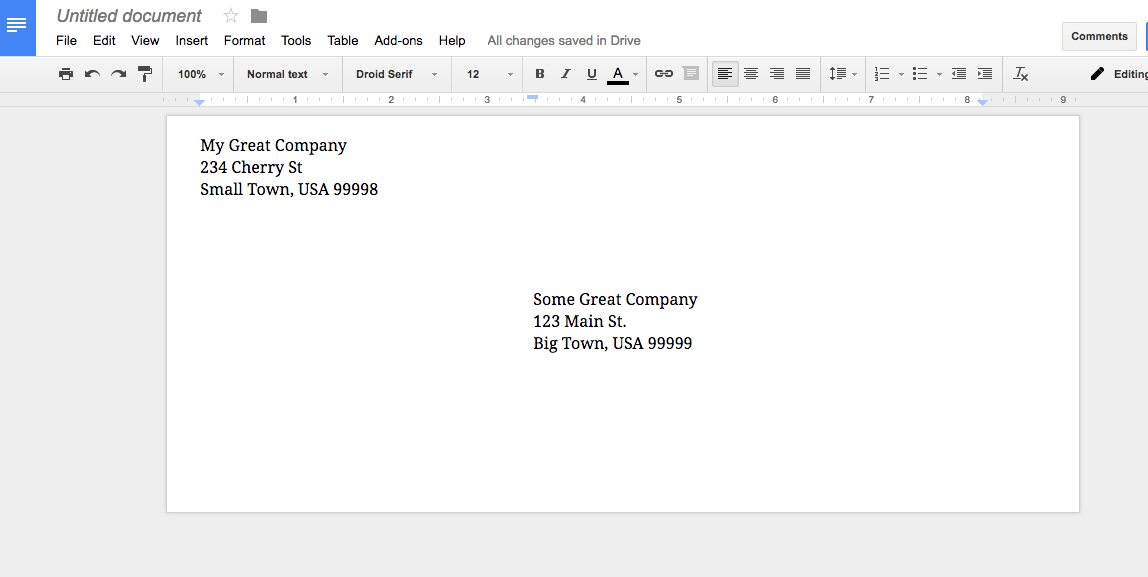
I don’t like to write anything, so when I have to mail something, I want to print out the envelope. Unfortunately, Google Docs doesn’t have the venerable #10 envelope as a paper size. Never fear, the Envelopes add-on for Google Docs will save the day. To get started, open up a new Google Docs document,…

Up until just a few years ago, I got around 350 emails a day, which presented me with an exhausting, time-consuming daily task that I grumbled about plenty. Now, because of social media and messaging services, that number has been cut by more than half. But things are actually worse. These days, messages come at…
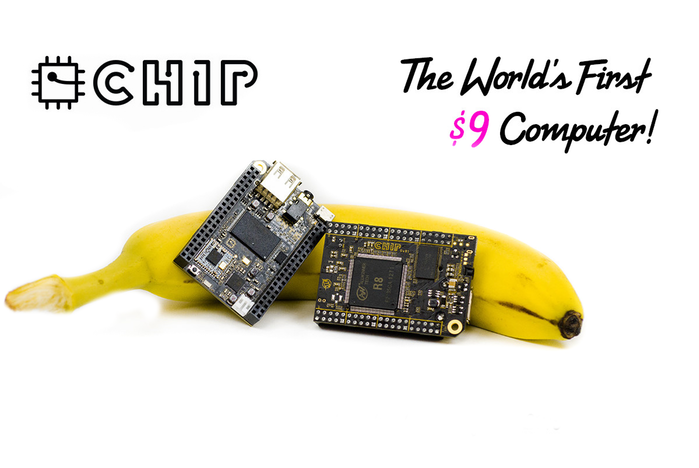
Last May, I backed a project on Kickstarter1 for the CHIP computer. At $9, the CHIP computer is the cheapest single board computer (SBC) that is fully functional. The Raspberry Pi project released the Pi Zero at $5 during the past year, but it isn’t fully functional since you still have to buy an SD…
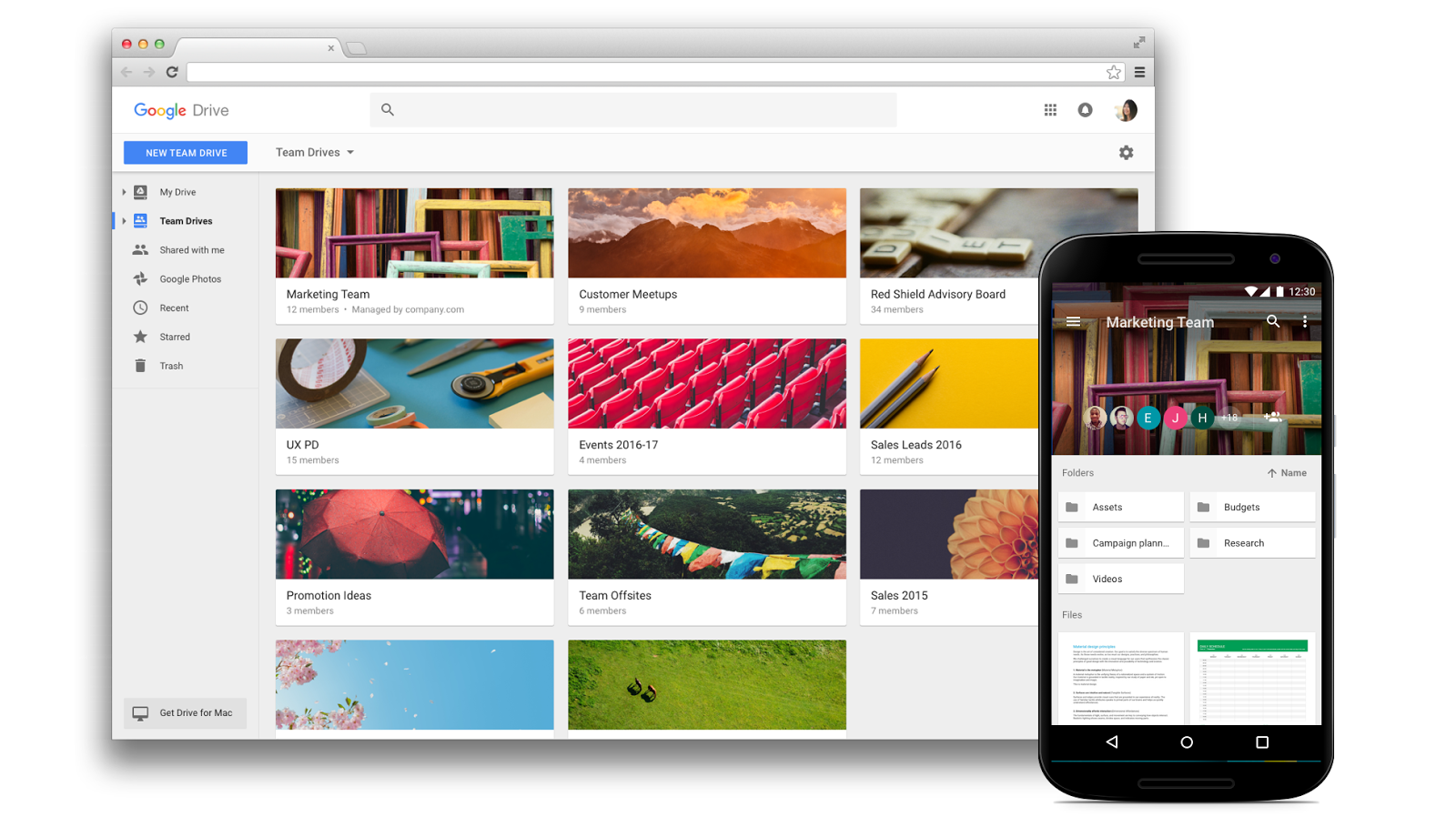
Announced last November, Team Drives adds a new way to collaborate in Google Drive. Instead of sharing folders and files from your My Drive, a Team Drive is separate from your My Drive and has some capabilities that simply sharing a folder does not have. The big change with Team Drive is the addition of…