Similar Posts
A meme, a comic, and coding – Top 3 of the Week
https://eduk8.me/2021/09/when-school-doesnt-close-for-the-county-fair-eduk8meme/ https://eduk8.me/2021/09/how-to-labor-day-comic/ https://eduk8.me/2021/09/coding-for-kids-with-codemoji/
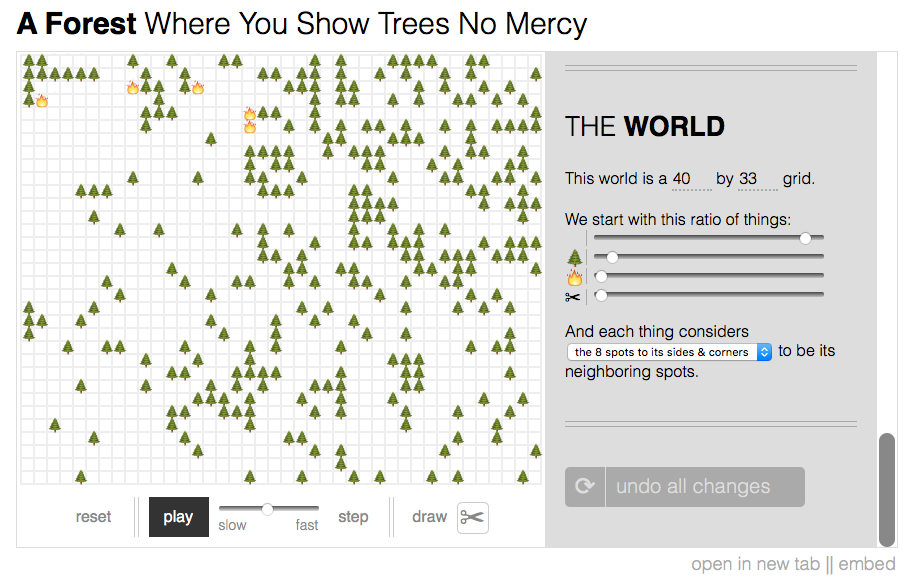
Simulations with emoji in the browser
Nicky Case has created an easy to use site for creating simulations. These simulations use a grid and emoji to represent complex systems. The first examples on the page are about forest fires, and then they evolve from there. Items can be placed on the grid with a purpose or randomly through the set up of…
Saving a website #tlah
Sometimes when you are researching for a project, you’ll come across web resources that you would like to save. Now, you can bookmark it, or use a bookmarking service, but there is still a chance that when you go back to the site it may be gone (and archive.org) may not have a copy. To…
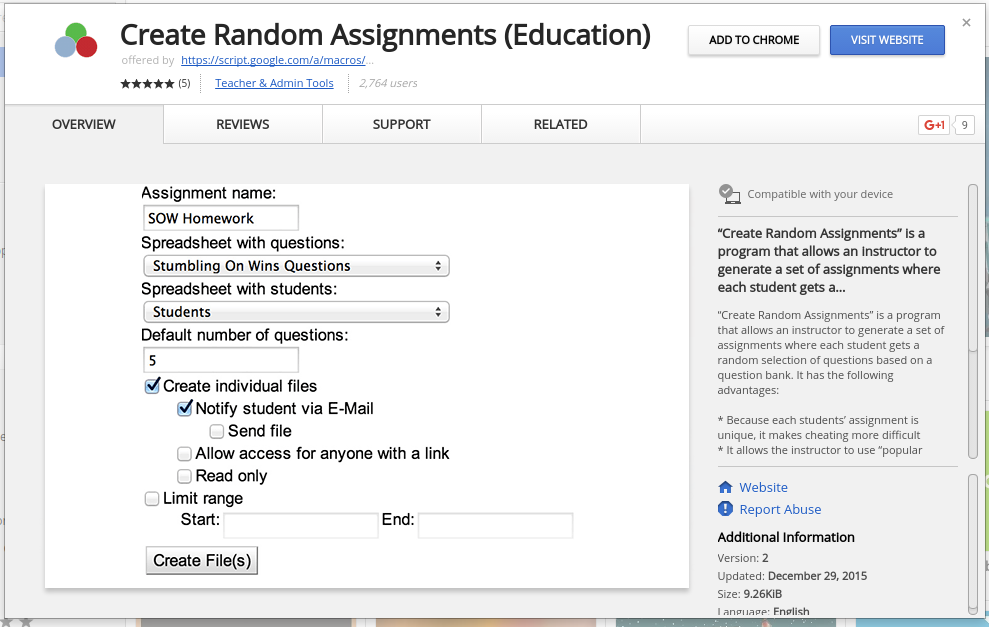
Google Apps script to create random assignments
Create Random Assignments is a Google Apps script that takes a spreadsheet of questions and student names and creates random assignments. Once added to Google Chrome and you’ve authorized the script, your ready to get started! The author has a complete help sheet available to get you started with using the script.
50% of teens feel addicted to their phones, poll says – CNN.com
Fifty percent of teens feel they are addicted to their mobile devices, according to the poll, which was conducted for Common Sense Media, a nonprofit focused on helping children, parents, teachers and policymakers negotiate media and technology. A larger number of parents, 59%, said their teens were addicted. The poll involved 1,240 interviews with parents…