I feel like my teachers always emphasized the importance of group work but kind of threw us to the wolves to figure out how to do it, especially when we are all supposed to be equal players with no manager to oversee the final product. Can you recommend any resources for how to do effective, professional group work among peers?
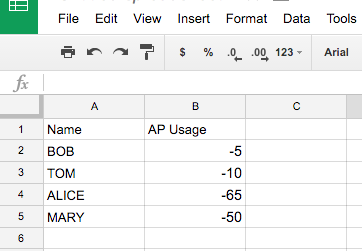
I’ve been playing around with gamifying my classroom this semester. After looking at Classcraft I decided I wanted something a little simpler, so I put together a Google Sheet to keep track of XP, AP, and HP. The problem came when I needed to add or subtract a stat from a student. Entering the data…
With that being said, each summer I have dreams of learning, growing, and relaxing with my friends and family, but before I know it summer is over and my checklist is check less. We all have great intentions to take time to better ourselves, and in my experiences these ideas will bring you the best…
When Edward Snowden blew the whistle on the NSA spying, the term metadata came up. Metadata is the bits of information attached to a piece of intelligence. For example, a phone call has metadata data attached to it such as the date and time of the call, who was making the call, who received the call,…
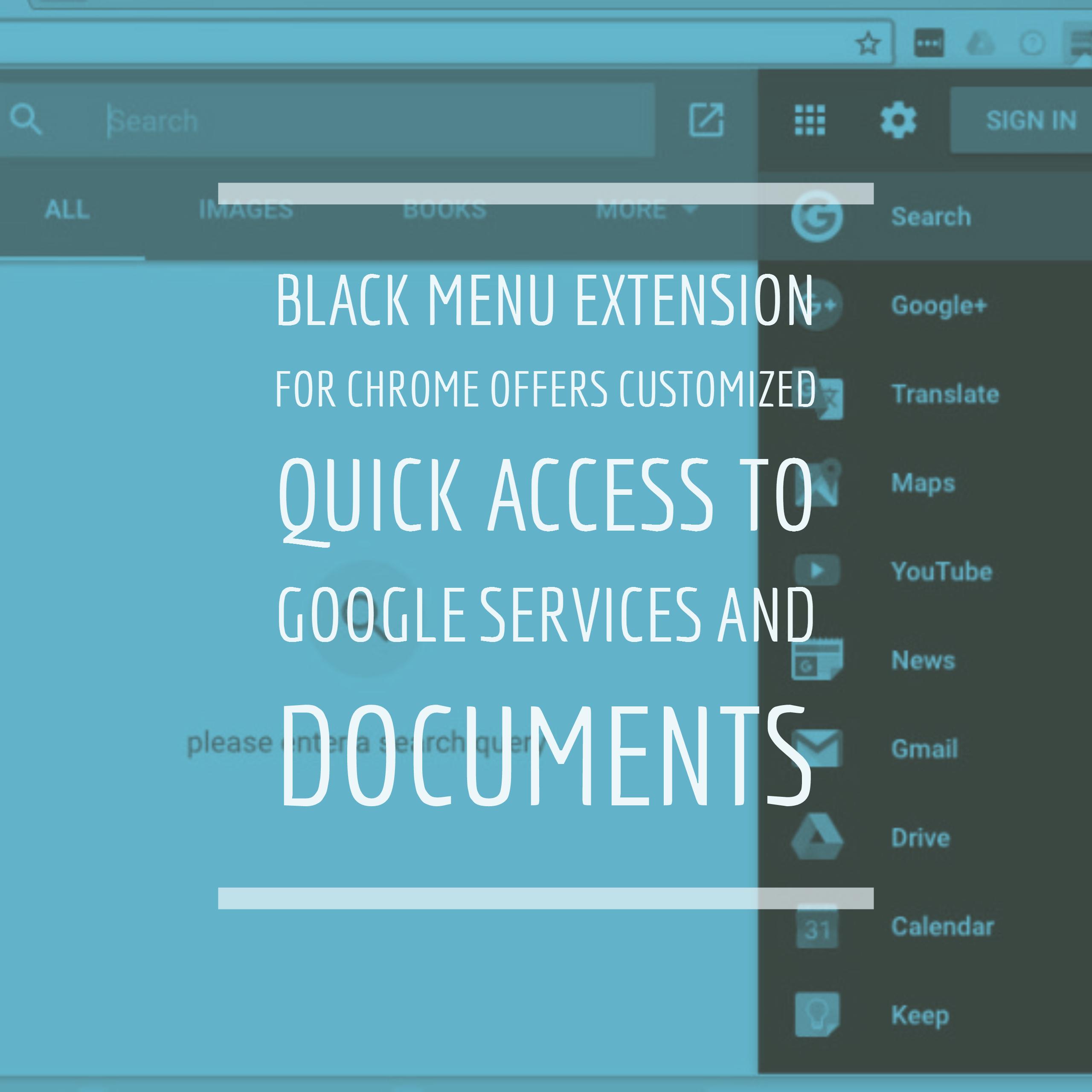
Quick access to Google services? Bah, I’ve already set up bookmarks for that. But, quick access to documents? Sign me up! Black menu for Google is a customizable toolbar icon designed to give you quick access to Google services and documents. I stumbled across it in the Chrome Web Store, and almost went on by….