Share to Classroom, a comic, and an Eduk8meme – Top 3 of the Week
https://eduk8.me/2020/04/using-the-share-to-classroom-extension-in-google-chrome/
https://eduk8.me/2020/04/comic-comfort-at-home/
https://eduk8.me/2020/04/eduk8meme-video-conference/
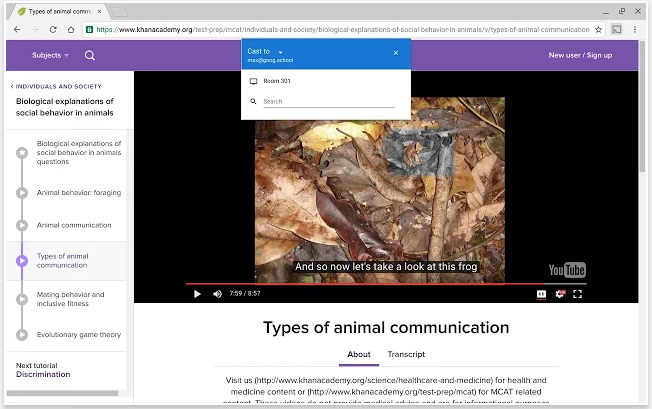
The Google Cast for education app is now available. To try it out, teachers need to install the Google Cast for Education app, and the students need to install the Google Cast extension. There are three caveats right now: The Chromebooks must be in the Beta channel, running ChromeOS 52 or newer. This won’t be the…
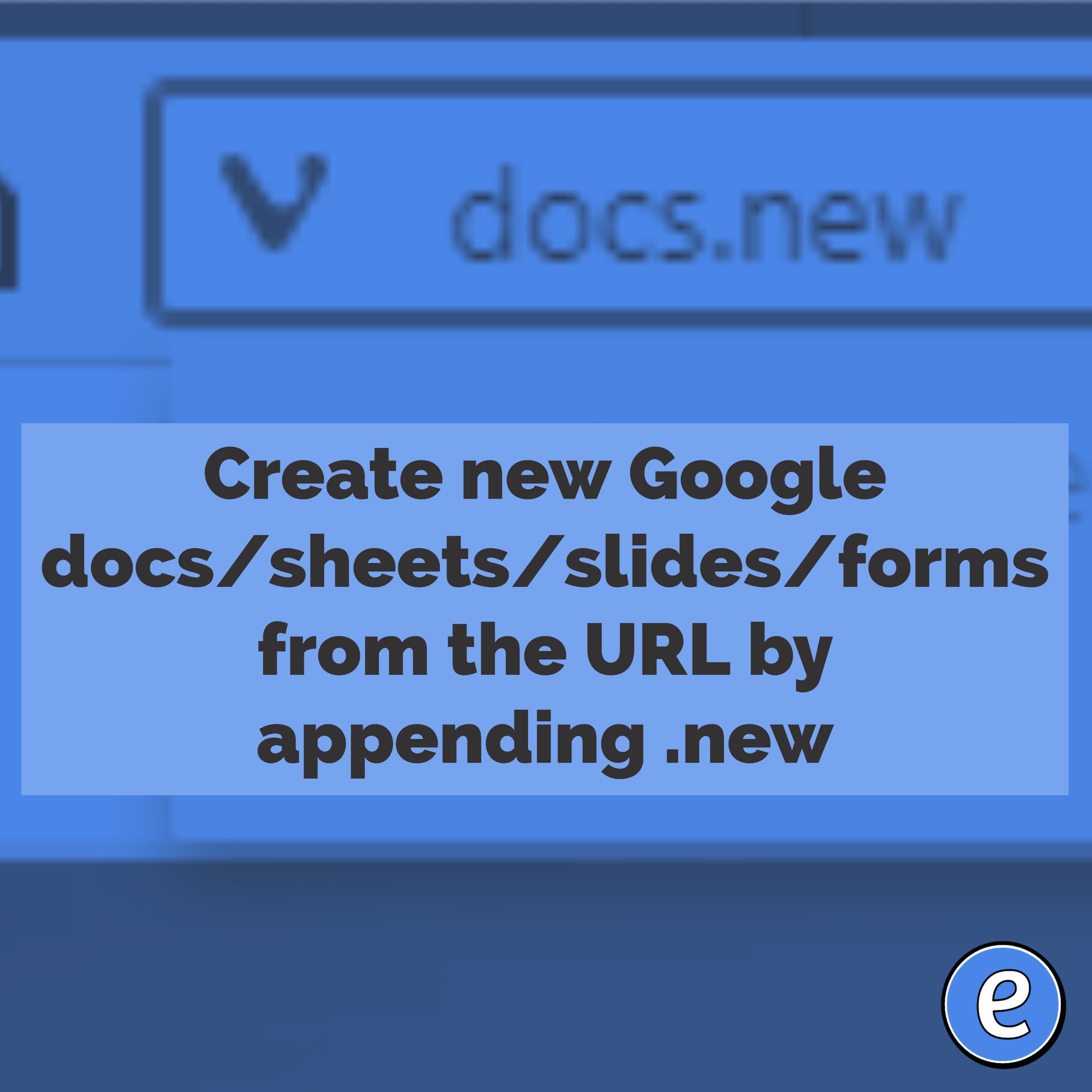
Source: Google Docs on Twitter: “Introducing a ✨ .new ✨ time-saving trick for users. Type any of these .new domains to instantly create Docs, Sheets, Slides, Sites or Forms ↓… https://t.co/BaW2PAHNg4” Google, who owns the .new top level domain, has set it up for you to quickly create several types of Google Documents. In the url…

I’ve been on Twitter for awhile, and as I look for new people to follow, it’s the little things that cause me to not follow you. Egg for an avatar Nothing screams newbie like the default egg avatar that Twitter gives you when you sign up. This should be the first thing you change, even…
https://eduk8.me/2019/03/a-study-in-how-google-affects-search-results-even-in-private-mode-and-logged-out-of-google/ https://eduk8.me/2019/03/comic-green-licensing/ https://eduk8.me/2019/03/look-out-world-gamers-also-have-higher-moral-reasoning-skills/
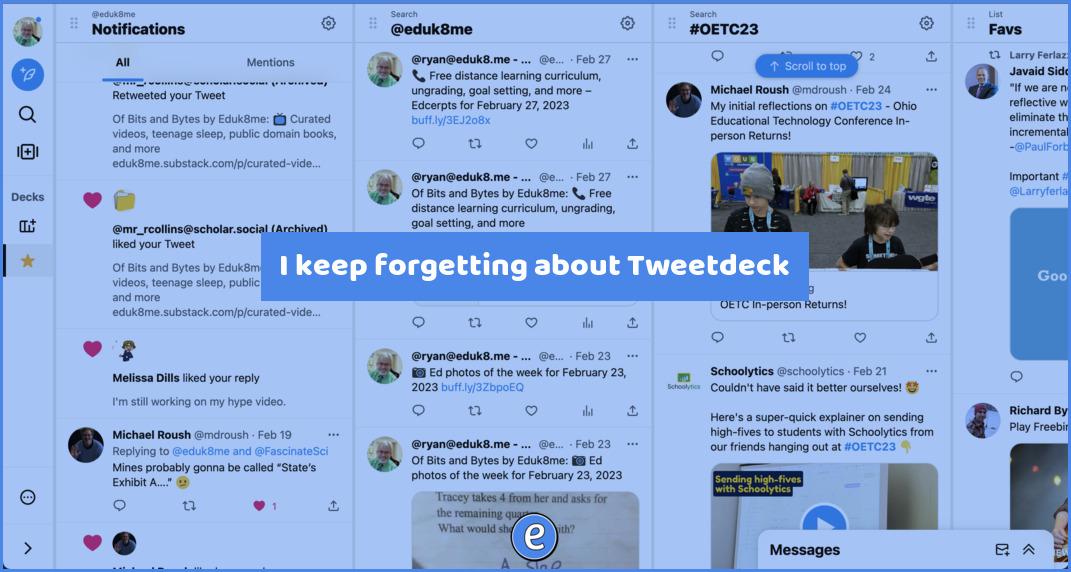
After publishing the article Make Twitter useable with the Tweak New Twitter Chrome extension about making Twitter better, I was reminded about Tweetdeck by Kathryn Jensen. What is Tweetdeck? Tweetdeck is available at https://tweetdeck.twitter.com. It provides a different interface to Twitter, separating different views in to columns. This gives you a great overview of what’s…
A group of seventh- and eighth-grade girls sat around a lunch table discussing a new game-like app they use in school. Danna Rodriguez somewhat sullenly said she didn’t want to care about Strides, which tracks points students can earn for attendance, grade-point average and engagement with the app itself, among other things. But she can’t…