Using emojis EVERYWHERE #YouTube
Anywhere that you can type text, you can type an emoji. Emojis are a great way to add FUN to your computer!

Google Jamboard is not quite the replacement for Explain Everything or SMARTNotebook, but it is a contender. Jamboard allows better collaboration between you and your students, and is especially beneficial for schools with touchscreen Chromebooks. I mention how to create graphic organizers in Google Slides, here’s my video on how to do it.

The other day I came across a web app that allowed users to print GIF animations as flipbooks. The site – gifprint.com – isn’t working anymore but the idea is nonetheless interesting. The app extracts all the image frames of the animated GIF, arranges the individual frames in sequence, like a contact sheet, and then…
Building on my automatic creation of student placards, here’s how you can add QR codes to the student placards. This mean you can link to videos or websites to provide more information about the project.
Learn how to use virtual desktops in macOS! It’s a great way to handle the computer when you don’t have a 2nd screen. Links: 📰 Sign up for my newsletter – https://eduk8.me/welcome 🌐 Website – https://eduk8.me 🐤 Twitter – https://twitter.com/eduk8me Equipment used: 📹 Logitech C930e 1080P HD Video Webcam – https://amzn.to/33foFbv 💻CYBERPOWERPC Gamer Supreme SLC8440A…

Learn how to engage and build your personal learning network with Twitter chats. Twitter chats use the concept of hashtags to group tweets together. You can also reply to questions directly on Twitter, and the site will keep your reply with the original Tweet. Calendar of education related Twitter Chats.
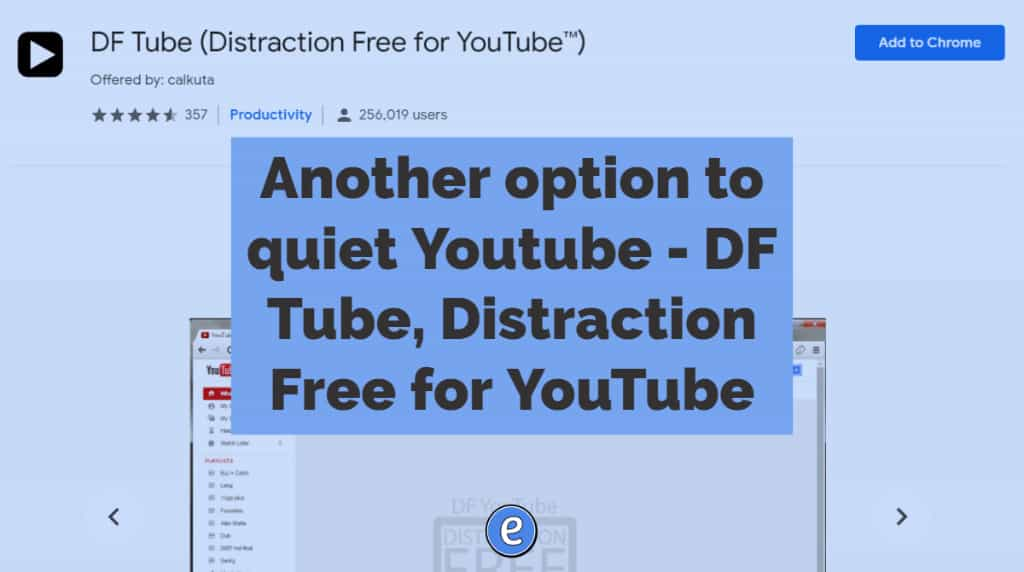
Another option to quiet Youtube – DF Tube, Distraction Free for YouTube. Source: DF Tube (Distraction Free for YouTube™) – Chrome Web Store There are several ways to cut out all of the extra cruft that YouTube puts up, and here is another. Once installed, DF Tube is a Chrome extension that gives you the ability to…