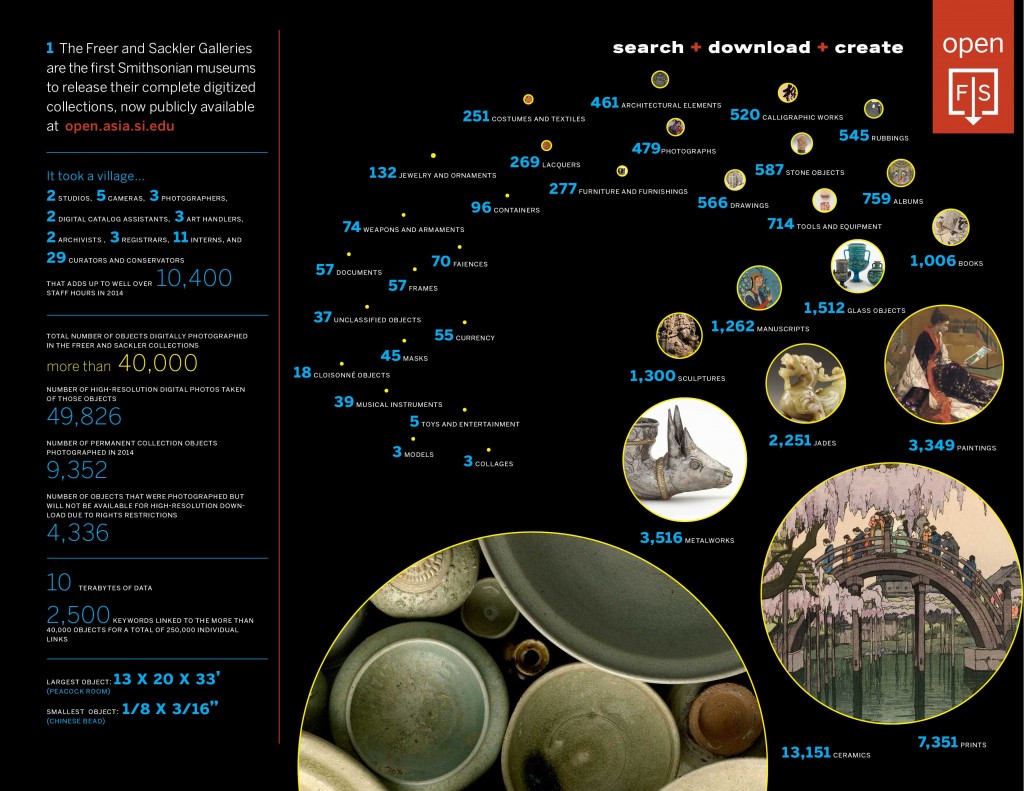
40,000 pieces of art now available from the Smithsonian
The Freer and Sackler Galleries of the Smithsonian museums has released a complete digital copy of their collections. The Open F|S initiative is free to use for non-commercial purposes.

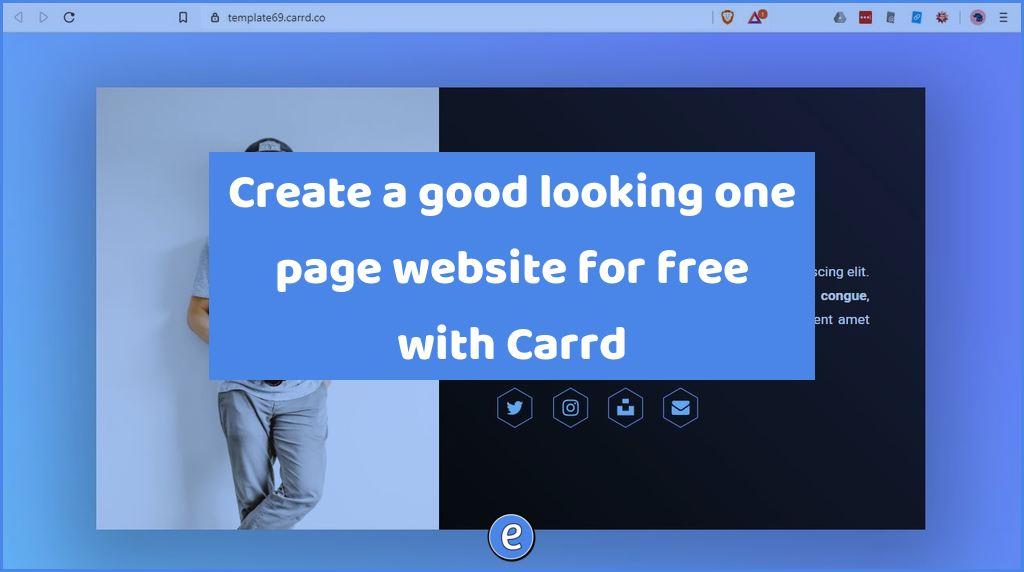
Source: Carrd – Simple, free, fully responsive one-page sites for pretty much anything Carrd is a web application that you can use to create one page websites. Scenarios for classroom use include resume pages and getting to know you activities. The free account lets you set up sites at a subdomain of carrd.co, such as…
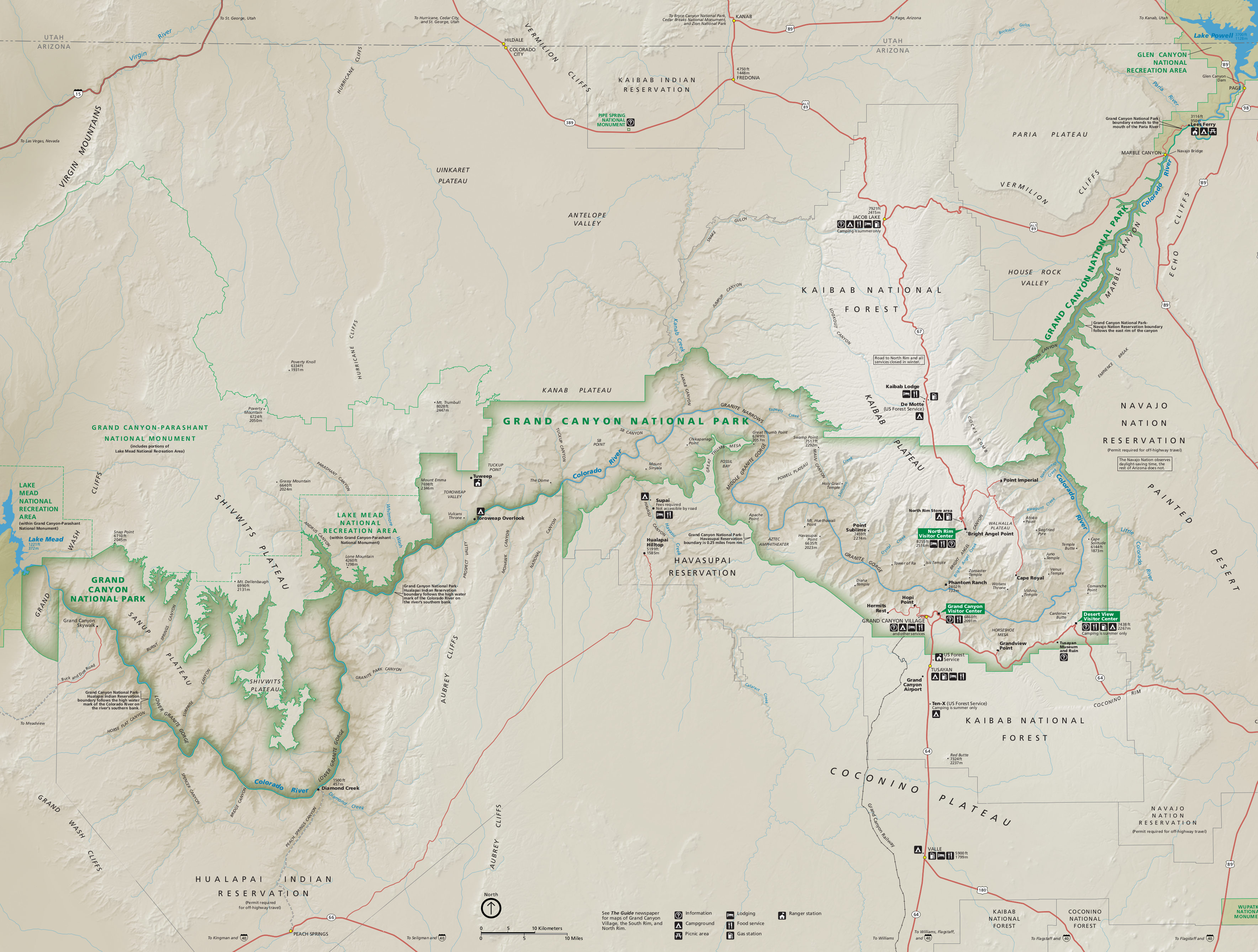
This site currently has 1,612 free high-resolution national park maps to view, save, and download. Source: National Park Maps | NPMaps.com – just free maps, period. Via: A huge collection of high-res National Park maps A great source of maps for classrooms studying map reading, national parks, land features, and more!
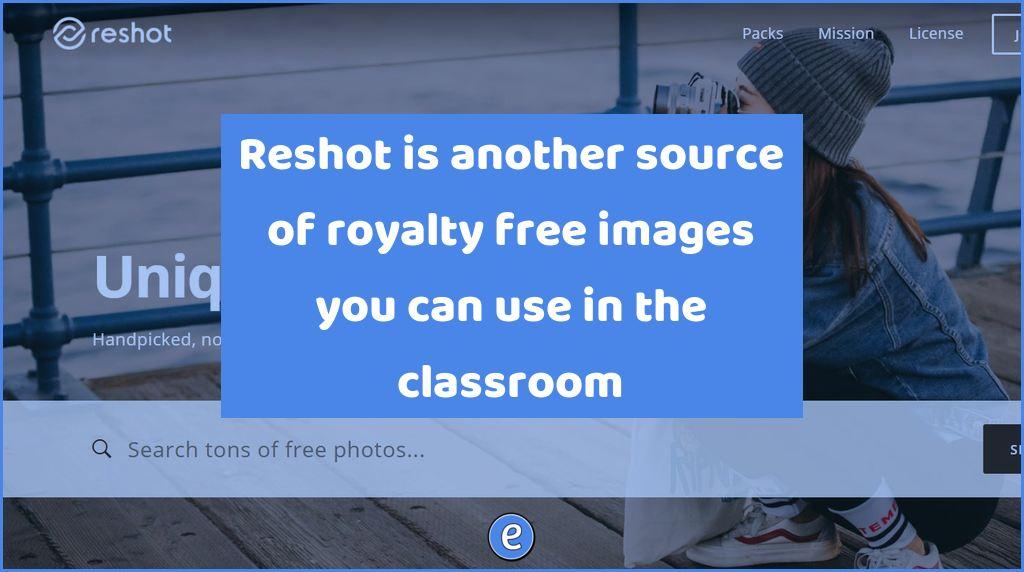
Source: Reshot: Uniquely Free Photos I’ve written about Unsplash before, and while their pictures are really nice, they can be overused. There have been times when I’ve seen the same shot on several different websites. Reshot is another source of images. The pictures are released under a very permissive, they can be used for non-commercial…
Source: Illustrations Gallery – ManyPixels Yes, there are many different sources of royalty free and copyright friendly graphics and pictures. What makes ManyPixels nice is that the graphics you download all share a common look. After selecting a color, you can search for clip art, and ManyPixels will show you clipart with the same color…

5 Reasons Why Highschoolers Should Start Their Own Business Well, to be honest, I didn’t think I was ready, not even in the slightest. It was super scary getting started, and it will continue to be scary until I am done with the illustrations for this book. After all, I’m only fifteen. How could I…
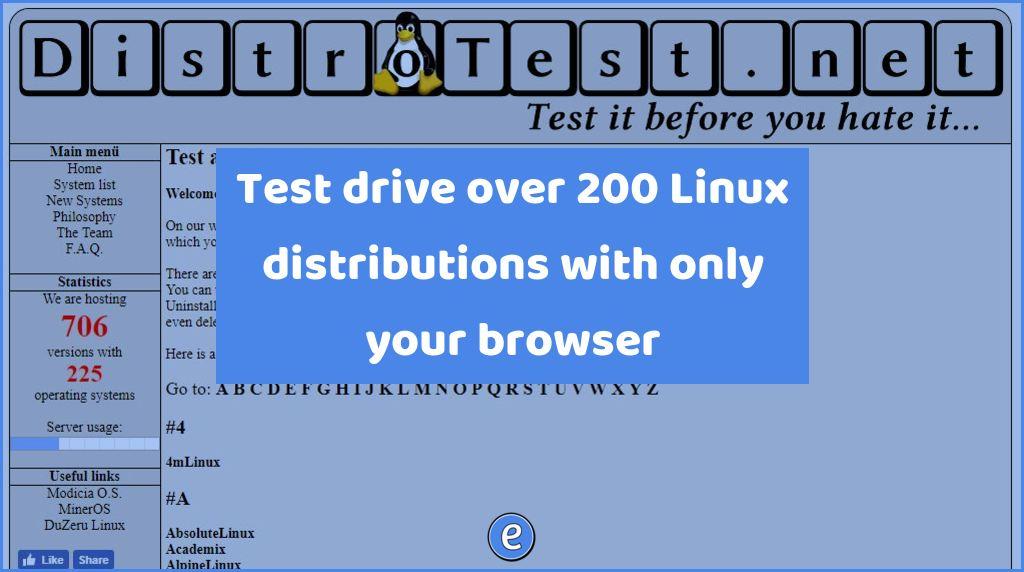
Are you curious about Linux but don’t want to mess up your computer to learn more? What about your students? DistroTest.net allows you to test over 200 Linux distributions with only your browser. What is Linux? Linux is an operating system like Microsoft Windows and macOS. It’s the most used operating system in the world,…