Create links to a Google Meet with a nickname #YouTube
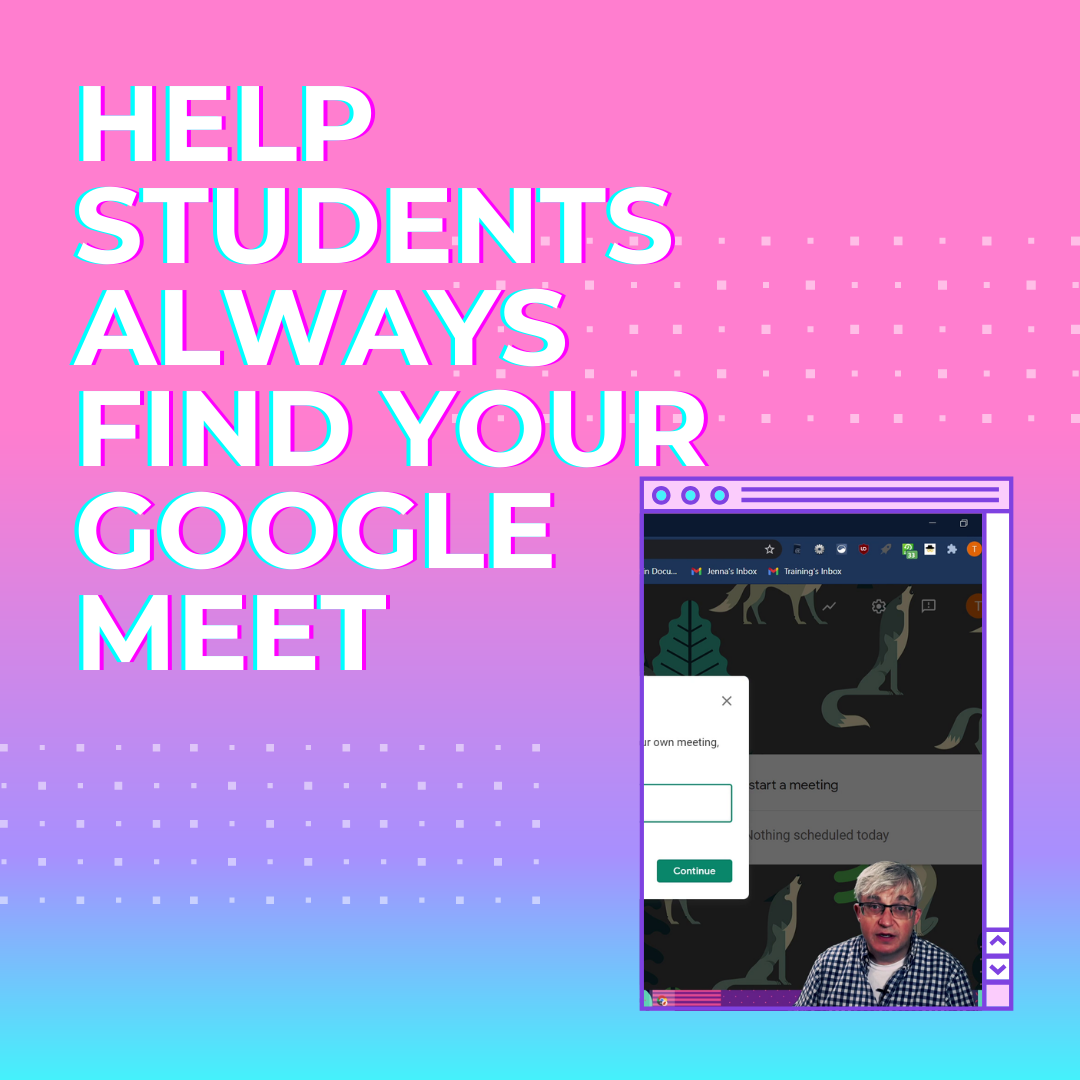
Create Google Meet rooms that you can share with your students as links. Students then have one click access to each room.
As part of our series of interviews with people across Asia-Pacific who use the Internet as a tool to connect, create and grow, we spoke with DoYoun Han, a science teacher at Hyeongyeong Elementary School in South Korea. In addition to his day job, he runs the YouTube channel 3-Minute Elementary School Science, which shares…
Watch and see how you can use your iPhone or iPad to scan in documents with the Notes.app and then share them to Google Drive.
Google Jamboard is not quite the replacement for Explain Everything or SMARTNotebook, but it is a contender. Jamboard allows better collaboration between you and your students, and is especially beneficial for schools with touchscreen Chromebooks. I mention how to create graphic organizers in Google Slides, here’s my video on how to do it.
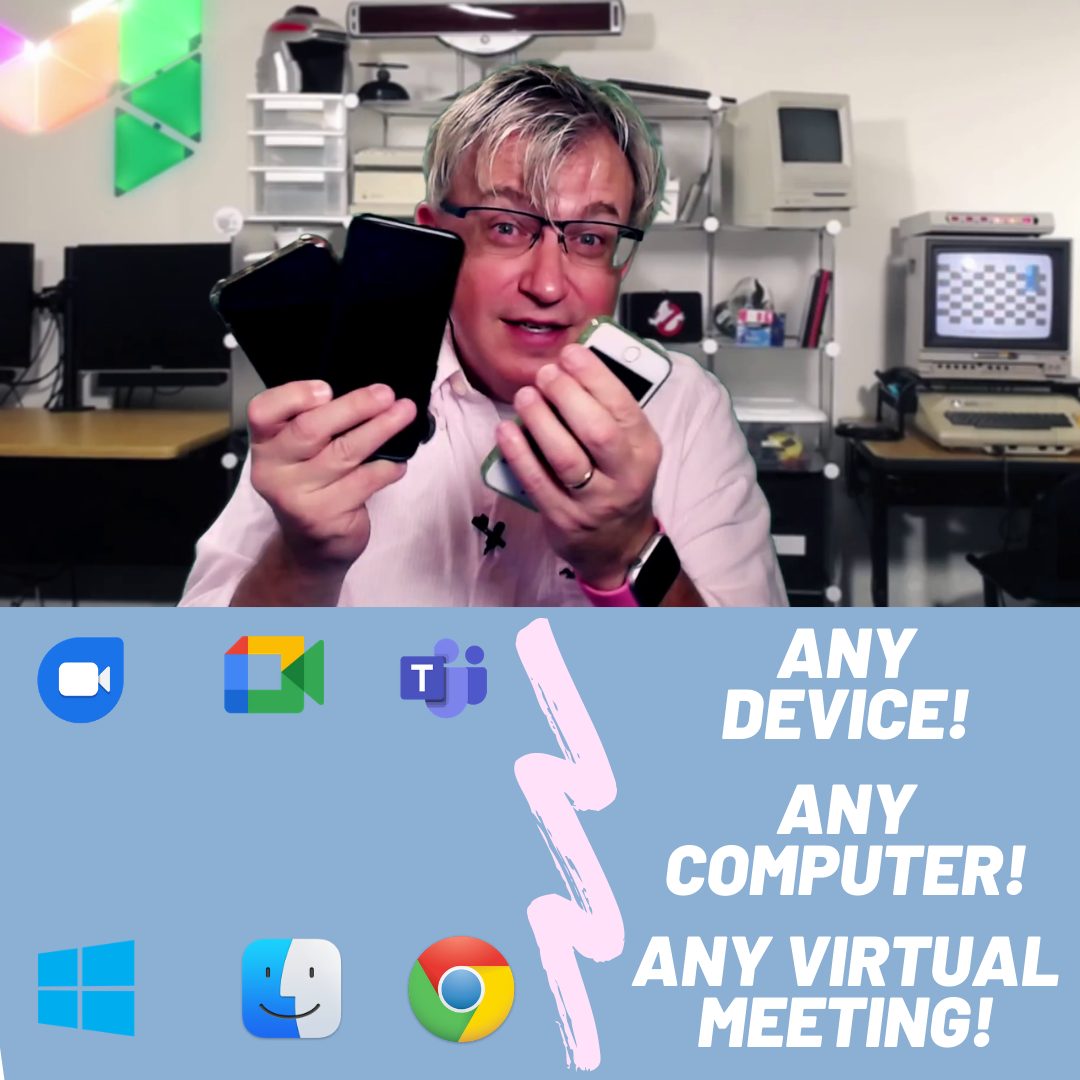
We’re going to use http://obs.ninja to share our mobile device camera. The video will appear in a browser tab, making it easy to share with any video conferencing software. Windows, Mac, Linux, Chromebooks, Android phones, iPhones, tablets… They all work! The advantages of using https://obs.ninja : * Works with any device * Wireless * You…
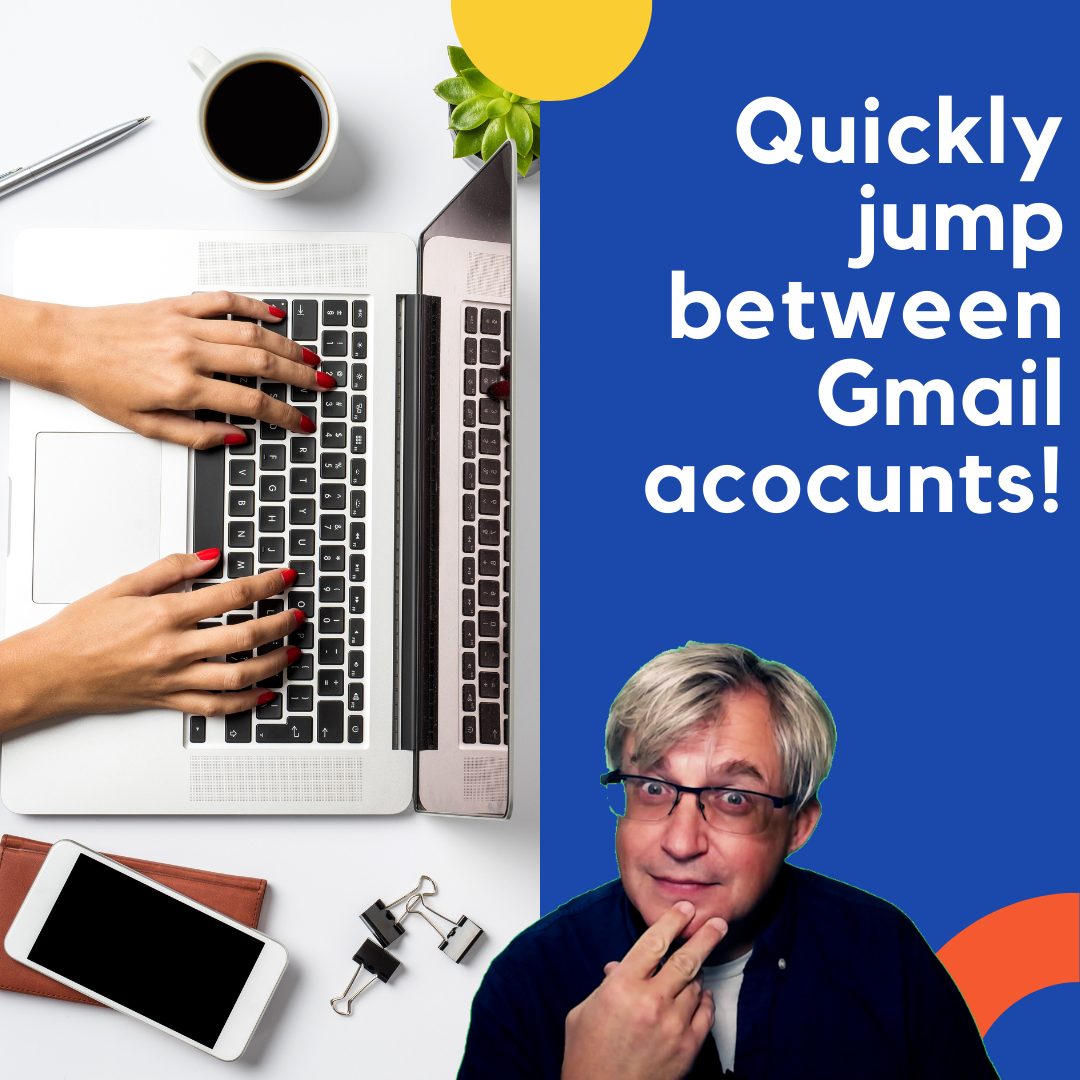
If you are signed in to multiple Google accounts in Google Chrome, this video will show you how to create bookmarks to directly open a particular Google account.Links: 📽 Bookmark All the Things in G Suite – https://youtu.be/v5gJyaLVYG0 📽 Creating Profiles for multiple people using Chrome – https://youtu.be/dIddte_EQtc 📰 Sign up for my newsletter –…