Grouping Tabs in Google Chrome #YouTube
Organize your tabs in Google Chrome without anything else! It’s a great way to group tabs by task.
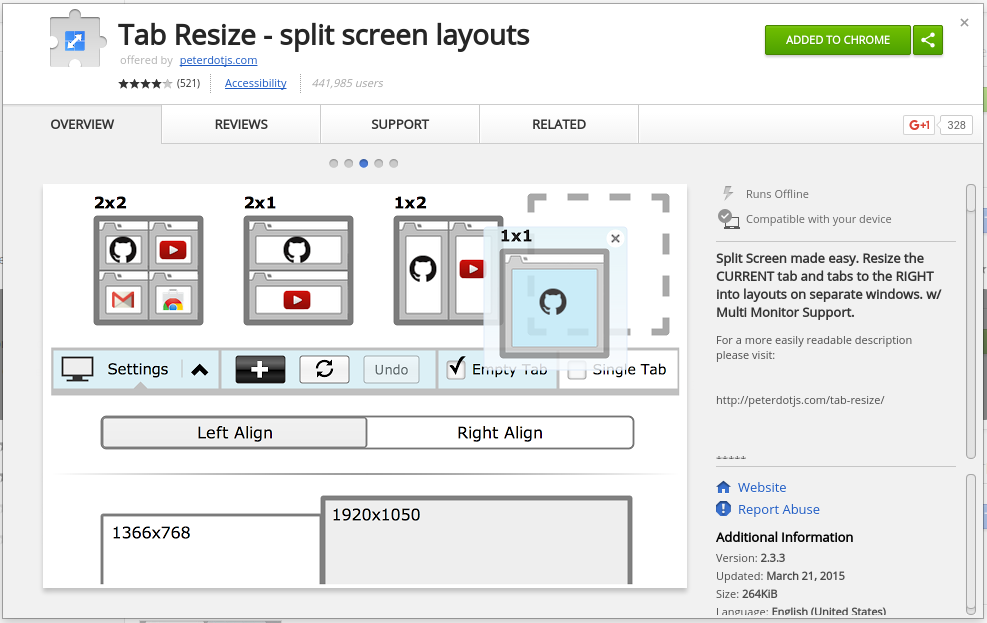
Tab-resize quickly splits Google Chrome into the number of windows you specify. Once installed, it adds a button to your toolbar which lets you use the extension. Clicking on it gives you several default layouts that you can use. The extension also supports multiple monitors. You probably already have a way to snap windows through…

Now here’s something I just learned. After highlighting words on a web page, you can drag the highlighted words to the tab bar and Chrome will perform a Google search. The same thing happens when you drag the highlighted words to the url bar. This requires a little more effort than right-clicking on the highlighted…

When using Google Meet, sometimes you’ll want to bring in another device, for example your desktop computer that is hooked to the projector. By using the Present button to join the meet, you can bring what’s on your projector into the Google Meet. This helps when you’re stuck in the hybrid teaching mode with students…
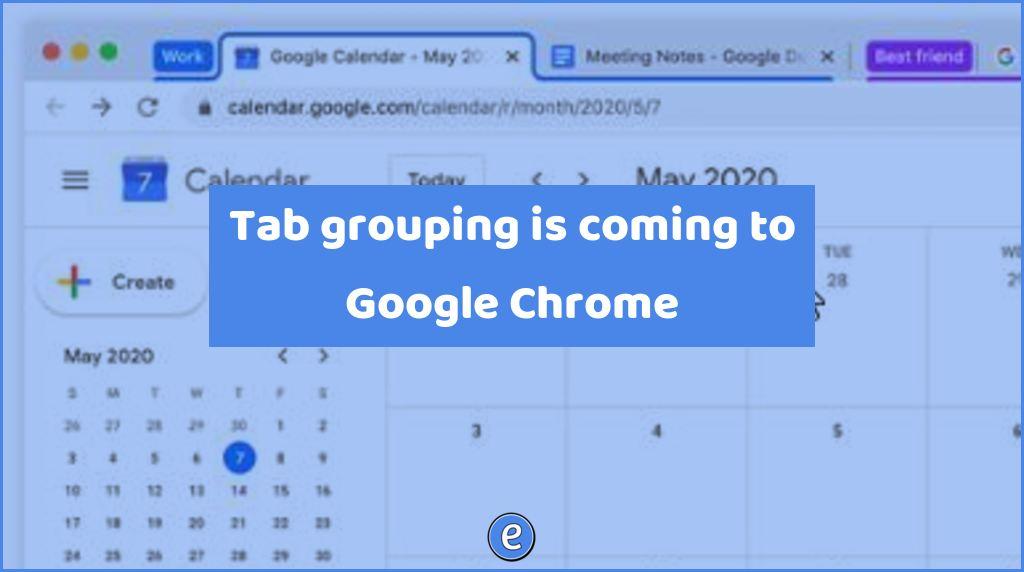
There are two types of people in the world: tab minimalists who have just a few tabs open at a time and tab collectors who have…significantly more. For minimalists and collectors alike, we’re bringing a new way to organize your tabs to Chrome: tab groups. This feature is available now in Chrome Beta. Now, with a simple right…
Source: Share to Classroom – Chrome Web Store It’s been over four years since I introduced the Share to Classroom Google Chrome extension, so I figured it’s time to revisit! Once installed, the Share to Classroom allows you to push a website out to students or create classwork in Google Classroom from the current website….

Getting started with bookmarks is one of the best time saving tips you can learn. Sure, it’s not one of the most talked about features, but it is a feature that is guaranteed to save you time! In fact, I’ve mentioned it several times in the past. With a bookmark, you can jump directly to…