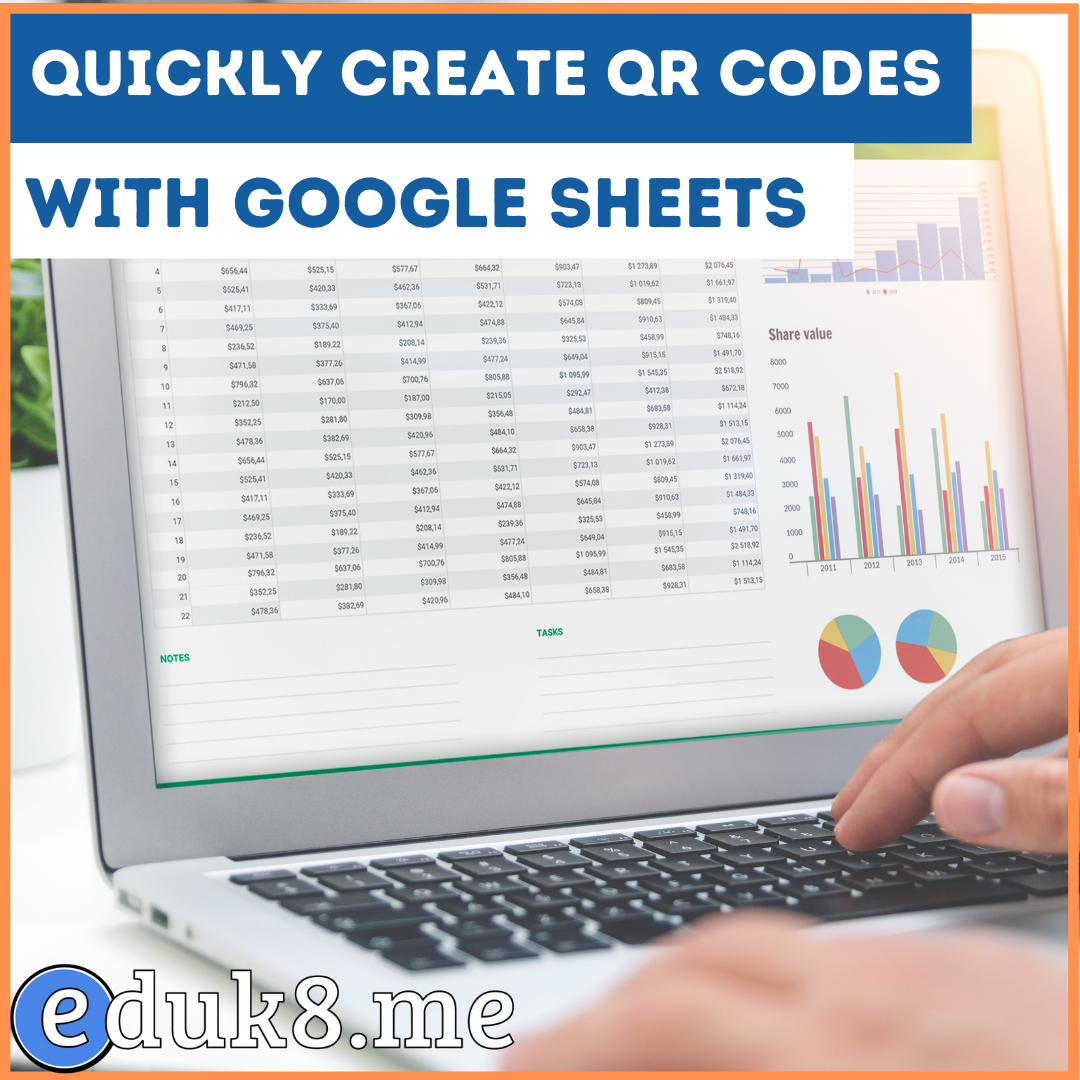
Creating QR codes in Google Sheets #YouTube
By using the `image` and `hyperlink` functions, you can create QR codes for a list of URLs.
This my absolute favorite and most useful Gmail filter. The elegance is in its simplicity. Keep your inbox focused on your school email!
Learn all about some of the most common file extensions you’ll come across as teachers, and how to open/use the files. Microsoft Office – .docx, .xlsx, .pptx Apple iWord – .pages, .keynote, .numbers Graphics – .jpg, .jpeg, .png, .gif Movies – .mov, .mp4, .mkv

7 Great Chromebook and Google Drive Apps for Editing Photos In response to a couple of requests we received from our readers here in EdTech & mLearning, we went ahead and curated for you this collection comprising some of the best photo editing tools in Chrome web store. Most of these apps work perfectly on…


Google Classroom: Guardians Who Need a Google Account – Teacher Tech Great information on setting up parents to access their child’s information on Google Classroom. Twitter tips for new users Some basic information for those teachers just starting out with Twitter. Highlight rows in Google Sheets with conditional formatting Go beyond highlighting cells and highlight…
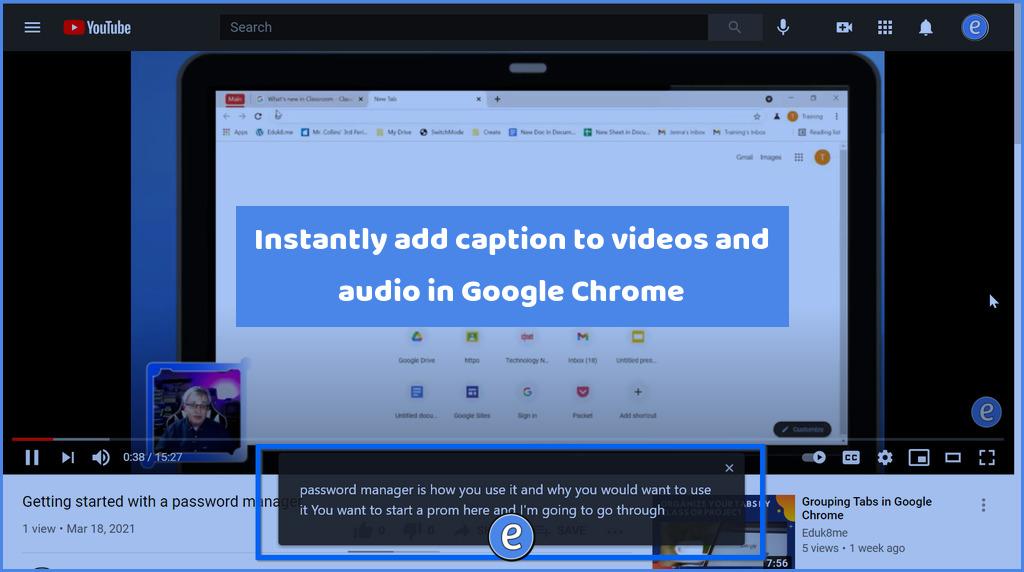
XDA Developers has announced that Google’s Live Caption feature is rolling out for Chrome desktop users. This is a really cool feature, once it is turned on, it will put up closed captioning for any audio that is playing in Chrome. To turn it on, navigate to a page with audio, such as a YouTube…