{Edtech Tool} Create comics with Toondoo
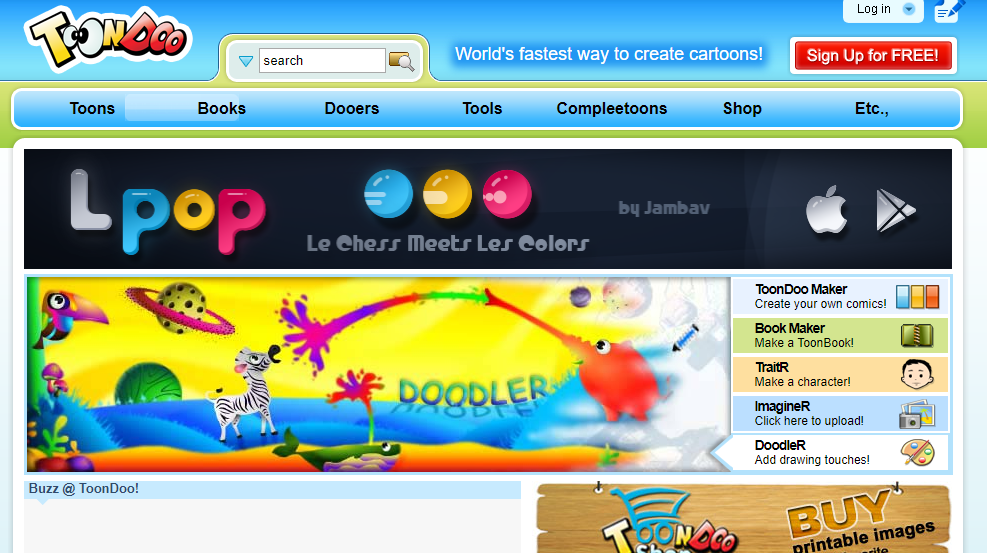
Source: Fastest Way to Create Comic Strips and Cartoons – Toondoo
This is a pretty cool tool, the big downside is that it will create students to create accounts.
Source: Fastest Way to Create Comic Strips and Cartoons – Toondoo
This is a pretty cool tool, the big downside is that it will create students to create accounts.
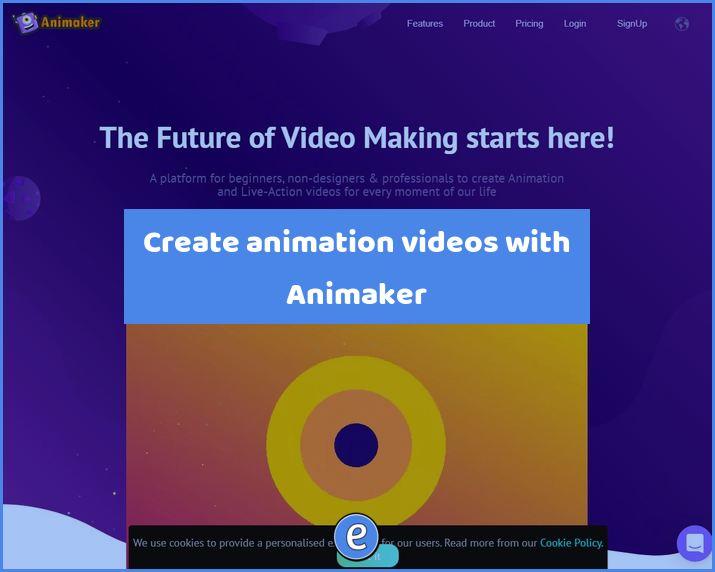
Source: Animaker, Make Animated Videos on Cloud for free Animaker reminds me of Canva, but for creating animations. The site can create animated videos or animated gifs. There is also a character creator and voice changer available, along with the ability to create a presentation. The text to speech option reminds me a lot of…
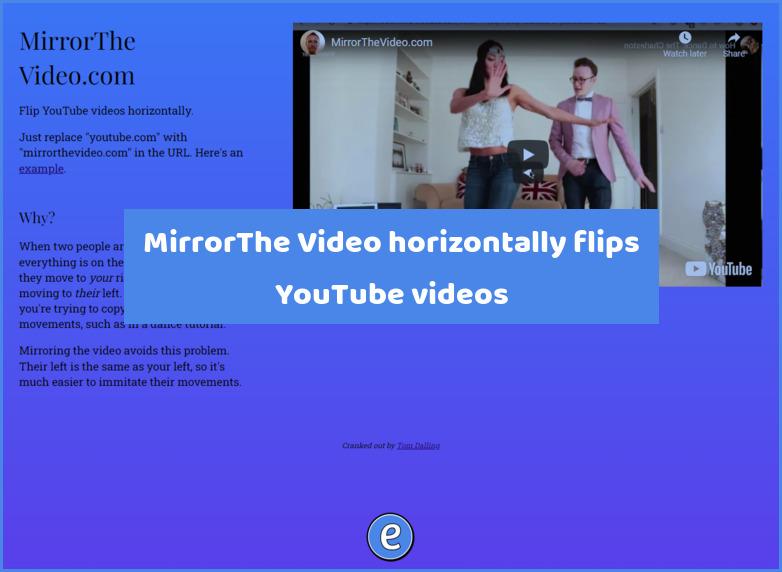
Source: Mirror the Video.com We’ve all been there, trying to learn the latest dance for our Tik Tok videos. Ok, maybe we haven’t been there, but we want to bust-a-move at the next wedding we are at and we’ve found the perfect dance on YouTube. However, the video we are watching is just of the…
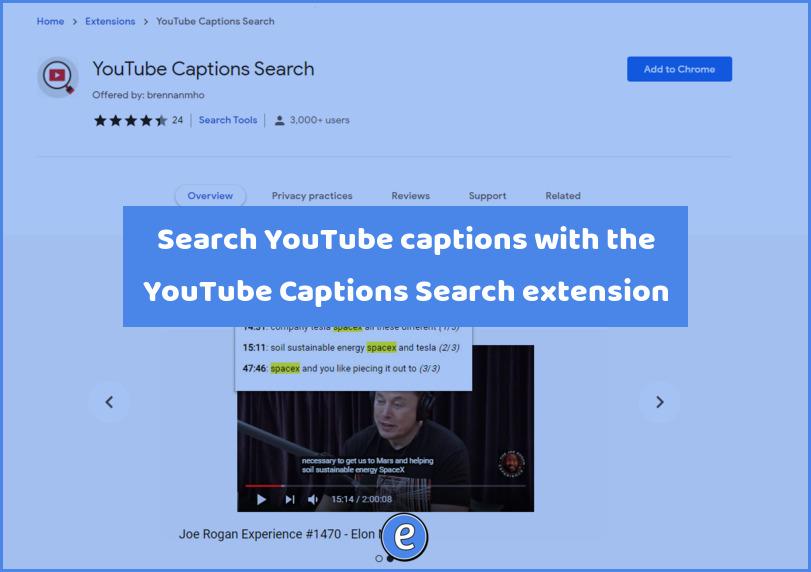
Source: YouTube Captions Search – Chrome Web Store Here’s a pretty cool extension to help your students locate information in YouTube videos. Once the extension is installed, you can search for specific words in videos that have closed captioning or subtitles. It is especially helpful when you are looking for a specific piece of information…
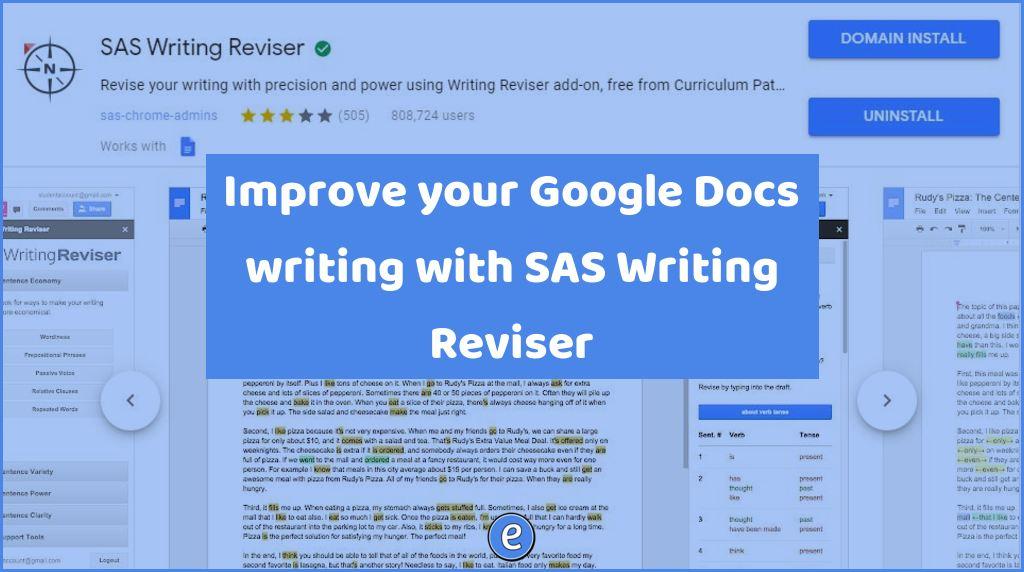
Source: SAS Writing Reviser – G Suite Marketplace The SAS Writing Reviser is a suite of tools to help you or your students identify weaknesses in their writing. Unlike conventional grammar checkers, SAS Writing Reviser has the user select the component of writing, such as passive voice, in the writing to be analyzed. Users of…

Now here’s something I just learned. After highlighting words on a web page, you can drag the highlighted words to the tab bar and Chrome will perform a Google search. The same thing happens when you drag the highlighted words to the url bar. This requires a little more effort than right-clicking on the highlighted…