Create and share mini games on the web with Giphy Arcade
Source: GIPHY Arcade
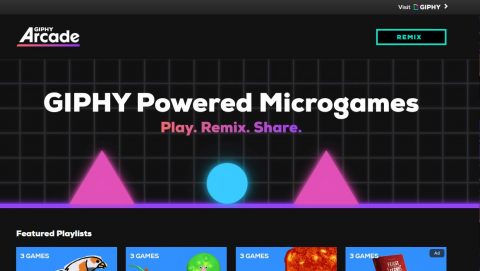
The games are pretty simplistic, and you have to watch out for inappropriate gifs, but the coding is pretty fun and easy!
Source: GIPHY Arcade
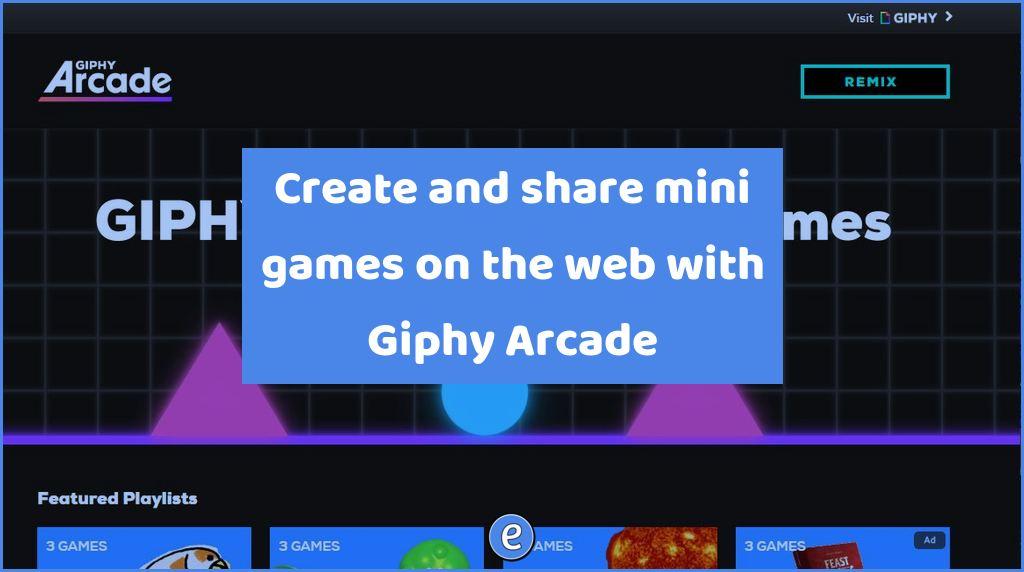
The games are pretty simplistic, and you have to watch out for inappropriate gifs, but the coding is pretty fun and easy!
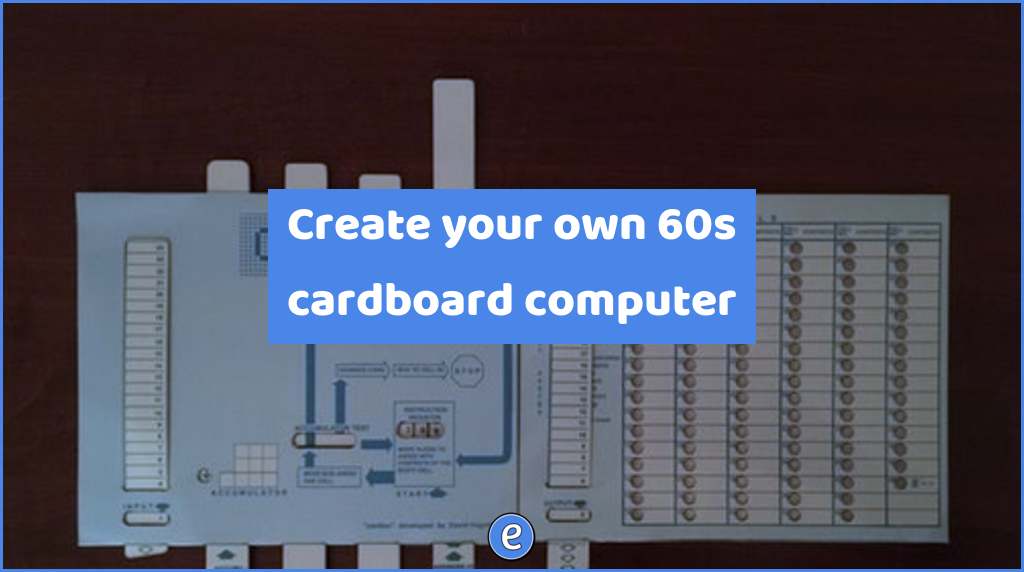
The CARDIAC Instructable presented here is not a computer, it’s a device to help you understand how a computer works. You the user will: decode instructions by sliding panels up and down, move the program counter “lady bug” from one memory location to the next, perform the duties of an arithmetic logic unit (ALU), read…
Google has used the .new top level domain to make it easier to create a Google Doc (docs.new), Google Sheet (sheets.new), and Google Slides (slides.new), and now they have added a bunch of other shortcuts. Education related shortcuts include: kahoot.new & quiz.new – create a new Kahoot! quiz quizlet.new – Create a new Quizlet meet.new…
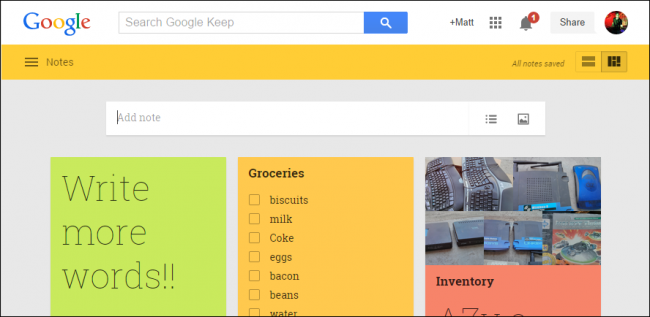
The app usually discussed with notetaking is Evernote, but Google has a contender with Google Keep. Each note takes on the form of a post-it looking note. Formatting is pretty limited, with a few font formatting options and the ability to include pictures. Instead of being only for text, a note can also be a…
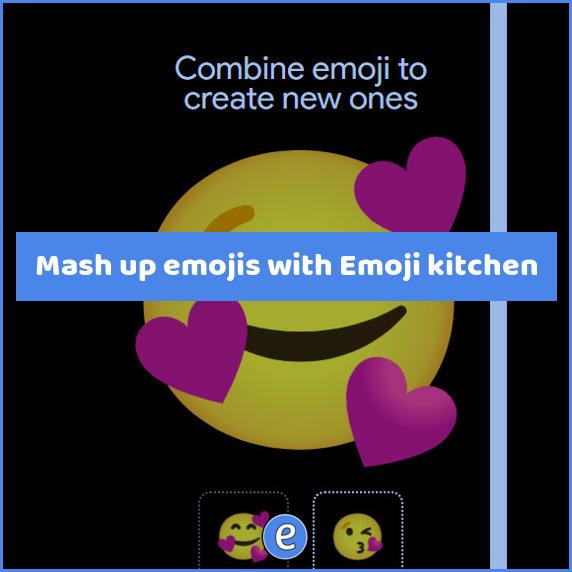
— Read on emoji.kitchen Mash up two emojis to create your own emoji with emoji.kitchen. There is a random button to randomly pick two emojis, or you can click on each emoji to select one. Once your mashup is complete, you can download the graphic or share it directly from the website.
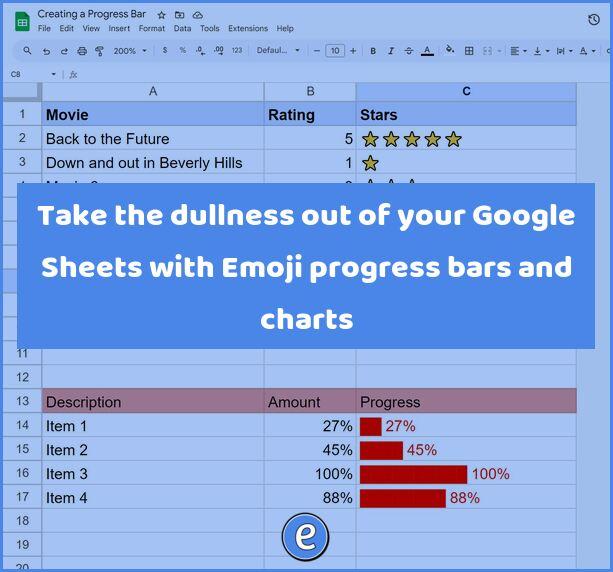
You can use dry numbers in your Google Sheet, or even add a chart, but there is an easy way to make dynamic progress bars and charts in Google Sheets using Emojis and the REPT function. What you will be creating We’re going to be taking this sheet: and making it a little more interesting:…
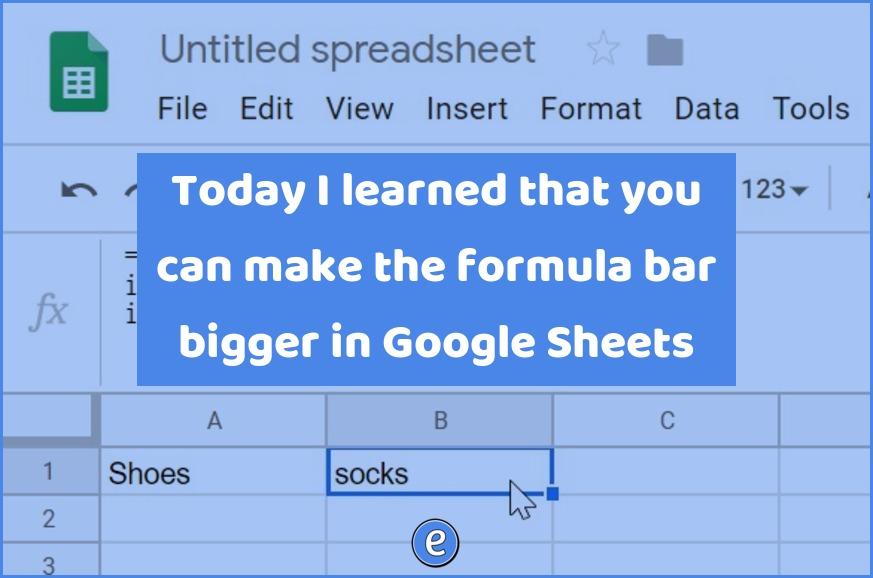
Formulas can get pretty complex in Google Sheets (or any spreadsheet for that matter), and the one line formula bar raises the annoyance bar. Being able to extend the formula bar is a godsend! Excel already has the ability, and apparently Google added the ability back in 2016. I just found out about it last…