Create interactive fiction in Google Docs #YouTube
Go beyond boring writing assignments by create interactive fiction (in the vein of the choose your own adventure books) in Google Docs!
Not only can you easily create graphic organizers in Google Slides, but you can also lock items and share the completed organizer with your students through Google Classroom or Google Drive sharing. Other Google Slides help: How to lock objects in Google Slides (two ways, one doesn’t involve downloading graphics!) – 6 tips to make…
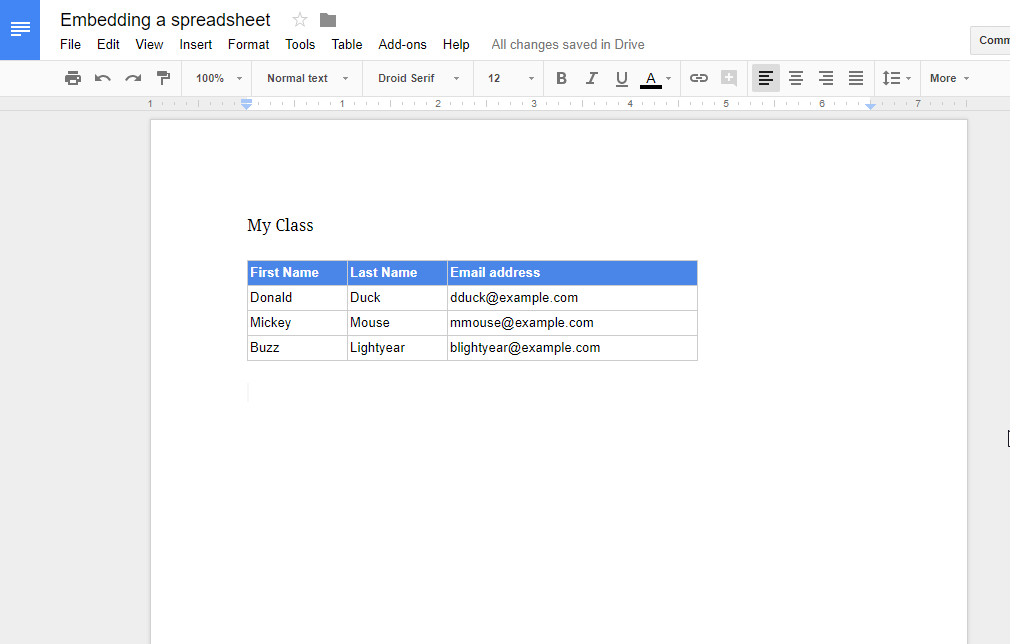
Here’s how to embed a spreadsheet into a Google Doc, and how to keep it up to date. Open the Google Sheet Open the Google Sheet that contains the information you want to embed. Click and drag over the cells that you want to include in your Google Doc. In this example, I included the…

Stop jumping through chrome://settings! Instead, clear the cookies directly from the site!

I’ve found that although you can share a Google Form for collaboration, sharing a Google Form in this manner is sometimes not the best way to brainstorm forms or to make a form that consists of more than one page or branching. In these circumstances, a Google Doc is a way to share the job…
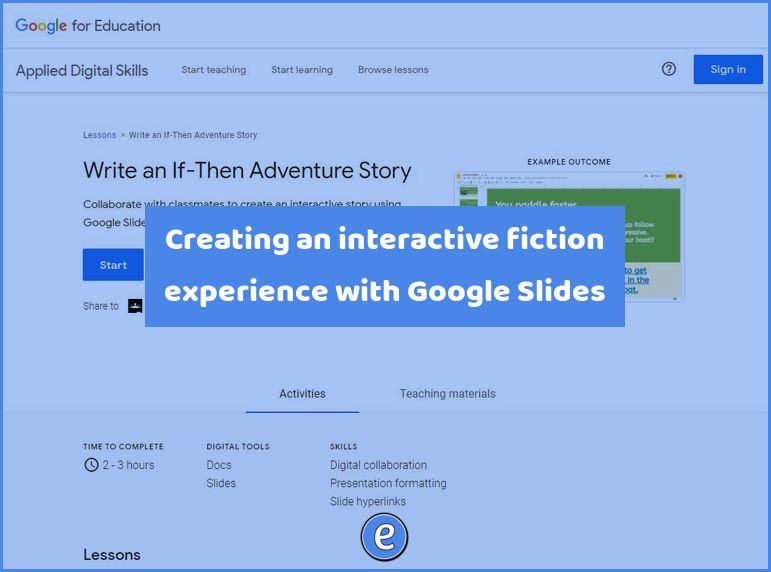
Source: Write an If-Then Adventure Story – Applied Digital Skills If you haven’t realized, I like interactive fiction (IF) and have written several posts on creating IF. Someone at Google likes is to because Google has created an entire lesson plan on creating IF in Google Slides. Although it is broken up into 4 lessons,…