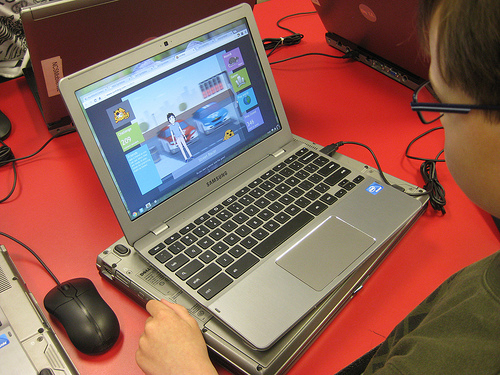
For those of you using Chromebooks in their instruction, the chart below is a great resource to keep handy. The chart is based on insights collected from Chromebook Help. As is the case with Google Drive Guidelines chart, the purpose of this work is to provide teachers and educators (and students) with a quick and easy way to access, search and find almost anything related to Chromebooks
So what else can employees do to temper the ill effects of stress? Our research suggests a third option: focusing on learning. This can mean picking up a new skill, gathering new information, or seeking out intellectual challenges. In two recent research projects, one with employees from a variety of industries and organizations, and the…
With every new year comes new ideas. To get a glimpse into what the next 12 months will hold for everything from professional development to digital learning, and from communication to virtual real… Source: 15 hot edtech trends for 2017 Instead of one person’s opinion, this article lists the responses from several people in the…
Summary: Across 33 rich countries, only 5% of the population has high computer-related abilities, and only a third of people can complete medium-complexity tasks. Source: The Distribution of Users’ Computer Skills: Worse Than You Think Also, 26% can’t use a computer AT ALL!!!
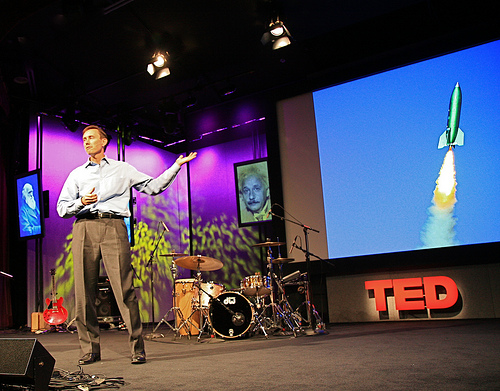
In search of inspiration or hard-won strategies for improving student learning? A 10-minute video may hold some answers for educators. TED Talks are short, informative, and often eye-opening talks given by leaders in their fields addressing all kinds of challenges. Many TED Talks are given by leading educators, or at least have important messages related…
Here’s what my browser generally looks like: work email in the left-most tab, always open. TweetDeck in the next one, always open. A few Google Docs tabs with projects I’m working on, followed by my calendar, Facebook, YouTube, this publication’s website and about 10 stories I want to read — along with whatever random shiny…