Preteens and teens may appear dazzlingly fluent, flitting among social-media sites, uploading selfies and texting friends. But they’re often clueless about evaluating the accuracy and trustworthiness of what they find.
Some 82% of middle-schoolers couldn’t distinguish between an ad labeled “sponsored content” and a real news story on a website, according to a Stanford University study of 7,804 students from middle school through college. The study, set for release Tuesday, is the biggest so far on how teens evaluate information they find online. Many students judged the credibility of newsy tweets based on how much detail they contained or whether a large photo was attached, rather than on the source.
Kids certainly need to understand the concepts of programming, the logic behind the computing devices, visible and not, they use everyday. That needs to be a fundamental part of the basic course of study, replacing the rote processing and endless repetition in the K12 curriculum we call “math”. The computer science classes need to be…
An internet search is one of the most completed activities done on the internet, and the search engine of choice is usually Google. But, how can you get the most of Google? Here are some of the best tips I’ve found. Use quotes Put quotes around terms that should be together. Instead of searching for …
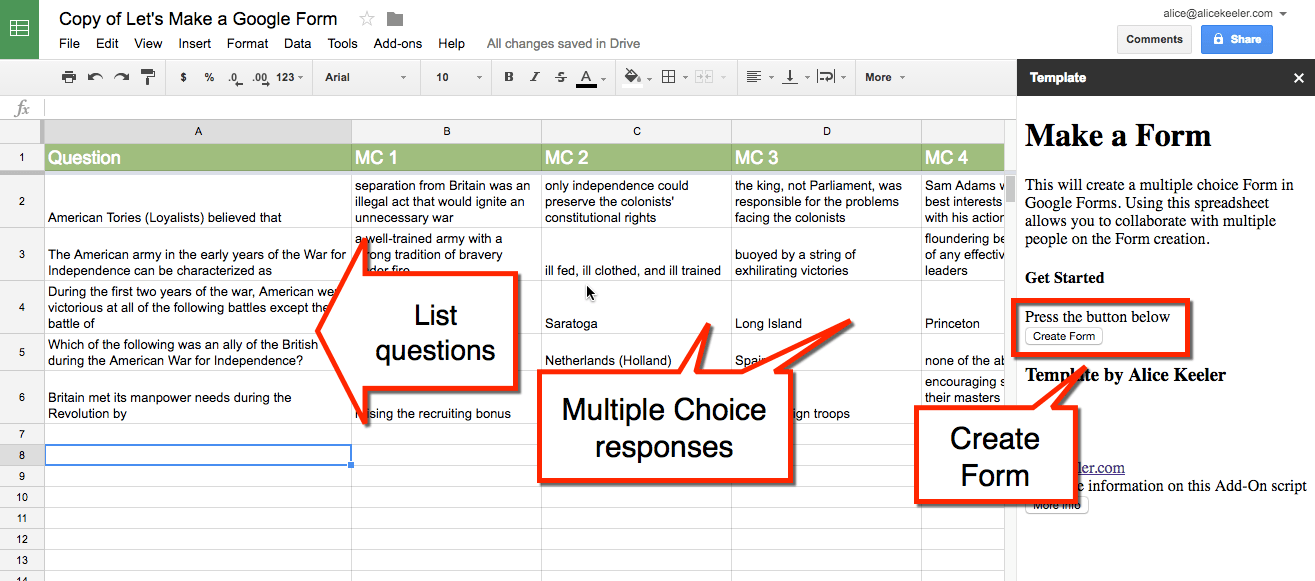
Use this spreadsheet Add-on to allow multiple people to collaboratively create multiple choice questions in a Google Sheets spreadsheet. Once the questions are designed, press a button in the sidebar to create a Google Form from the questions in the spreadsheet. Source: Together… Let’s Make a Google Form – Teacher Tech What a great add-on!…
Before we can pick a path to follow into the future of authentication, we must first overcome some myths and misconceptions around passwords that are still widely held, even by security professionals. Source: It’s Time to Dispel These 6 Dangerous Password Myths I would add one more, forcing password resets on a regular basis does not…
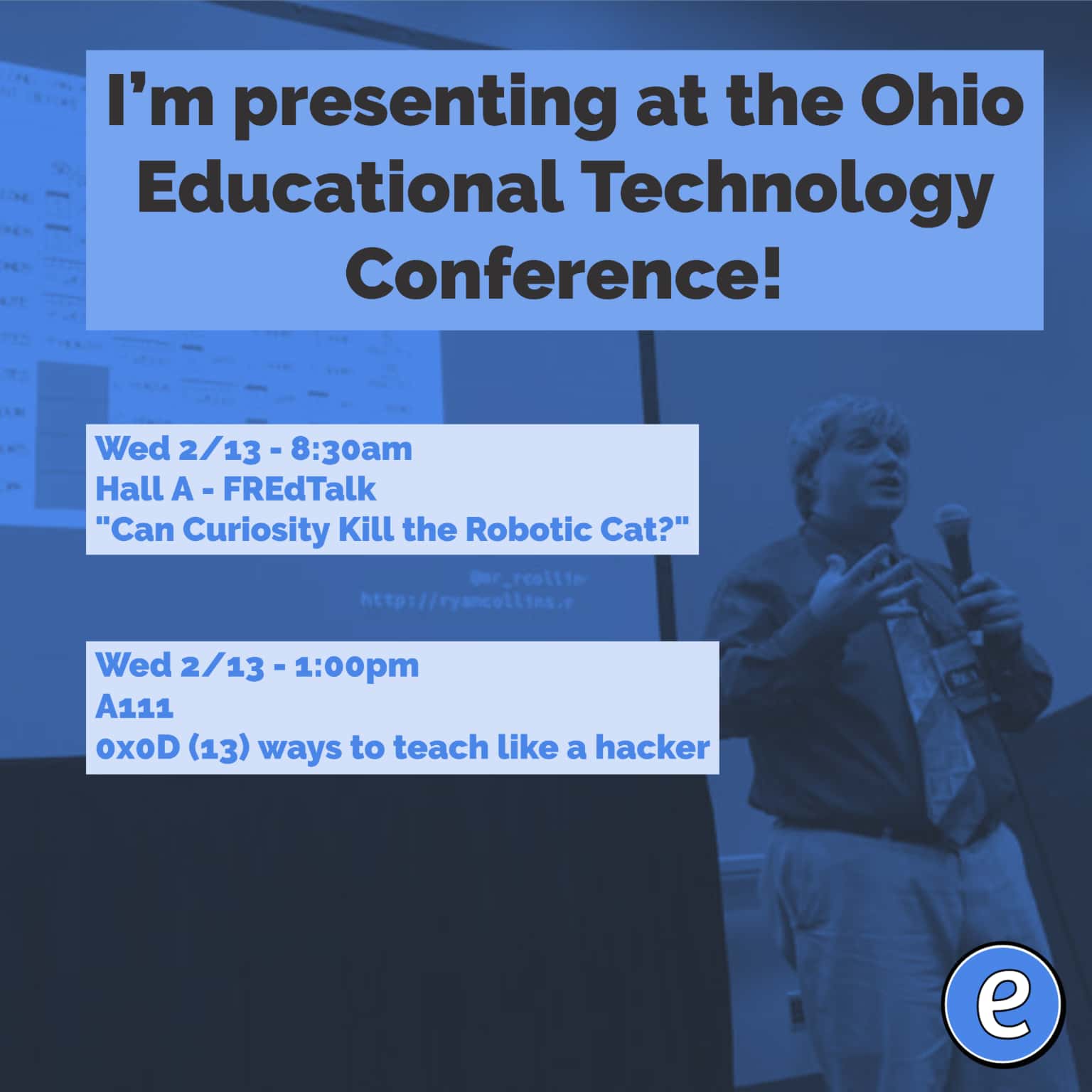
My Presentations at the Ohio Educational Technology Conference. Can Curiosity Kill the Robotic Cat? is my FREdTalk for Wednesday morning at 8:30am. in Hall A. A sneak peak of the slides is available. Finding Real Education Talk is an ignite style presentation which is 5 minutes long and 20 slides. The 20 slides auto-advance. At…