Quickly manage your Chrome extensions with Extensity #YouTube
I love Chrome extensions, but sometimes they can become overwhelming or they may cause issues. Here’s a video on how I manage my Chrome extensions with Extensity!
I love Chrome extensions, but sometimes they can become overwhelming or they may cause issues. Here’s a video on how I manage my Chrome extensions with Extensity!
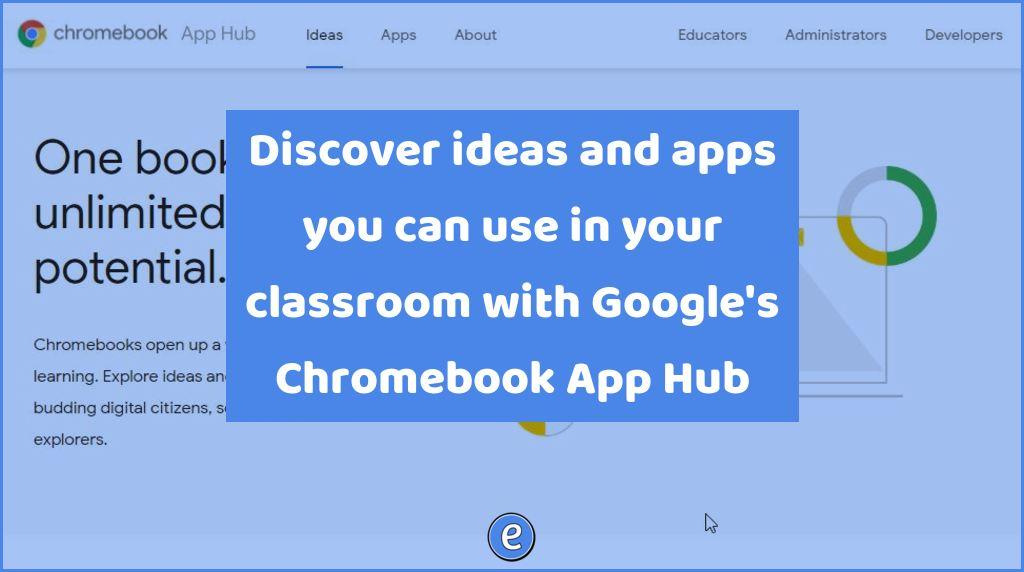
Google announced at ISTE 2019 the release of the Chromebook App Hub, a collection of web apps and ideas for teachers and students to use. Although it is called the CHROMEBOOK App Hub, most of the ideas and web apps work on any browser, so feel free to browse even if you are not a…
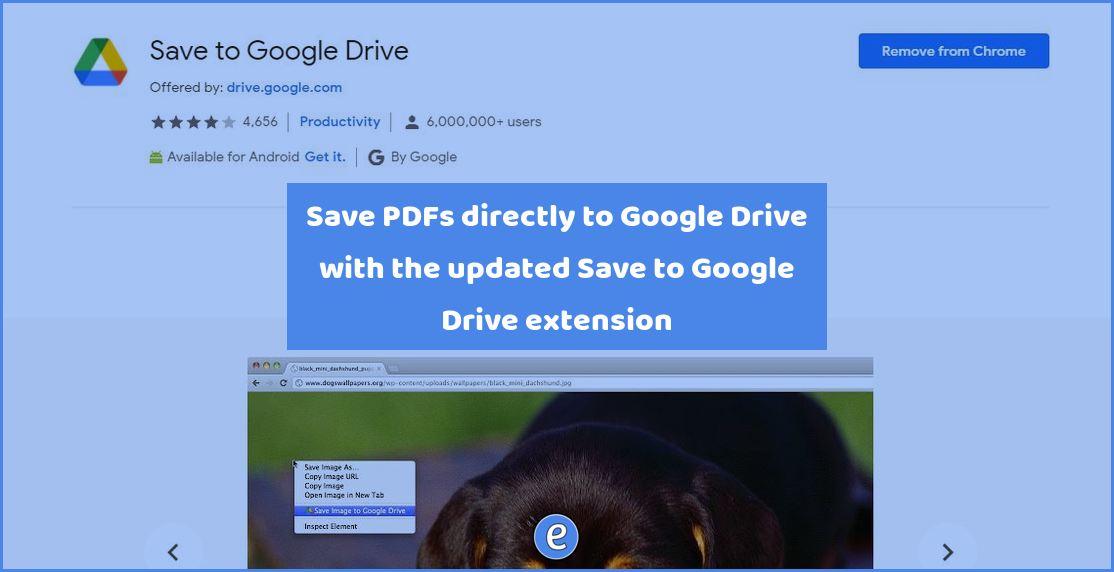
Source: Save to Google Drive – Chrome Web Store Although Chrome currently lets you “print” a PDF directly to your Google Drive, this feature will be removed in future versions. That functionality is being replaced by the Save to Google Drive Chrome extension. Once installed, you activate the extension by clicking on it. The first…
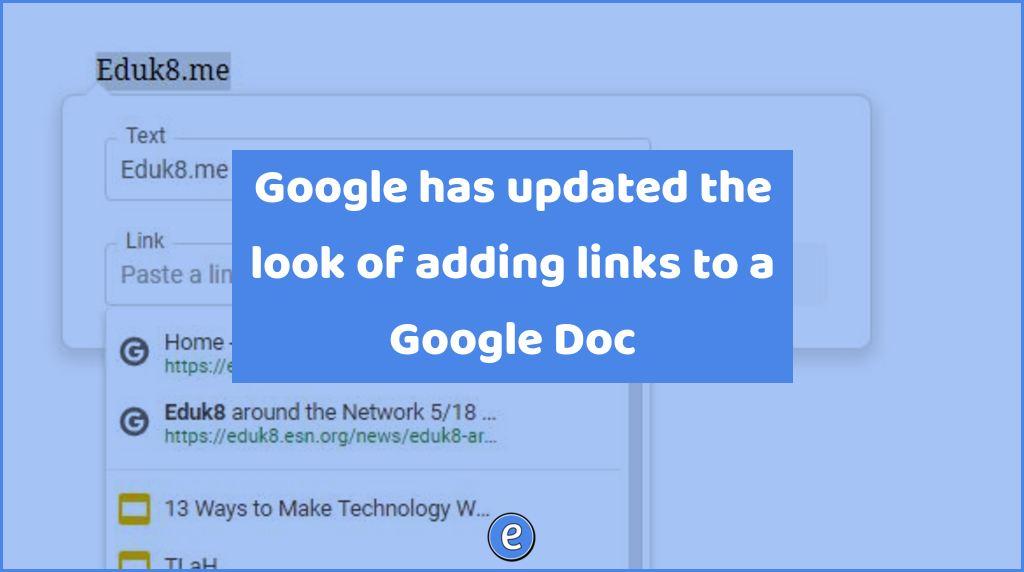
Google continuously iterates versions of Google Docs, but as it does, there are sometimes parts of Google Docs that aren’t update. The appearance of adding links in Google Docs hasn’t been updated with the rest of the app, but this is now changed. Although it is strictly a cosmetic change, it does help students use…
You don’t need to rely on the internet to catch up on your e-reading, because there are many ways to take content offline these days. Let’s see how you can save your reading material for offline use from your browser. We’ll use Chrome as an example here, but these solutions work just as well for…
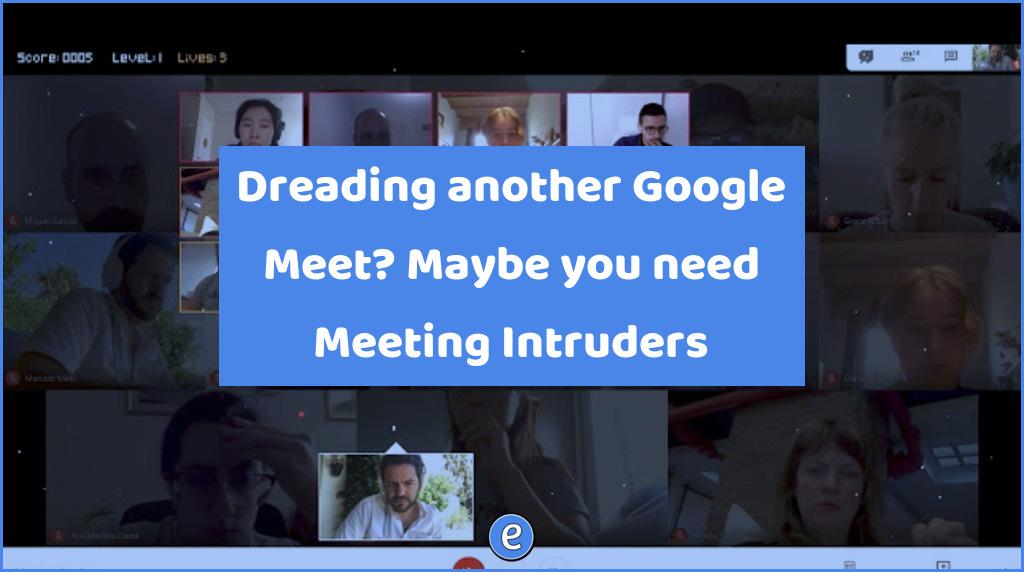
Source: B-REEL Meeting Intruders – Chrome Web Store Yes, I need this in my life.
Open your Google searches faster with the Faster Google search Google Chrome extension. By default, when you click on a Google search result you are not taken directly to the destination website. Google tracks what is clicked on in the search results, taking you to Google servers first and then to the destination website….