Upcoming evaluation #Eduk8Meme

I wouldn’t be able to survive without Pocket. It allows me to quickly save links to resources, while also giving me an interface to read longer length articles. Most Twitter clients allow you to set up Pocket as a sharing resource, and Pocket also includes extensions to use with your favorite browser. When you pocket…

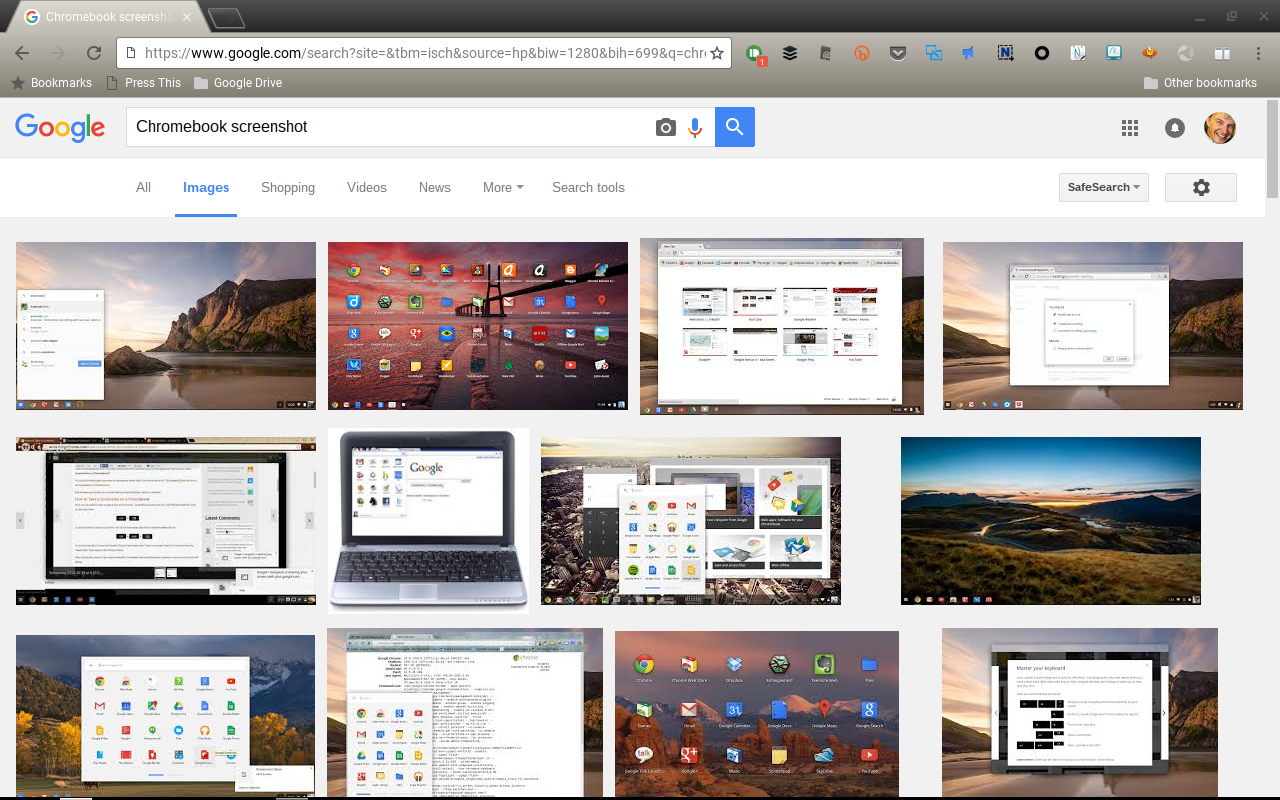
I’ve been doing more work on a Chromebook ever since I bought the Flip, and to take screenshots I’ve been using the Nimbus extension. But, Nimbus can’t take pictures of anything outside of the browser window, so I’ve been looking for a replacement and found out that ChromeOS has two options built in to take…

I like toys. Especially tech toys. I don’t think there is anything wrong with that, as long I keep the toys in check. Not everything needs a technological solution, and even when it does, there are always multiple ways of solving the problem. What is really interesting is seeing what others do with technology. A…