Similar Posts
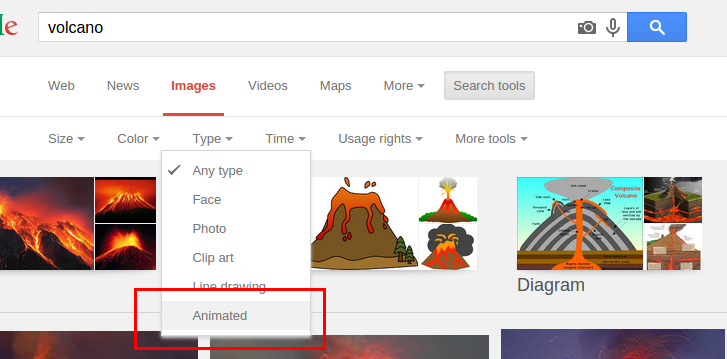
Spice up your Google Slides with animated gifs
While Google Slides can be viewed as limited in reference to animations, it seems to support one cool feature, animated gifs. Animated gifs are images that usually loop over a few frames, such as this volcano: It’s a pretty spiffy way to spruce up a presentation! To find animated gifs, you can go to Google…
Google is hoping its new certificates will pave a path for those without a college degree
This morning, Google is announcing the next steps in its plan to disrupt the world of education, including the launch of new certificate programs that are designed to help people bridge any skills gap and get qualifications in high-paying, high-growth job fields–with one noteworthy feature: No college degree necessary. Source: How Google’s New Career Certificates Could Disrupt the College Degree…
You will soon be able to remove duplicates and trim white space in Google Sheets
What’s changing We’re introducing three new features that will help you clean up and work with your data in Sheets. These features are:* Remove duplicates* Trim whitespace* Compatible spreadsheet shortcuts Source: G Suite Updates Blog: Three new features to format and work with data in Sheets These are some great features that will be a…
Google kills off Picasa for Google Photos
Picasa is Google’s desktop app to manage photos, and on March 15th, will be discontinuing the application and support. It’s kinda of sad, because it was a good desktop competitor for users not on OS X and didn’t have access to the Photos app. Users of Picasa will find their photos already stored in Google…
Highlighting rows in Google Sheets, Twitter for new users, and Google Slides timers – Top 3 for the week
Highlight rows in Google Sheets with conditional formatting This is one of the most popular posts on Eduk8me, showing how to highlight a row based on conditional formatting. Twitter tips for new users A checklist for new Twitter users. Adding a timer to a Google Slides A nice little hack for adding a timer to…
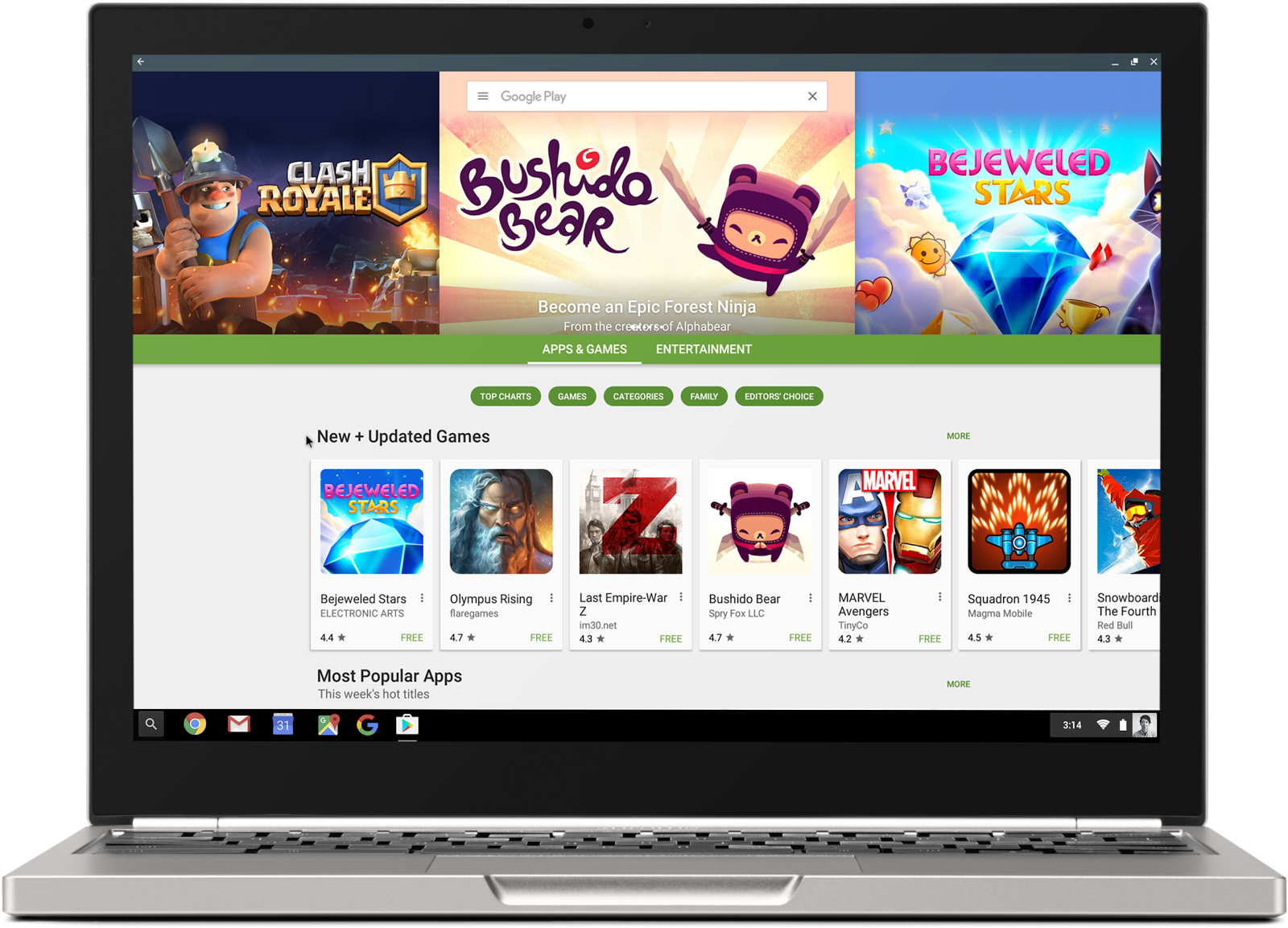
Android apps are coming to Chromebooks, and it’s going to be huge
Google announced at its I/O 2016 Developer Conference that Chromebooks will soon be able to run Android apps, opening up a library of 1.5 million apps for use on the Google Chromebooks. The implications are pretty big for education, and it’s happening this year. The numbers Chromebooks now make up over half of the devices…