{YouTube} Quickly clear cookies for a single website in Google Chrome
Stop jumping through chrome://settings! Instead, clear the cookies directly from the site!

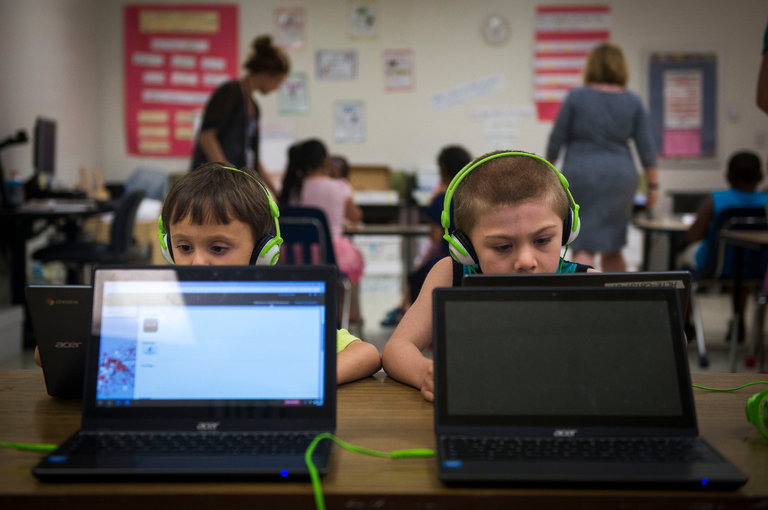
Apple is losing its grip on American classrooms, which technology companies have long used to hook students on their brands for life.Over the last three years, Apple’s iPads and Mac notebooks — which accounted for about half of the mobile devices shipped to schools in the United States in 2013 — have steadily lost ground to Chromebooks, inexpensive…
Source: Google Workspace Updates: Google Workspace Add-ons now generally available in Google Docs, Sheets, and Slides
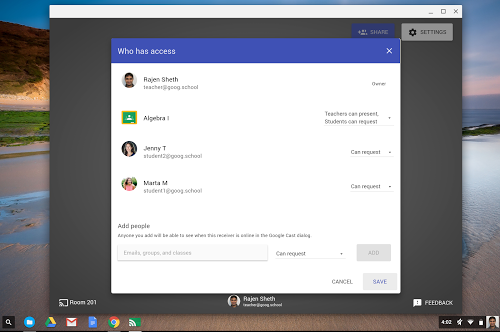
Google Cast for Education is a free Chrome app that allows students and teachers to share their screens wirelessly from anywhere in the classroom. Cast for Education carries video and audio across complex school networks, has built-in controls for teachers, and works seamlessly with Google Classroom. Source: Google Cast for Education Help And here I’ve…
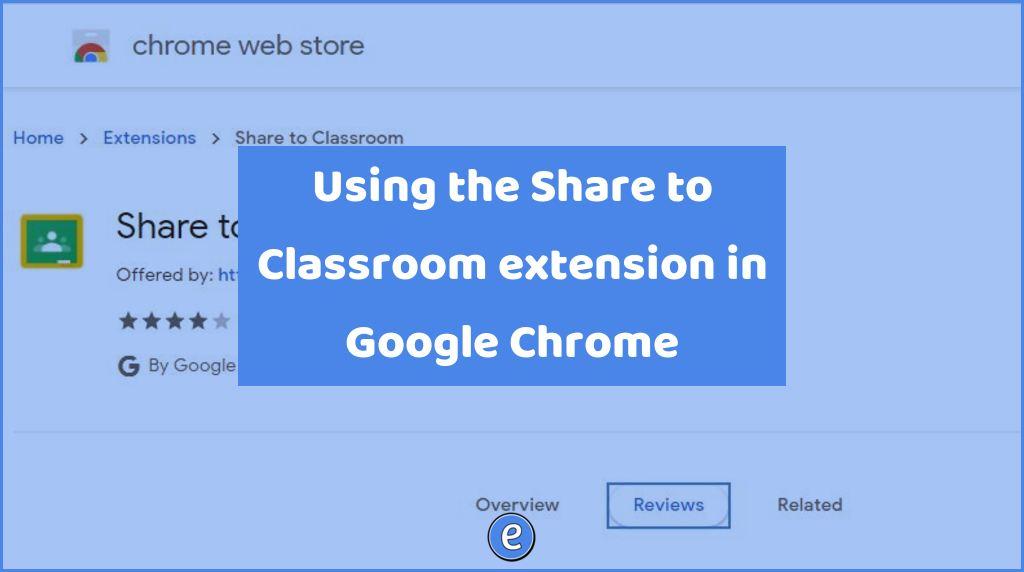
Source: Share to Classroom – Chrome Web Store It’s been over four years since I introduced the Share to Classroom Google Chrome extension, so I figured it’s time to revisit! Once installed, the Share to Classroom allows you to push a website out to students or create classwork in Google Classroom from the current website….