Create interactive fiction in Google Docs #YouTube
Go beyond boring writing assignments by create interactive fiction (in the vein of the choose your own adventure books) in Google Docs!

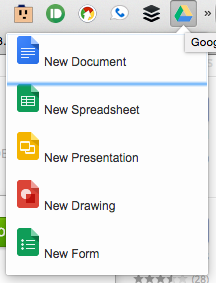
Yesterday’s post was all about launching Chrome apps from the toolbar. But what if you want to start a new document in Google Drive from the toolbar? Sure, you can use AppJump to launch Docs, Slides, or Sheets, but then you’re still stuck hitting the + in the lower right to create the document. There are two…



RSS is an acronym for Real Simple Syndications – It can be used to follow your favorite sites. Once you follow a site, only new articles are pushed to you. And, once you read them, they are marked as read so you don’t re-see the same articles over and over. You also have more control…
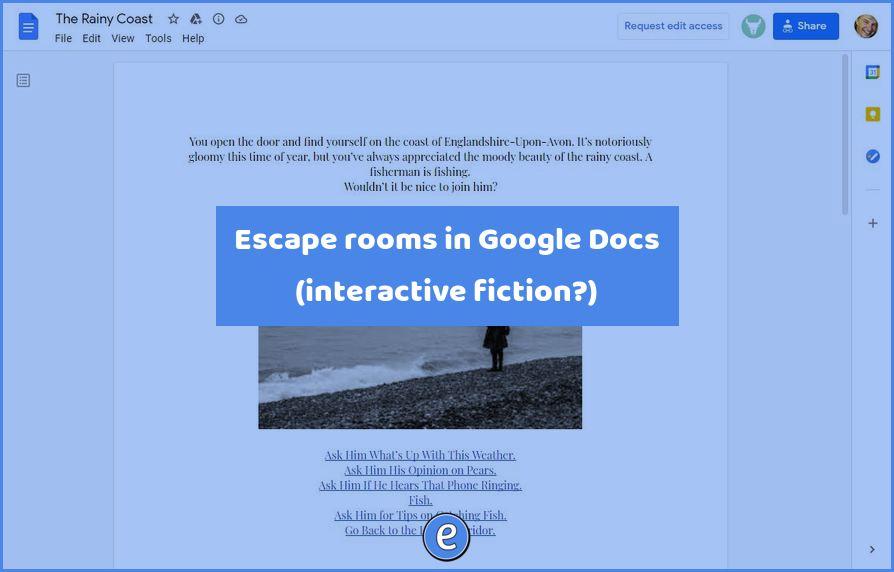
For anyone who’s been lucky enough to spend the majority of the pandemic working from home, the idea of escaping the room (or couch) that’s become a makeshift office is probably a relatable one. Enter this series of “escape rooms” built in Google Docs, that let you do just that, inside web software you’ve probably become…
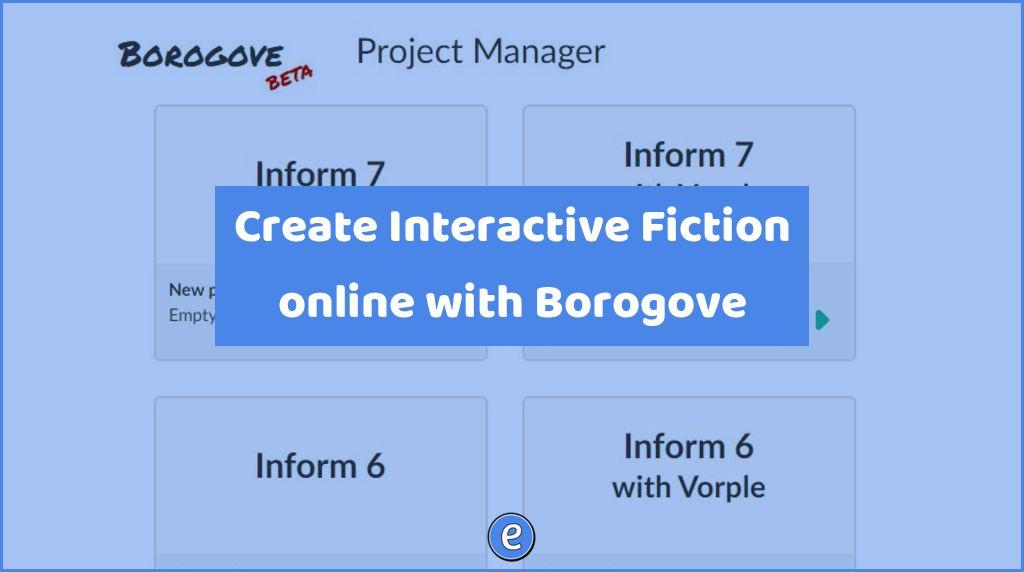
Source: borogove.app/ Interactive fiction (IF) was in its heyday in the 80s. It is a video game written as an interactive story where the player takes parts as the story unfolds. There is still an active community behind current IF, and tools such as borogove.app is an easy way to get started. Writing a program…