Similar Posts
No 2nd monitor, no problem – Chromebook version #YouTube
Learn how to use virtual desktops on a Chromebook! It’s a great way to handle the computer when you don’t have a 2nd screen. macOS Version Windows Version Links: 📰 Sign up for my newsletter – https://eduk8.me/welcome 🌐 Website – https://eduk8.me 🐤 Twitter – https://twitter.com/eduk8me Equipment used: 📹 Logitech C930e 1080P HD Video Webcam –…
📱 Remote control the computer in your classroom – wirelessly #YouTube
Freedom to move about the room and teach! I’m not a big fan of being stuck at the front of the room with the computer or interactive whiteboard. I demonstrate how I use a mobile device, in this case a tablet, to control the computer plugged in to the projector. With Chrome Remote Desktop you…
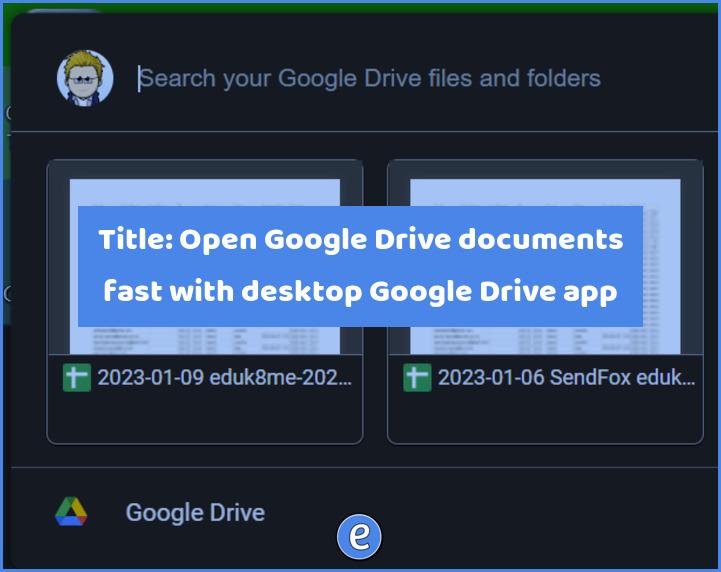
Open Google Drive documents fast with the desktop Google Drive app
Here is the absolute most fastest way to open up files from your Google Drive, especially files like Google docs, Google sheets, etc. The Google Drive app There are two ways to access Google Drive, through the browser or through the app. A lot of people only interact with Google drive through the browser, but…
Using emojis EVERYWHERE #YouTube
Anywhere that you can type text, you can type an emoji. Emojis are a great way to add FUN to your computer!
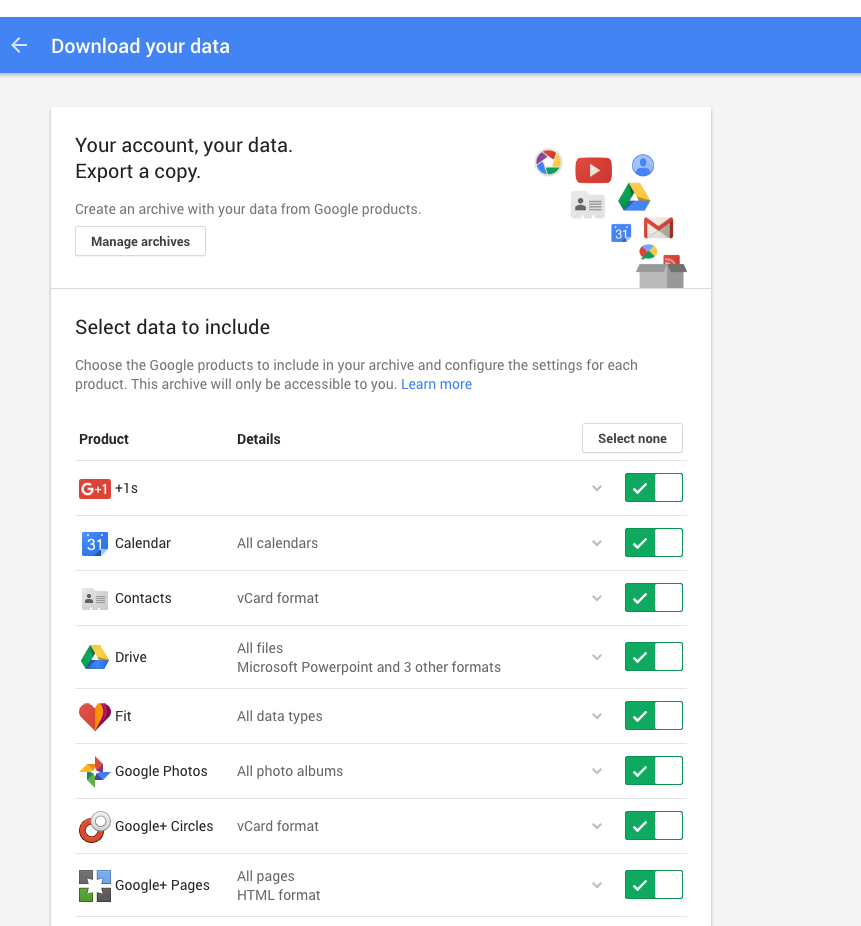
Backing up your Google account with Google Takeout
Are you a senior graduating this spring? Or a teacher switching districts? Or do you sleep better at night knowing you have a backup copy of your data? Then Google has you covered. Google offers a way to download all of your information stored at Google through Google Takeout, which is available at https://google.com/takeout. Once you…