Similar Posts
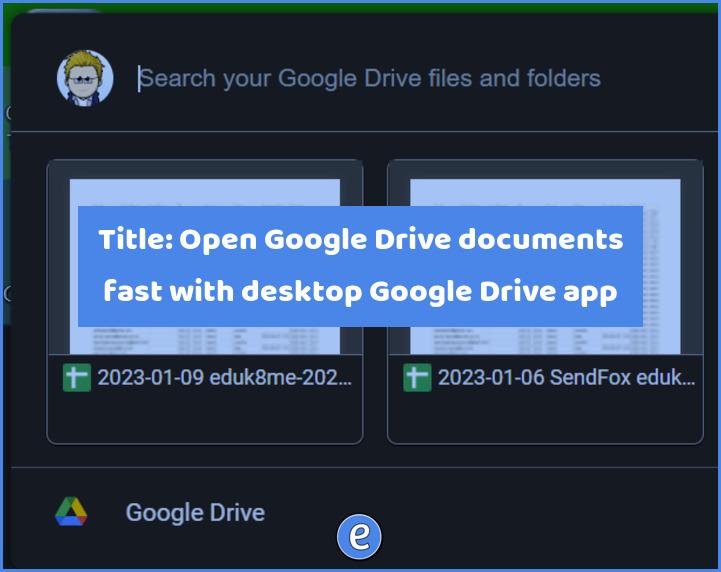
Open Google Drive documents fast with the desktop Google Drive app
Here is the absolute most fastest way to open up files from your Google Drive, especially files like Google docs, Google sheets, etc. The Google Drive app There are two ways to access Google Drive, through the browser or through the app. A lot of people only interact with Google drive through the browser, but…
Create animated gifs from your Google Slides presentations with Tall Tweets
Source: Tall Tweets – Convert Google Slides to GIF and Tweet! Tall Tweets is a free online tool that you and your students can use to create animated gifs. Although the site mentions creating gifs and tweeting them, you don’t have to use Twitter or even have an account with Twitter. You do need a…
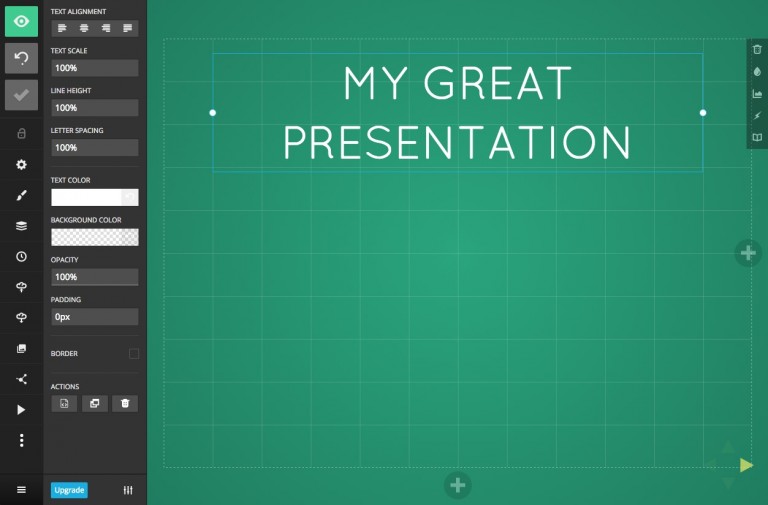
Using slides.com for presentations
Last night, as I was procrastinating working on a lesson for today, I came across Slides.com. As always, I get bored with my current presentation software of choice (currently either Google Slides or Keynote) so it was neat to play around with something new. Slides.com works pretty much as you would expect, and the editor is…
Quickly create Google documents in a specific folder with a specific account through these special links
We now know how to create Google documents quickly, and can even create the new documents in a particular folder. But, what if we have multiple Google accounts? To select the account, we can use the trick we learned on linking to a particular Gmail account. But first, lets review the links to quickly create…