Draw and annotate a web page in Google Chrome #YouTube
Treat webpages like an interactive whiteboard. Write on them, mark them up, highlight information for students, all with the Web Paint Chrome Extension.

Treat webpages like an interactive whiteboard. Write on them, mark them up, highlight information for students, all with the Web Paint Chrome Extension.
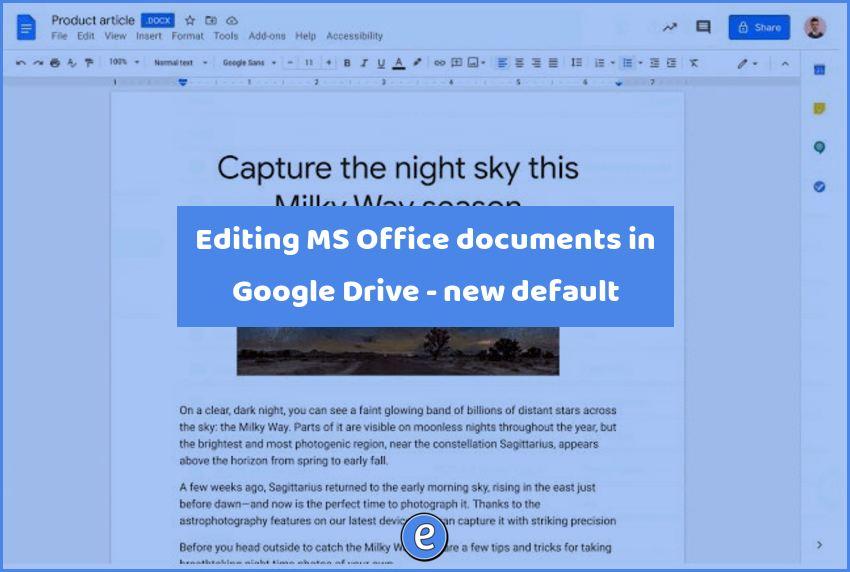
Source: Google Workspace Updates: Office editing mode is now the default editing mode for Office files in Drive on the web Google Drive will now open Microsoft Office documents (.docx, .xlsx., .pptx, etc.) directly in editing mode. In the past, when you double-clicked on a Microsoft Office Document, the file opened in preview, giving you…

Searching Gmail is one of the best ways to save time as a teacher. Here are a few of my favorite Gmail search tips. Each one of these searches can be combined with other searches, along with being saved as a bookmark. Never again manually label emails from specific people Searching for words Searching for…
Each spring, the National Park Service and the National Park Foundation dedicate a week to celebrating the protected spaces in our communities. Today, we’re bringing the national parks to you in a Google Earth guided tour through 31 different parks around the country. Source: Explore U.S. National Parks in Google Earth What a cool set…
G Suite’s journey began 15 years ago with the introduction of Gmail in 2004. Back then, Gmail pioneered a new and secure approach to email with 1GB of free storage and lightning-fast Google search built right in. Gmail continues to help people manage their work and personal lives with the help of useful innovations—from priority…
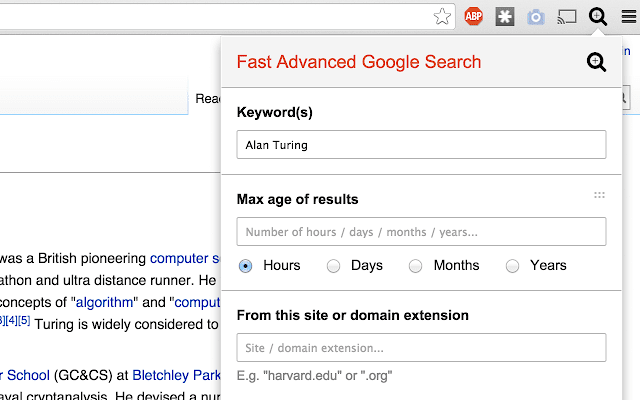
Google has several advanced tools for searching the web, but, they require several clicks to use. Fast Advanced Google Search is a Google Chrome extension that gives you quick access to these advanced tools. Once installed, the extension can be invoked with an alt-G, with the cursor focus in the Keywords box. From that point on, you can…