Indents and hanging indents in Google Docs #YouTube
Learn how to manage those pesky indents and hanging indents on your Google Docs documents.


Learn all about some of the most common file extensions you’ll come across as teachers, and how to open/use the files. Microsoft Office – .docx, .xlsx, .pptx Apple iWord – .pages, .keynote, .numbers Graphics – .jpg, .jpeg, .png, .gif Movies – .mov, .mp4, .mkv

Stop jumping through chrome://settings! Instead, clear the cookies directly from the site!

As part of our series of interviews with people across Asia-Pacific who use the Internet as a tool to connect, create and grow, we spoke with DoYoun Han, a science teacher at Hyeongyeong Elementary School in South Korea. In addition to his day job, he runs the YouTube channel 3-Minute Elementary School Science, which shares…

Trying to find something in your Google Drive can be a daunting task, but here are some search tips that you can use. Other useful videos: Bookmark all the things in Google Workspace Organizing Google Drive

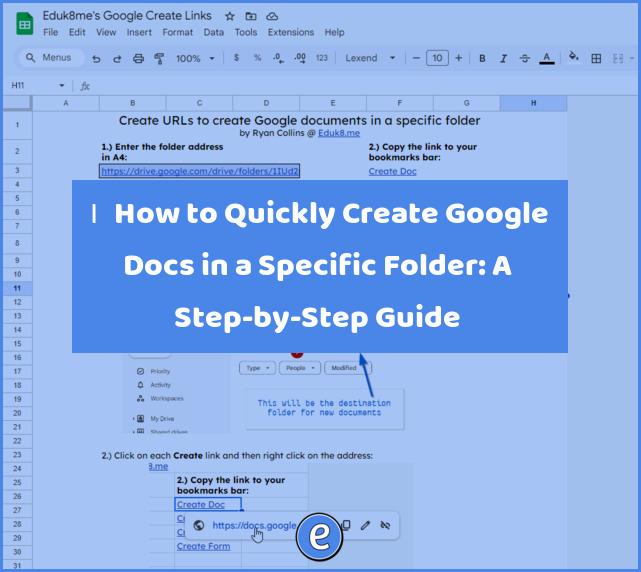
Google gives us several different addresses that we can enter to quickly create the different types of Google documents. However, this dumps them all in the root of your Google Drive. I’ve written directions on creating links to place the new files in a specific folder and shown how to quickly create documents. However, creating…