Quickly manage your Chrome extensions with Extensity #YouTube
I love Chrome extensions, but sometimes they can become overwhelming or they may cause issues. Here’s a video on how I manage my Chrome extensions with Extensity!
I love Chrome extensions, but sometimes they can become overwhelming or they may cause issues. Here’s a video on how I manage my Chrome extensions with Extensity!
With the rise of quarantines and travel restrictions, several companies are offering their video conferencing tools for free for a few months. This could come in handy for schools looking at alternatives to Blizzard bags, which used in locations with a lot of snow for days schools are closed. I don’t know what you use…
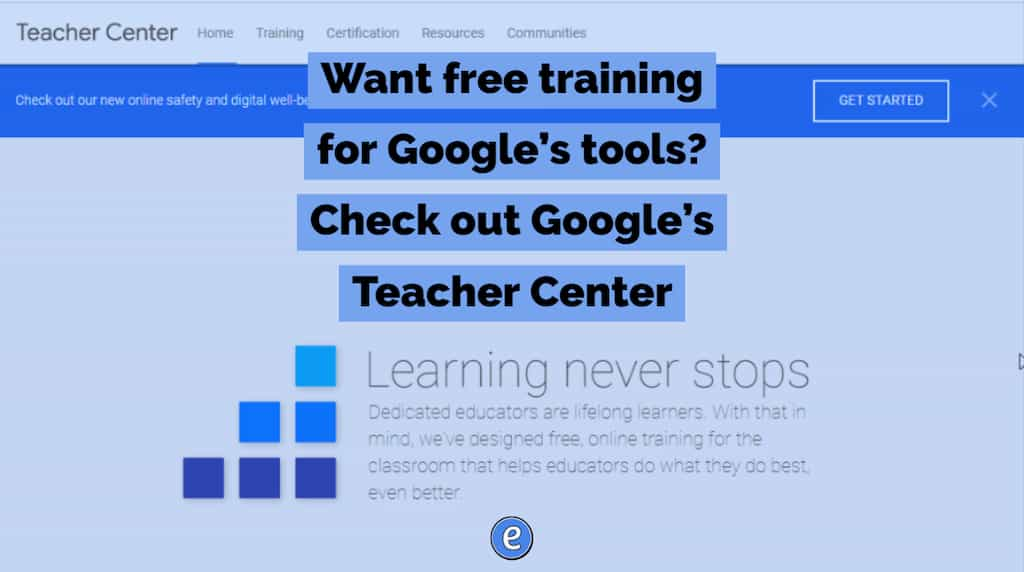
Not only does Google offer free training with Google tools, there are also tons of training on using technology in the classroom. This site also covers Google’s Computer Science curriculum, alongside ways of using Google tools to teach English Language Learners and students with disabilities.
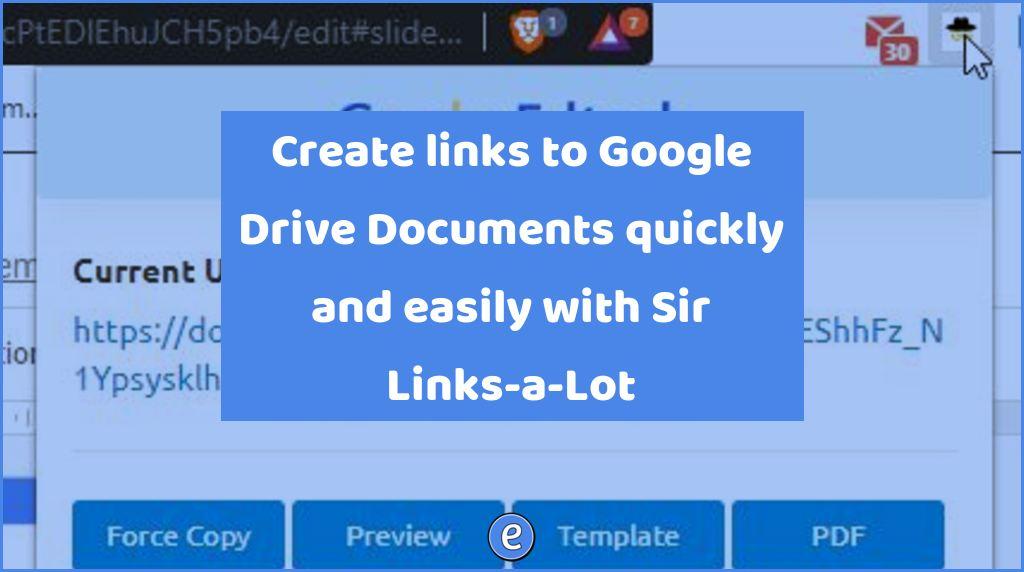
Source: Sir Links-a-Lot – Chrome Web Store Here’s a neat extension with an even better name. After adding Sir Links-a-Lot to Google Chrome, you can easily create links for Google Docs/Sheets/Slides documents for others to preview or copy. I’ve written before on how to modify the address of a Google Docs/Sheets/Slides document, Sir Links-a-Lot is…
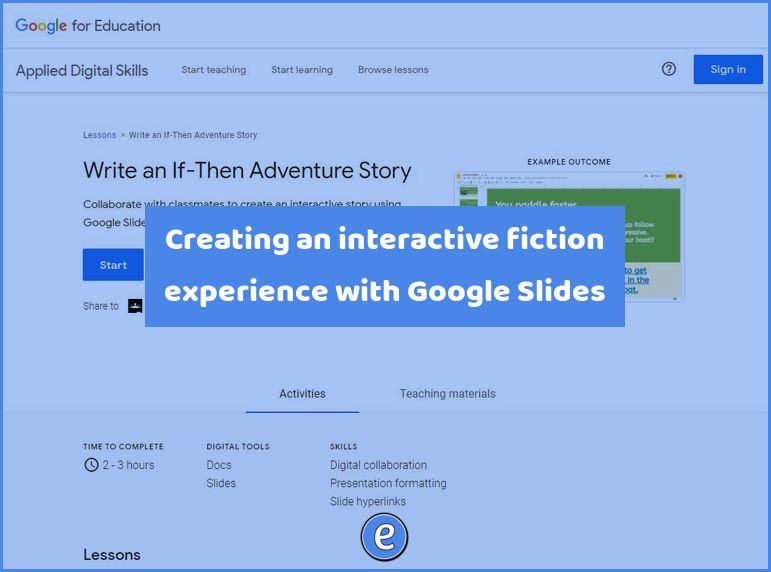
Source: Write an If-Then Adventure Story – Applied Digital Skills If you haven’t realized, I like interactive fiction (IF) and have written several posts on creating IF. Someone at Google likes is to because Google has created an entire lesson plan on creating IF in Google Slides. Although it is broken up into 4 lessons,…

When using Google Meet, sometimes you’ll want to bring in another device, for example your desktop computer that is hooked to the projector. By using the Present button to join the meet, you can bring what’s on your projector into the Google Meet. This helps when you’re stuck in the hybrid teaching mode with students…