Similar Posts
Chromebook shortcuts, zooming, and tab-resizing – Top 3 for the week
New freebie – Chromebook Keyboard Shortcuts Cheat Sheet Here’s a cheat sheet with some of the more used keys on the Google Chromebook. Zoom on a Chromebook with these magnification shortcuts And speaking of Chromebook shortcuts, here are three ways to zoom on the Chromebook. Tab-resize splits your Chrome window easily Resize or create multiple…
If you use Google Forms for assesment you’ll want to check out Super Quiz
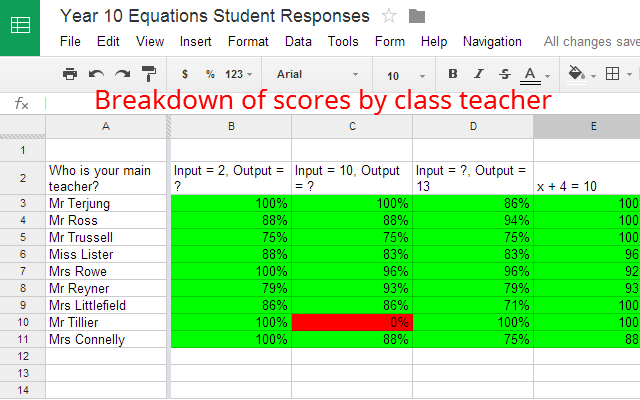
Super Quiz adds brilliant functionality and assessment tools to a quiz made with Google Forms. Source: Super Quiz – Google Sheets add-on Super Quiz adds the ability to auto grade quizzes, provide item analysis of questions, and personalized feedback to students. Although it takes a little bit of work to set up, it offers a…
Using emojis with Chrome , a comic, and a meme – Top 3 of the Week
https://eduk8.me/2020/05/emoji-keyboard-extension-for-google-chrom/ https://eduk8.me/2020/05/comic-raw-deal/ https://eduk8.me/2020/05/eduk8meme-what-day-is-it/
Simple Graphic Design for The Classroom – I Am Claudius
Unless you’ve degreed in visual or graphic communications, creating appealing images or graphics may be challenging to many. In this blog, I’ll share some graphic design tips that can help you have a better grasp at creating images, and some tools that will aid you in creating visually appealing graphics. Source: Simple Graphic Design for…