Getting started with a password manager #YouTube
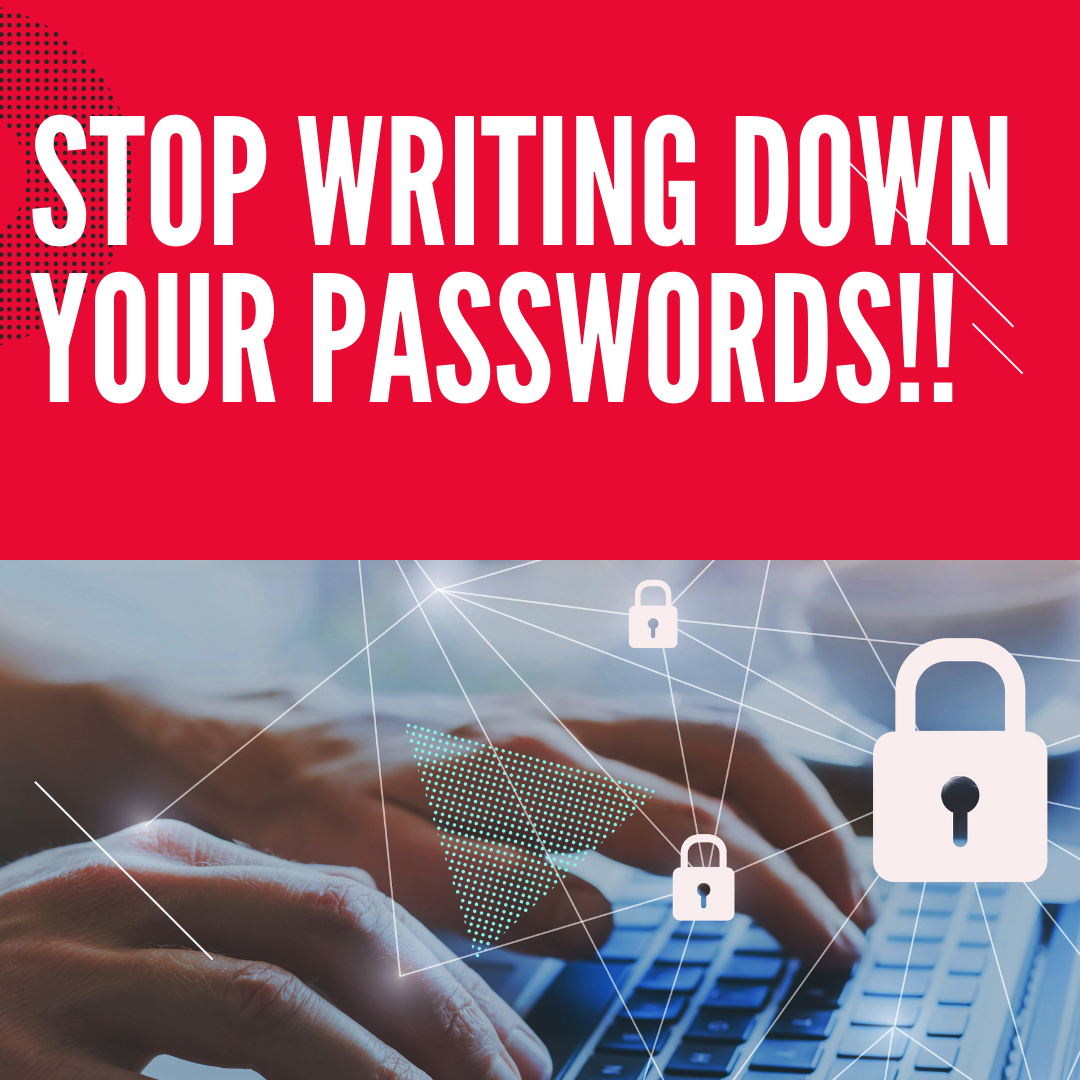
Stop writing down your passwords. When you use a password manager, each password can be unique and secure, with the added bonus that you don’t have to remember it.
When using Google Meet, sometimes you’ll want to bring in another device, for example your desktop computer that is hooked to the projector. By using the Present button to join the meet, you can bring what’s on your projector into the Google Meet. This helps when you’re stuck in the hybrid teaching mode with students…
Google Sites is a great way to publish a website, but, Google doesn’t make it easy to distribute a template of a Google Site to your students or other staff members. I have figured out one way to easily copy a Google site. This allows you to make a template of the site and then…
If you are signed in to multiple Google accounts in Google Chrome, this video will show you how to create bookmarks to directly open a particular Google account.Links: 📽 Bookmark All the Things in G Suite – https://youtu.be/v5gJyaLVYG0 📽 Creating Profiles for multiple people using Chrome – https://youtu.be/dIddte_EQtc 📰 Sign up for my newsletter –…
Searching Gmail is one of the best ways to save time as a teacher. Here are a few of my favorite Gmail search tips. Each one of these searches can be combined with other searches, along with being saved as a bookmark. Never again manually label emails from specific people Searching for words Searching for…
We’re going to use http://obs.ninja to share our mobile device camera. The video will appear in a browser tab, making it easy to share with any video conferencing software. Windows, Mac, Linux, Chromebooks, Android phones, iPhones, tablets… They all work! The advantages of using https://obs.ninja : * Works with any device * Wireless * You…