How to always find your downloads, across all of your devices #YouTube
Change your browser’s download location to a folder in cloud storage (like Google Drive of Microsoft OneDrive). Then you’ll have access to the downloads from any of your devices!
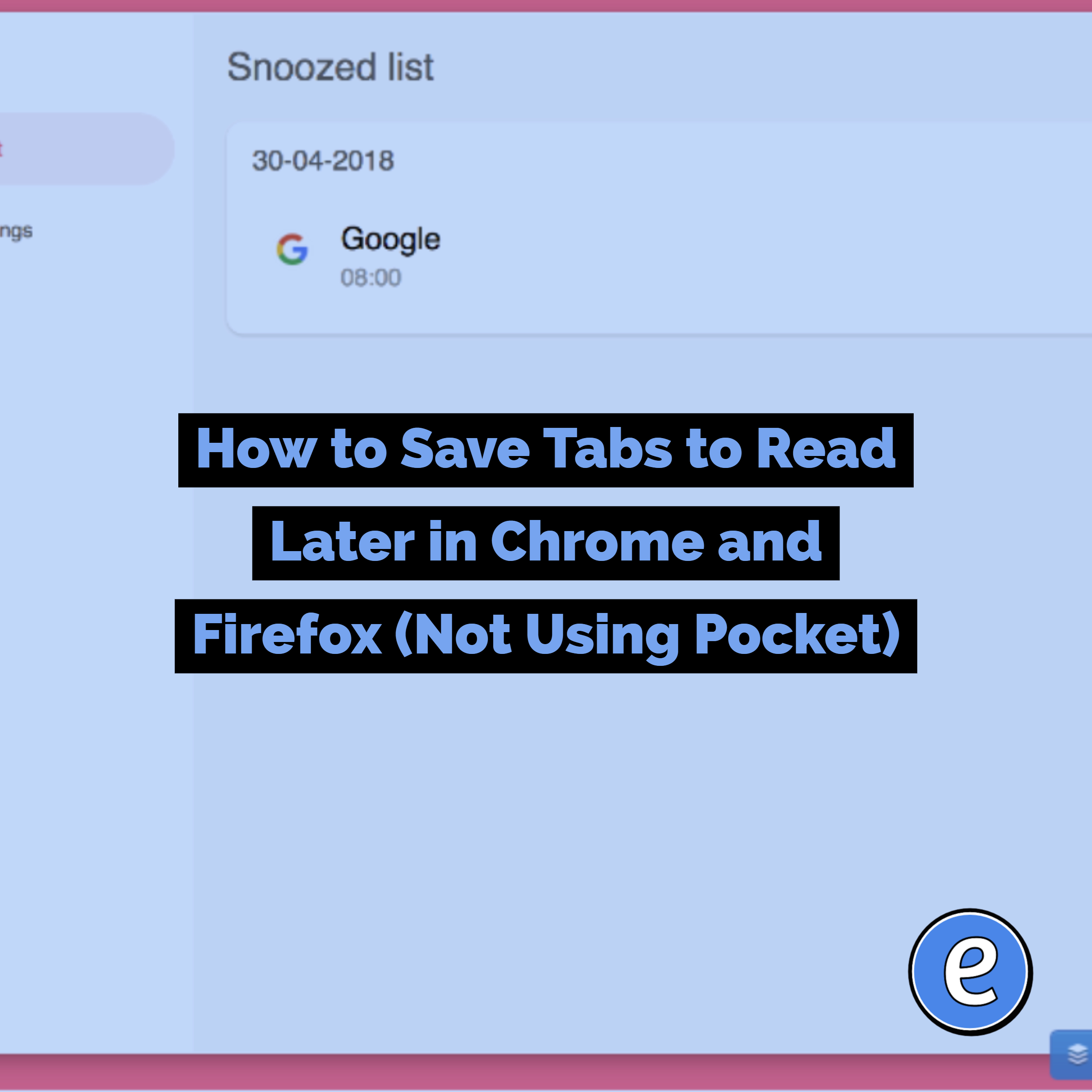
Found an interesting article or website while doing something important? Should you bookmark it and open it later? Problem is you don’t even know if it’s worth having bookmarked. And maybe you will forget all about it. Source: Snooze Tabby Snooze Tabby is an extension for Google Chrome or Firefox that allows you to snooze tabs as a…
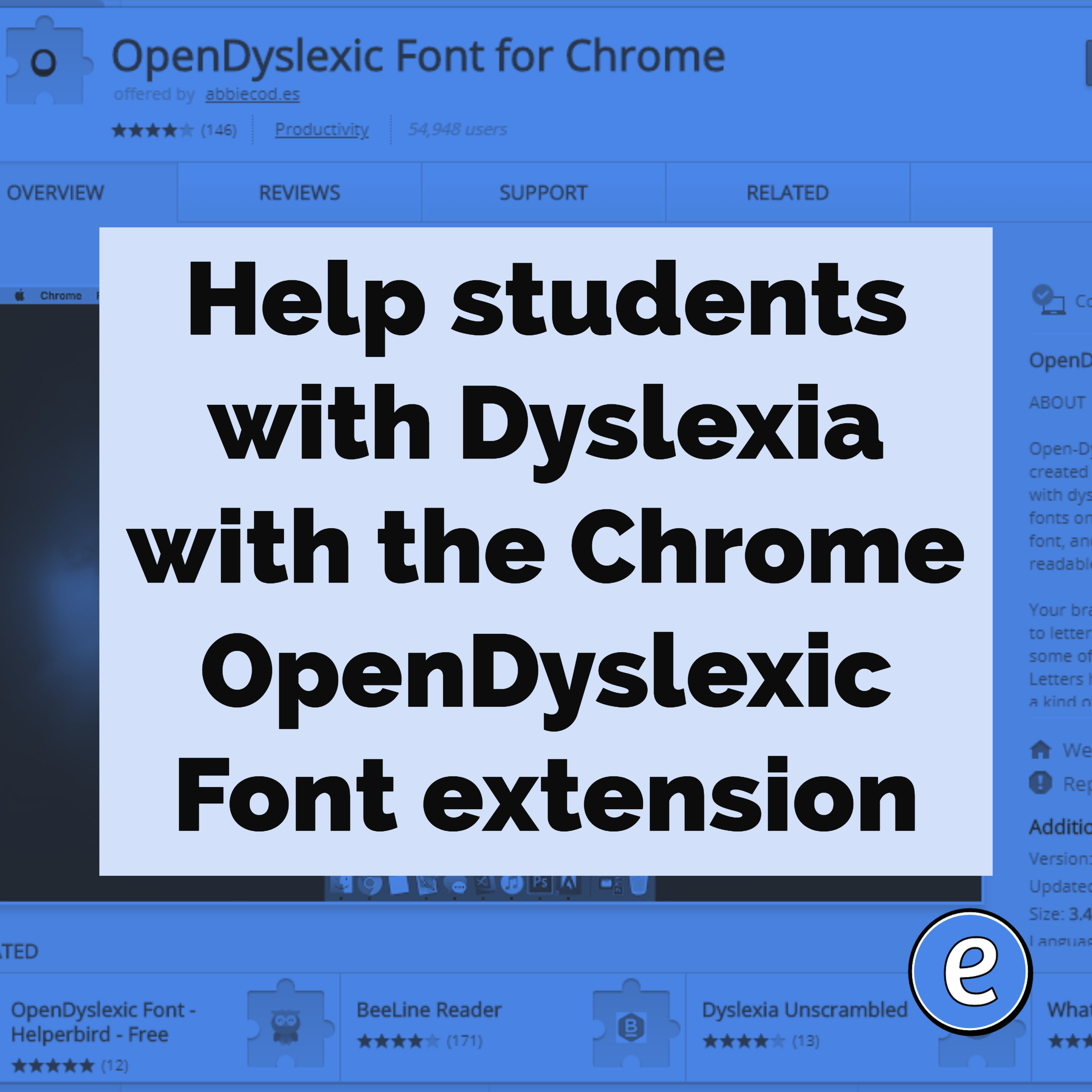
Help students with Dyslexia with the Chrome OpenDyslexic Font extension. Source: OpenDyslexic Font for Chrome – Chrome Web Store This extension switches the fonts used on websites to the OpenDyslexic Font, a font designed to help people with dyslexia. Once installed, there is a switch to turn it off or on. In my testing it…

When using Google Meet, sometimes you’ll want to bring in another device, for example your desktop computer that is hooked to the projector. By using the Present button to join the meet, you can bring what’s on your projector into the Google Meet. This helps when you’re stuck in the hybrid teaching mode with students…