Scheduling your emails in Gmail #YouTube
Give your coworkers an email vacation over the weekends, or, let Gmail send you reminders!
Freedom to move about the room and teach! I’m not a big fan of being stuck at the front of the room with the computer or interactive whiteboard. I demonstrate how I use a mobile device, in this case a tablet, to control the computer plugged in to the projector. With Chrome Remote Desktop you…
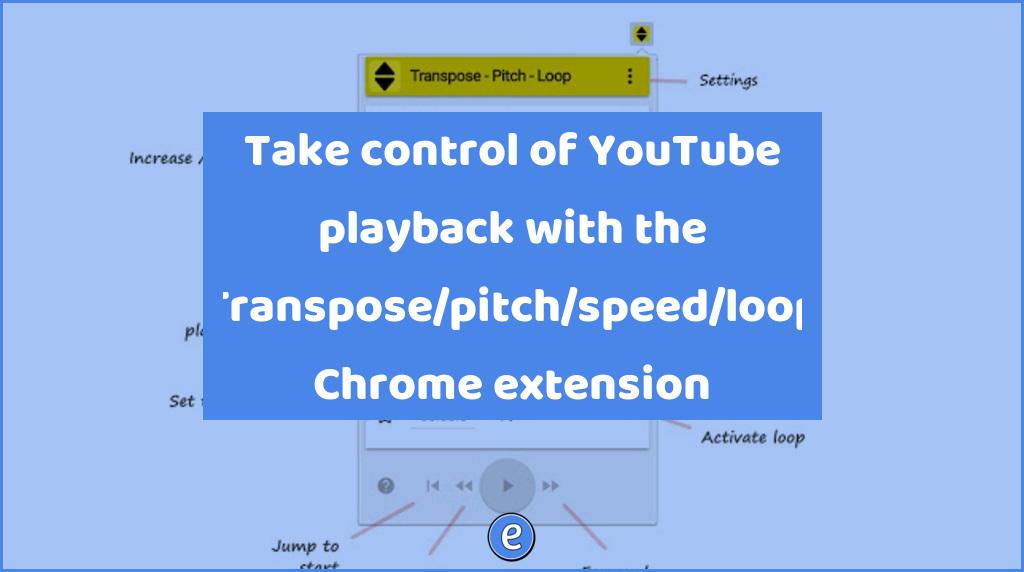
Source: Transpose ▲▼ pitch ▹ speed ▹ loop for videos – Chrome Web Store Transpose ▲▼ pitch ▹ speed ▹ loop for videos is a cool extension if you use a lot of YouTube videos for learning. YouTube has speed controls, but this extension adds more control on to the videos.
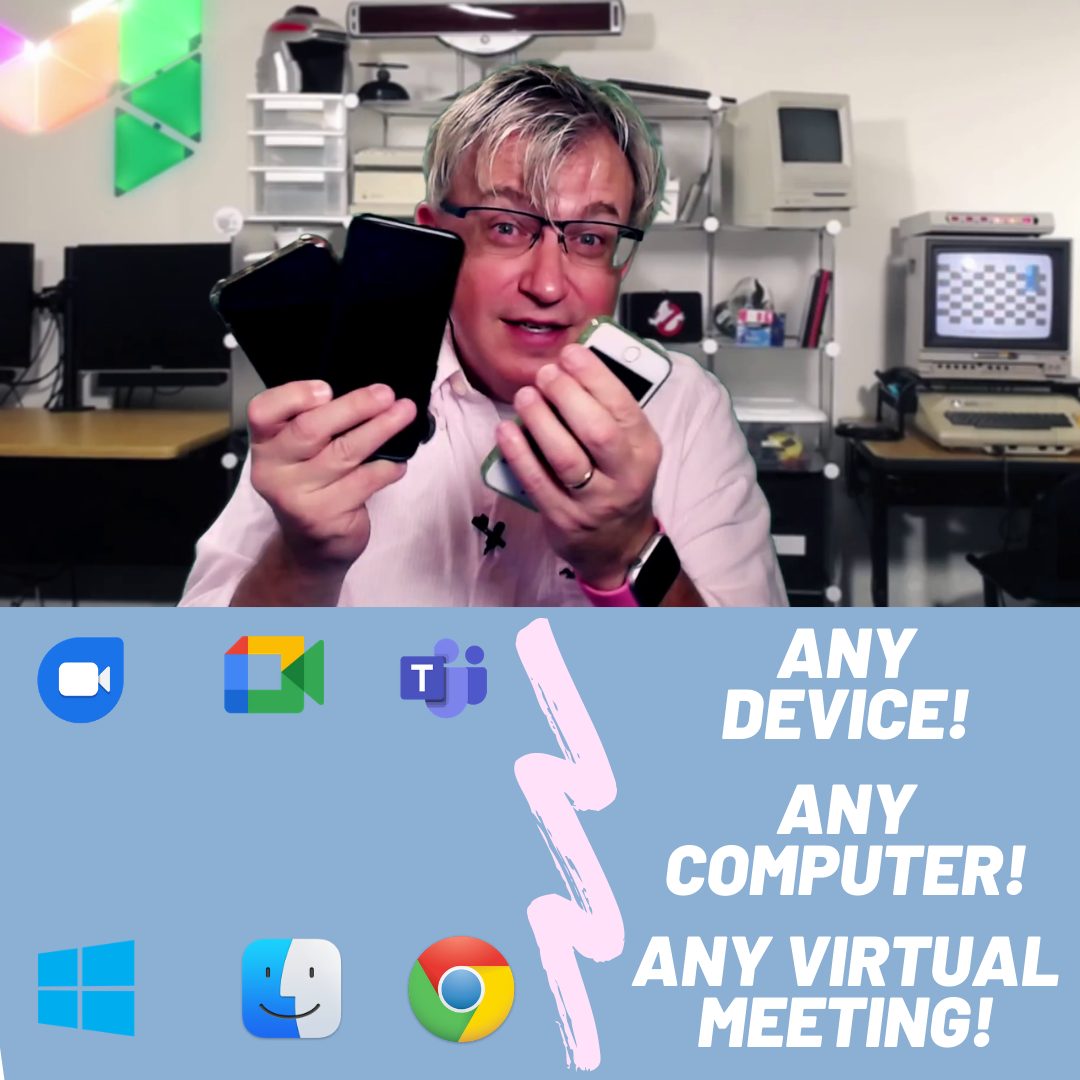
We’re going to use http://obs.ninja to share our mobile device camera. The video will appear in a browser tab, making it easy to share with any video conferencing software. Windows, Mac, Linux, Chromebooks, Android phones, iPhones, tablets… They all work! The advantages of using https://obs.ninja : * Works with any device * Wireless * You…