How to always find your downloads, across all of your devices #YouTube
Change your browser’s download location to a folder in cloud storage (like Google Drive of Microsoft OneDrive). Then you’ll have access to the downloads from any of your devices!
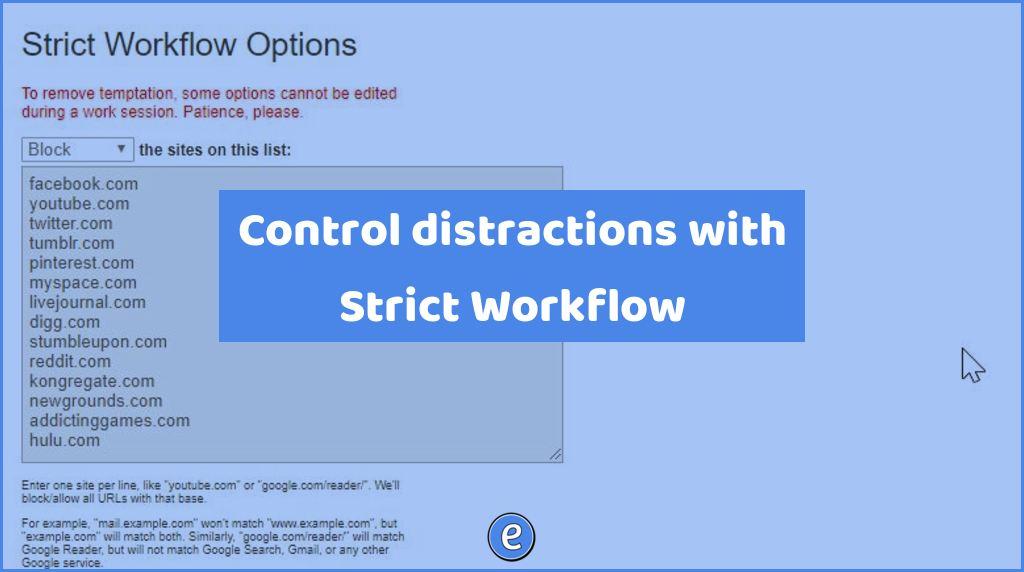
Source: Strict Workflow – Chrome Web Store Strict Workflow is a combination Pomodoro Timer and web filter. A Pomodoro Timer is a work/break timer, where each 25 minutes working and 5 minute break is one pomodoro. Complete 4 pomodoros and get a 15 minute break. It’s a way to help you stay on task. Strict…
Learn all about some of the most common file extensions you’ll come across as teachers, and how to open/use the files. Microsoft Office – .docx, .xlsx, .pptx Apple iWord – .pages, .keynote, .numbers Graphics – .jpg, .jpeg, .png, .gif Movies – .mov, .mp4, .mkv
Just how does machine learning work? You’ve probably read a primer or two on the subject, but often the best way to understand a thing is to try it out for yourself. With that in mind, check out this little in-browser experiment from Google named Teachable Machine. It’s a perfect two-minute summary of what a lot of modern…
Besides putting web page bookmarks in the bookmarks bar, you can also manage your bookmarks in folders with the Bookmarks Manager in Chrome, Microsoft Edge, Brave, and others. Other videos on bookmarks Bookmark all the things in G Suite Save time in Google Classroom with bookmarks Turbocharge Chrome with the Bookmarks Bar What are bookmarks?…

Do you want to start blogging? Here’s what I would do if I was just starting out.

Anywhere that you can type text, you can type an emoji. Emojis are a great way to add FUN to your computer!