How to always find your downloads, across all of your devices #YouTube
Change your browser’s download location to a folder in cloud storage (like Google Drive of Microsoft OneDrive). Then you’ll have access to the downloads from any of your devices!
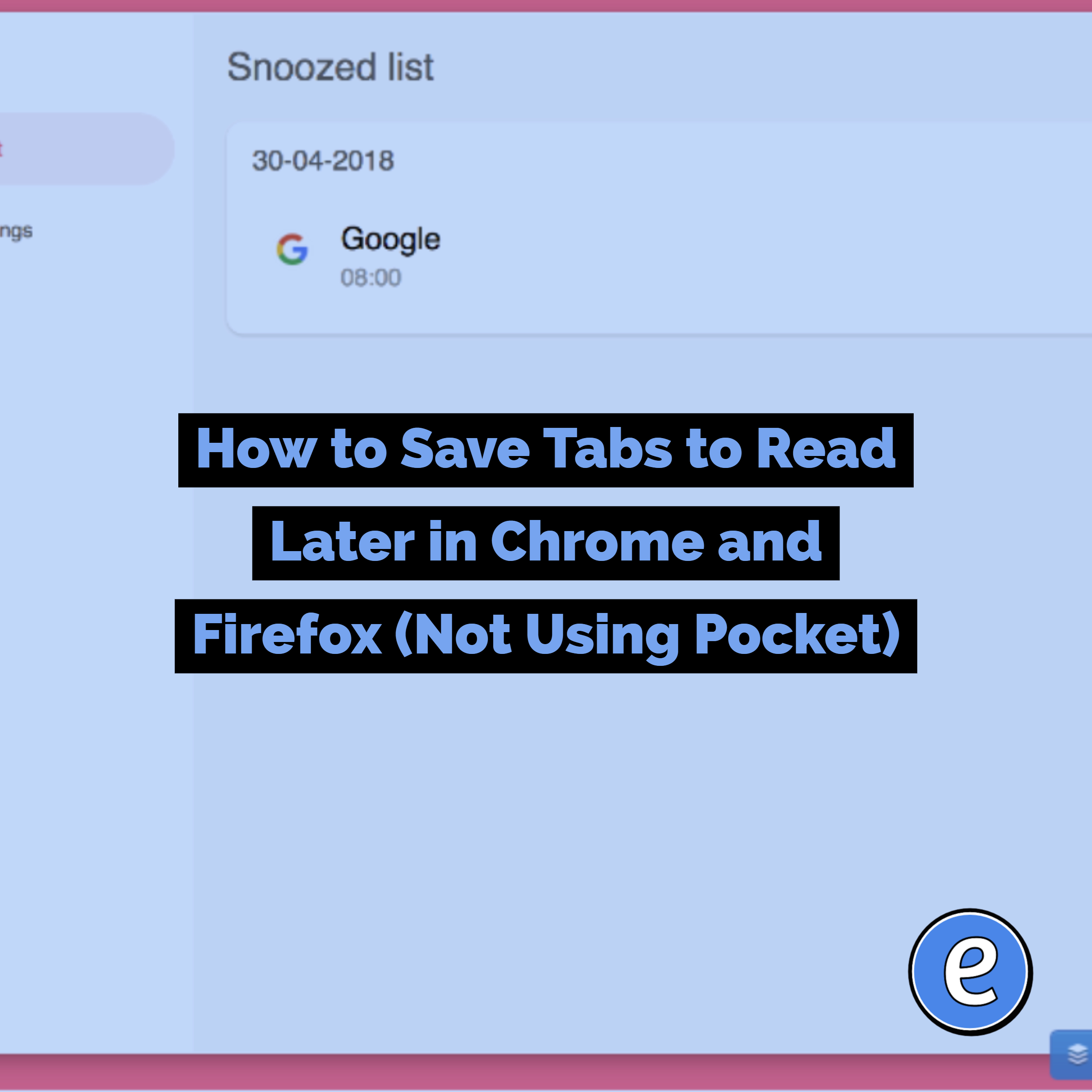
Found an interesting article or website while doing something important? Should you bookmark it and open it later? Problem is you don’t even know if it’s worth having bookmarked. And maybe you will forget all about it. Source: Snooze Tabby Snooze Tabby is an extension for Google Chrome or Firefox that allows you to snooze tabs as a…

Change the document size so you can create full page signs, newsletters, and flyers in Google Slides! Is there anything Google Slides can’t do?
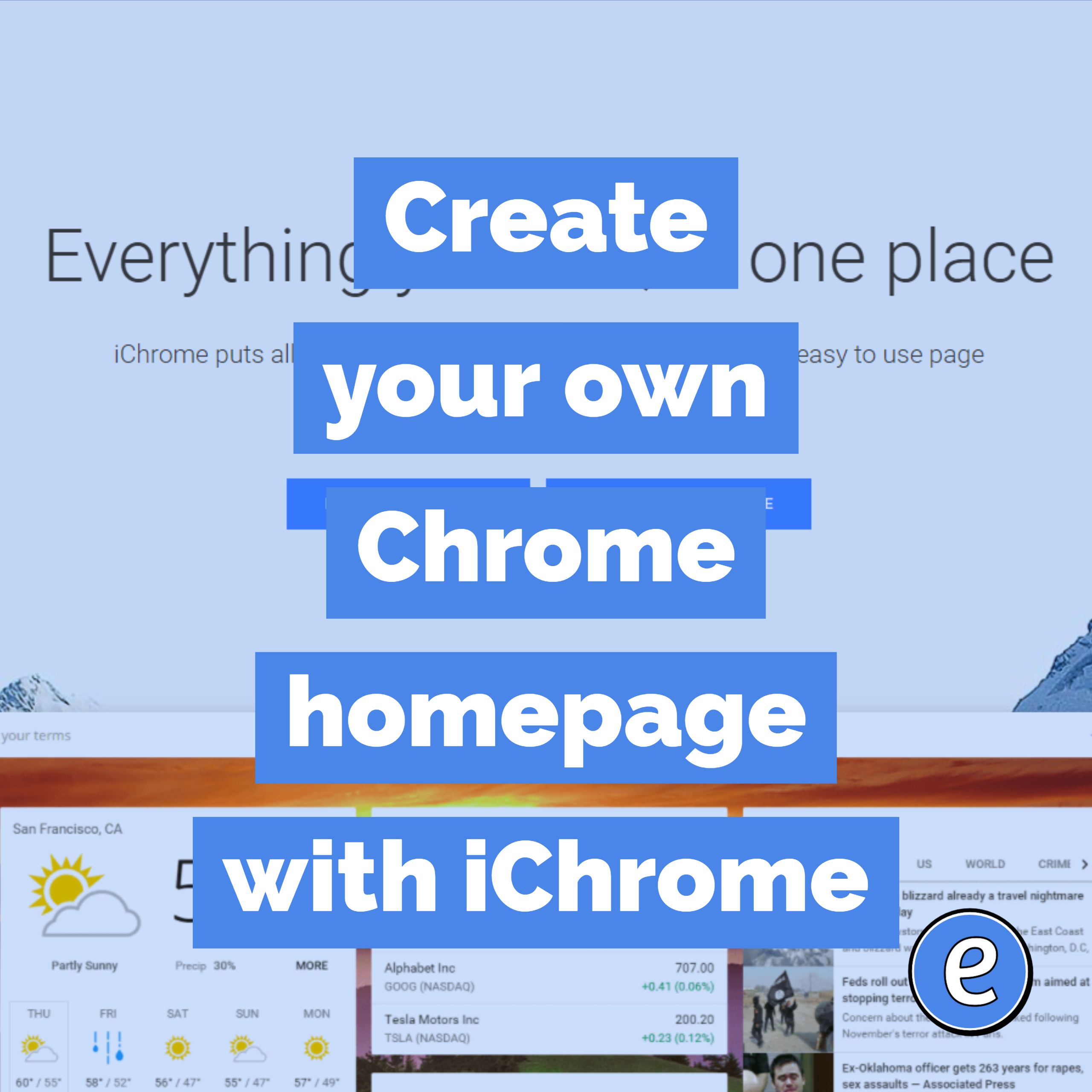
Create your own Chrome homepage with iChrome. Source: iChrome – everything you use, in one place I’m a big proponent of setting up your computer to make you as efficient as possible. I currently use Start.me, but I also like having options. iChrome is another way to set up a customized home page. The quicker you…
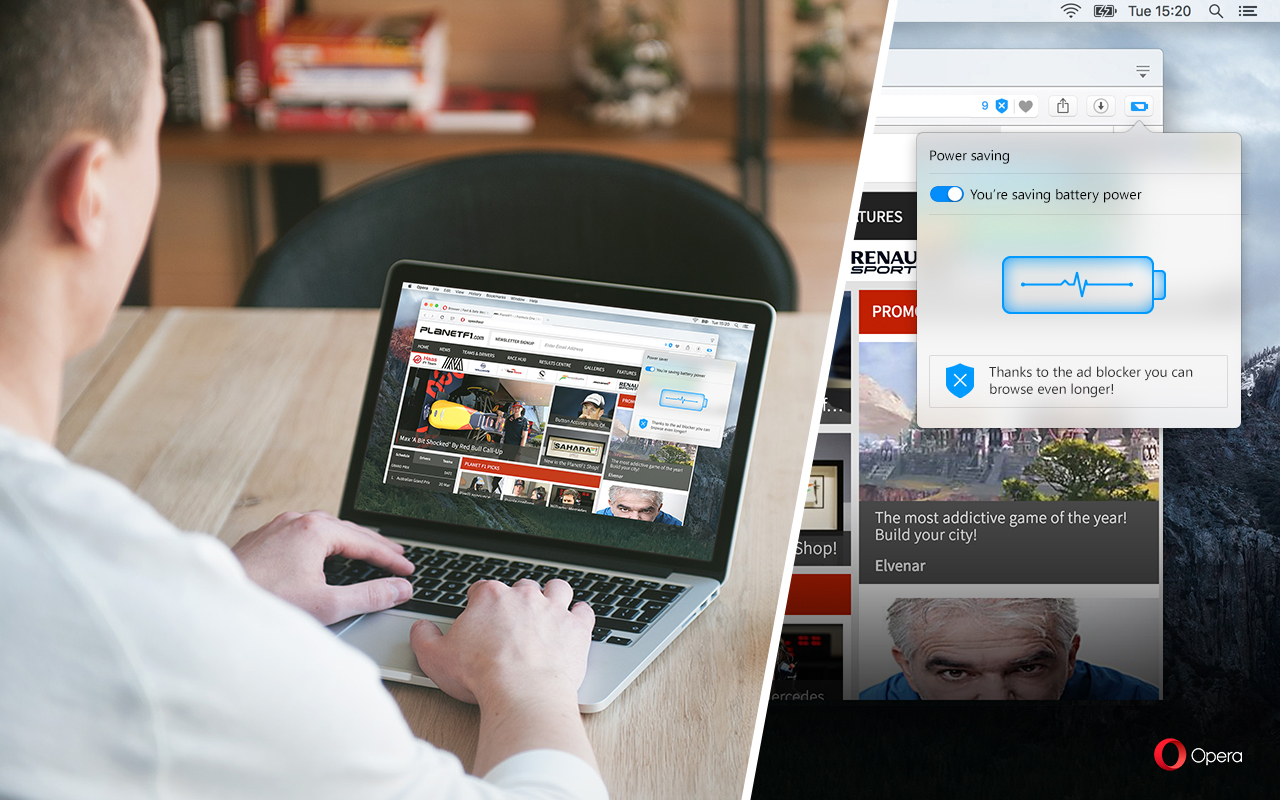
Opera is an alternative browser using the same browsing engine that powers Safari under OS X and Google’s Chrome, so it should be pretty compatible with the sites you visit. We are the first major browser to include a dedicated power saving mode, designed to extend your laptop battery life by up to 50% compared…

Your students may not be comfortable with presenting in front of the class, causing them to simply dump everything on to each slide and read from the slides. By using Slide notes and the Present with notes view, students no longer need to feel like they need to put everything they want to say on…